Recurring bills
Create regular bills such as rent, leasing or subscriptions automatically.
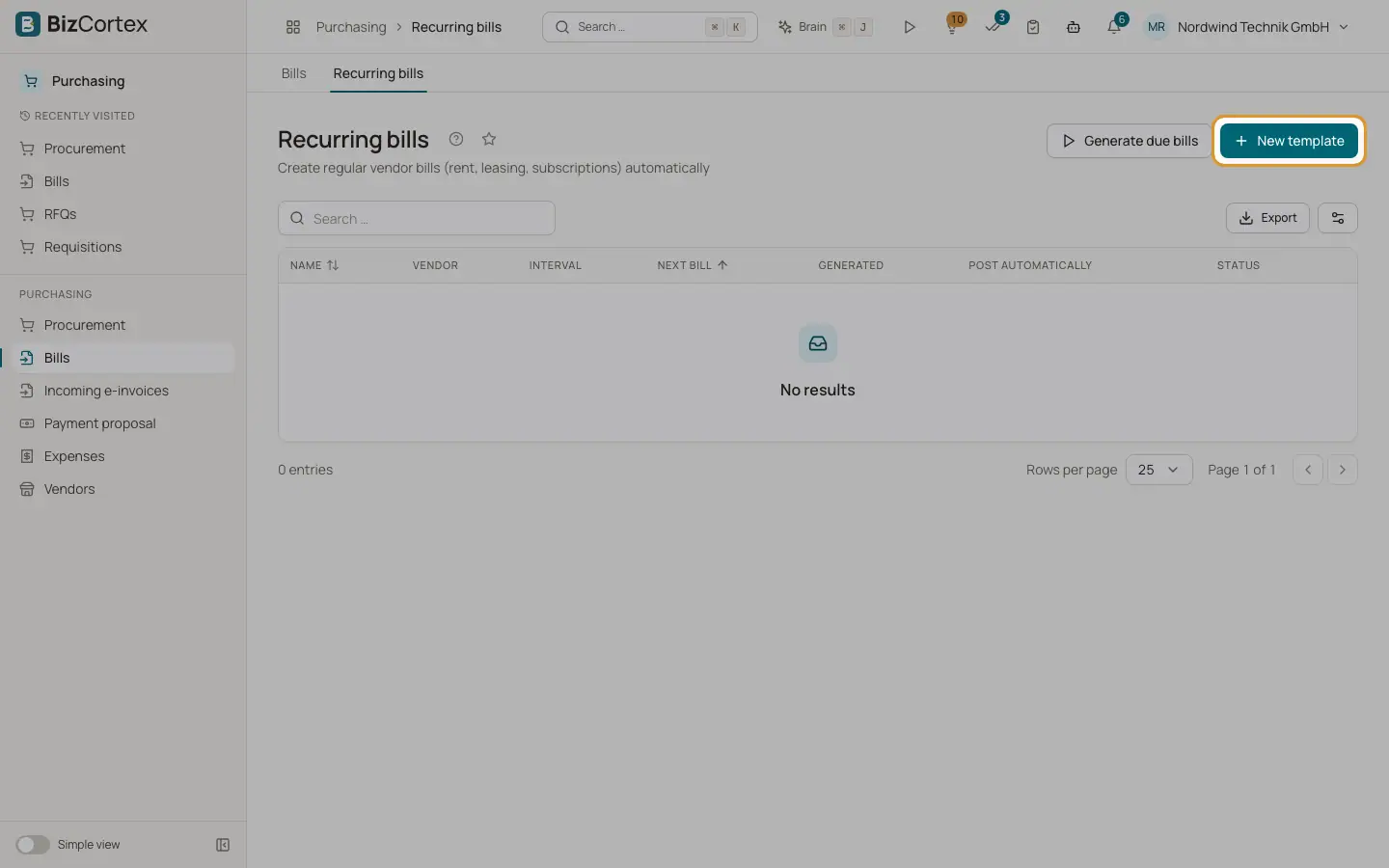
Purchasing, Bills, Recurring bills lists templates with name, vendor, interval, next bill date, number of generated bills, "Post automatically" and status. A job runs every night at 3:00 and creates all due bills, including missed periods.
Who can use this
- Owner
- Admin
- Accountant
- Purchase (without automatic posting)
Steps
1. Create a template
Click "New template". Enter name, vendor, interval (Monthly, Quarterly, Yearly), "Every n intervals" (1 to 12), next bill date, optional end, payment term in days (default 14), vendor invoice number, lines (description, account, quantity, unit price, VAT rate) and notes.
2. Post automatically
Turn on "Post automatically" to approve and post generated bills right away. This needs the approval permission.
3. Generate now
Click "Generate due bills" to create due bills immediately. The result shows how many bills were created and any errors.
Good to know
- The vendor cannot be changed after the template was created.
- Month ends are adjusted, for example 31 January is followed by 28 or 29 February.
- The template becomes inactive after its end date.
- If a bill cannot be created, for example because the period is locked, the error is shown in the Status column and generation stops for that template.
Related
- Bills (incoming invoices)
Record vendor invoices and follow their status.