Settings: Approvals
Send delay, expiry and whether approvals may happen outside the app.
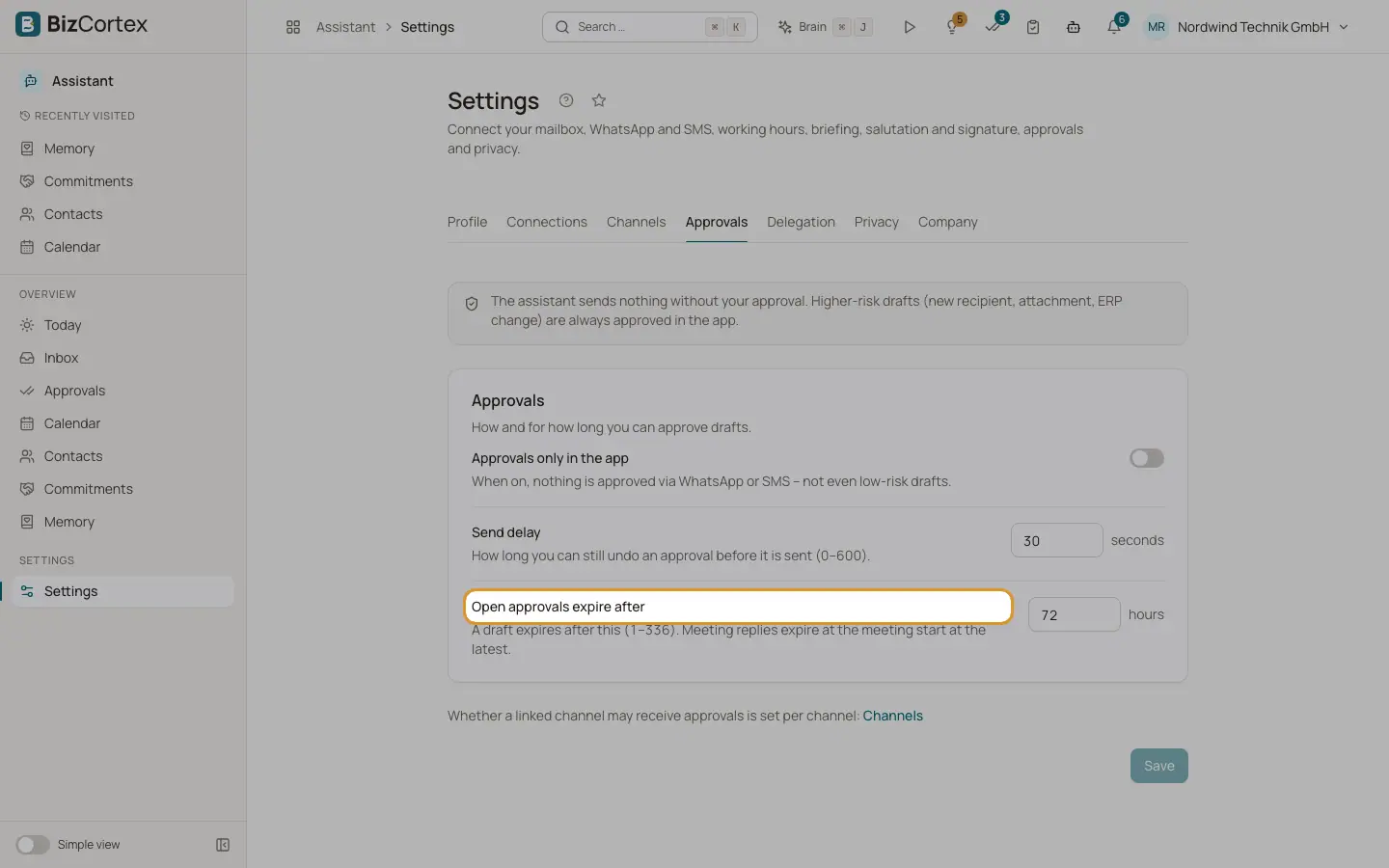
The Assistant sends nothing without your approval. Higher risk drafts (new recipient, attachment, ERP change) are always approved in the app. This tab controls how and for how long you can approve. Click "Save" after changes.
Who can use this
- Owner
- Admin
- Sales
- Accountant
Fields and options
- Approvals only in the app
When on, nothing is approved via WhatsApp or SMS, not even low risk drafts. Off by default.
- Send delay
How long you can still undo an approval before it is sent. 0 to 600 seconds, default 30.
- Open approvals expire after
A draft expires after this many hours. 1 to 336, default 72. Meeting replies expire at the meeting start at the latest.
- Per channel
Whether a linked channel may receive approvals is set per channel on the Channels tab.
Related
- Approval risk rules
Which actions are high risk and where each kind of action can be approved.
- Settings: Channels
Link WhatsApp or SMS for briefings, reminders and approvals on your phone.