Reader access: public, customers only or access code
Control who can open a published manual after scanning the QR code.
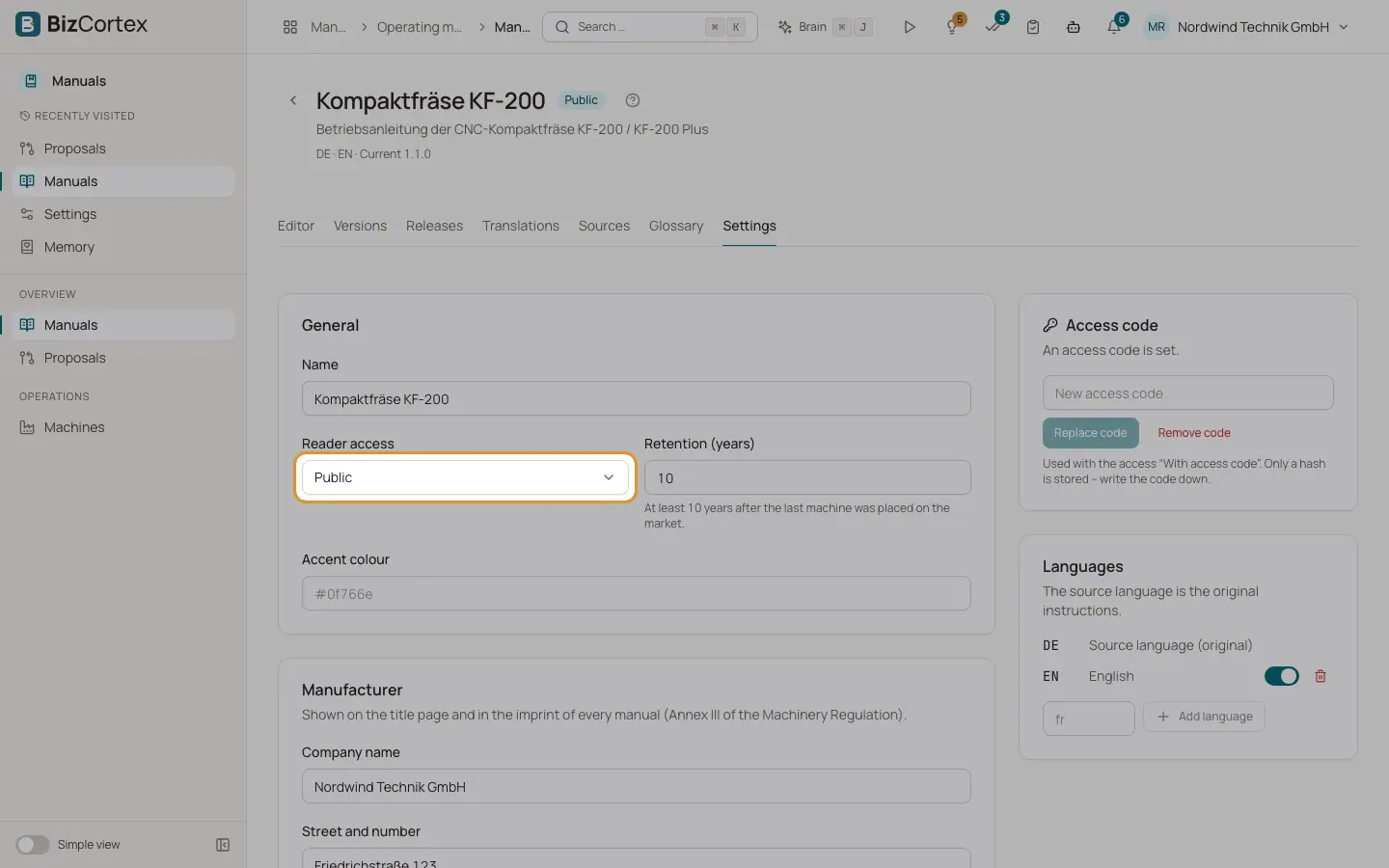
Each manual has a reader access setting. It decides what a person sees after scanning the QR code on a machine. Choose it when you create the manual and change it later in Settings.
Who can use this
- Owner
- Admin
Fields and options
- Public
Anyone with the QR code or link can read the manual. No sign in is needed.
- Customers only
The reader enters an email address and receives a sign in link by email. The link is only sent to a sales contact of the customer who owns the machine (for a model QR code: a contact of any customer who owns a machine of that model). The link is valid for 30 minutes.
- Access code
The reader enters an access code. A machine can have its own code; otherwise the code of the manual applies.
- Reader session
After a successful unlock the reader can read for 12 hours. The session only works for the exact model or machine code it was issued for.
Good to know
- For privacy, the reader always sees the same message after requesting a link, whether the email address is known or not.
- At most 3 sign in emails are sent per email address per hour.
- After 5 wrong codes from one network within 15 minutes, further attempts are blocked for a while. After 20 wrong attempts from all networks, the code is locked for 15 minutes.
- When you change an access code or make access stricter, existing reader sessions end.
- Unknown codes, archived manuals and companies without the Manuals package all show the same "not found" message, so nobody can guess valid codes.
Related
- Settings tab: manual settings
Name, access, retention, branding, manufacturer, reader chat, access code and languages of a manual.
- The public reader: what readers see after scanning
What an anonymous person sees when they scan the QR code on a machine.
- Machines and models
Register machine types and serial numbers, place machines on the market and pin them to a manual version.