Calendar: team calendar
See the appointments and absences of your department.
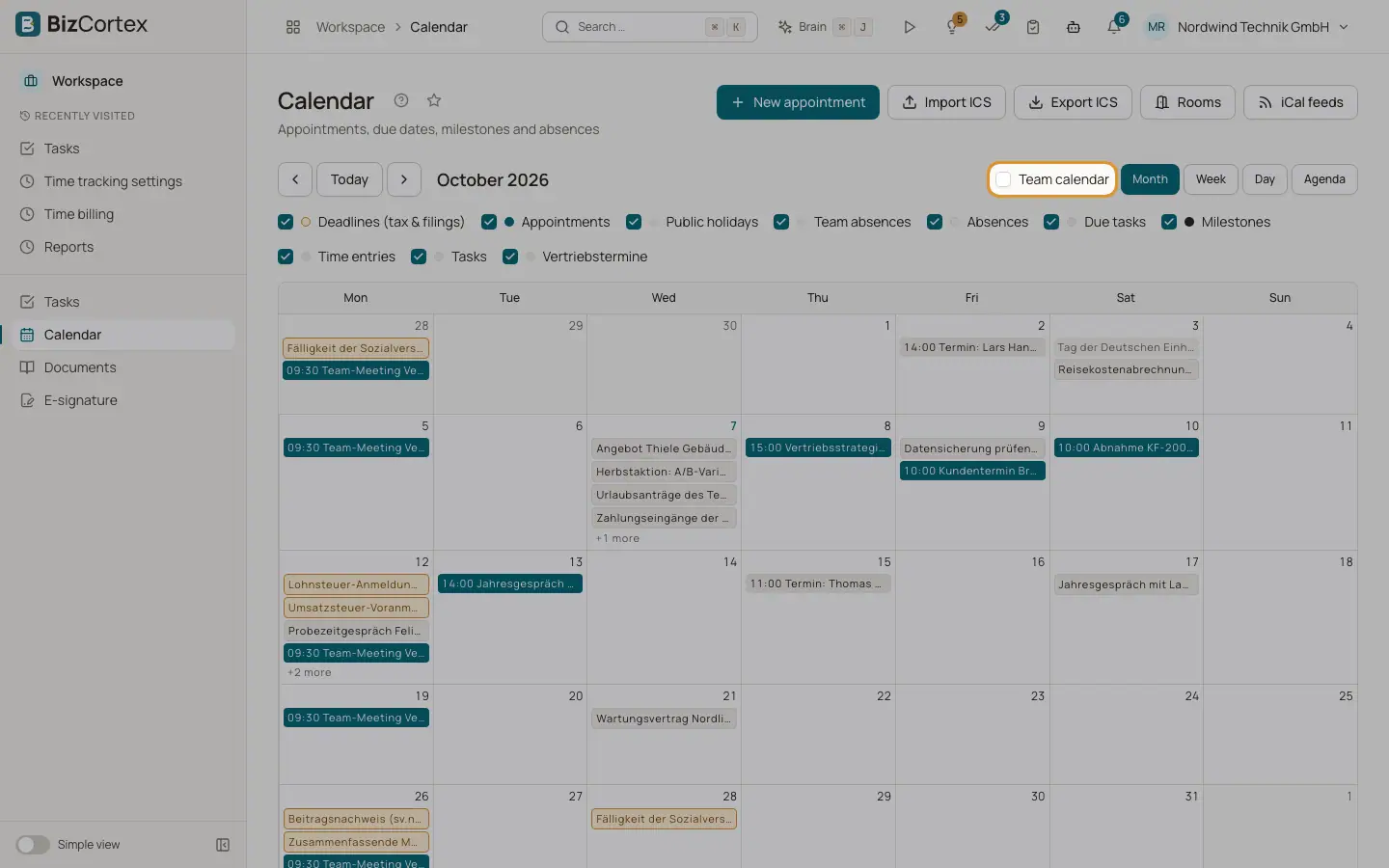
Turn on "Team calendar" in the toolbar and pick a department ("My team" by default). You then also see the public appointments of your department colleagues, their private appointments as a busy block without details, their task due dates and their approved leave as team absences.
Who can use this
- Members of a department
- Owner, Admin: any department
Good to know
- Departments come from the HR employee records. Users without an employee record have no team.
- The type of leave (for example sick leave) is never shown, because it is health data.
Related
- Calendar: views and content
Month, week, day and agenda views and what the calendar shows.