Tasks: bulk actions and saved views
Change many tasks at once and save your favourite filters.
Select several tasks with their check boxes. A bar shows how many are selected ("3 selected") and offers the bulk actions. Each task is processed on its own, so one task that you may not change does not stop the others.
Who can use this
- Anyone with the Tasks write permission
Fields and options
- Complete
Completes all selected tasks.
- Add to My Day
Pins the selected tasks to today.
- Set priority
Sets the same priority on all selected tasks.
- Delete
Deletes the selected tasks after you confirm "Delete the selected tasks?". Only tasks you created (or all, if you are an admin) are deleted.
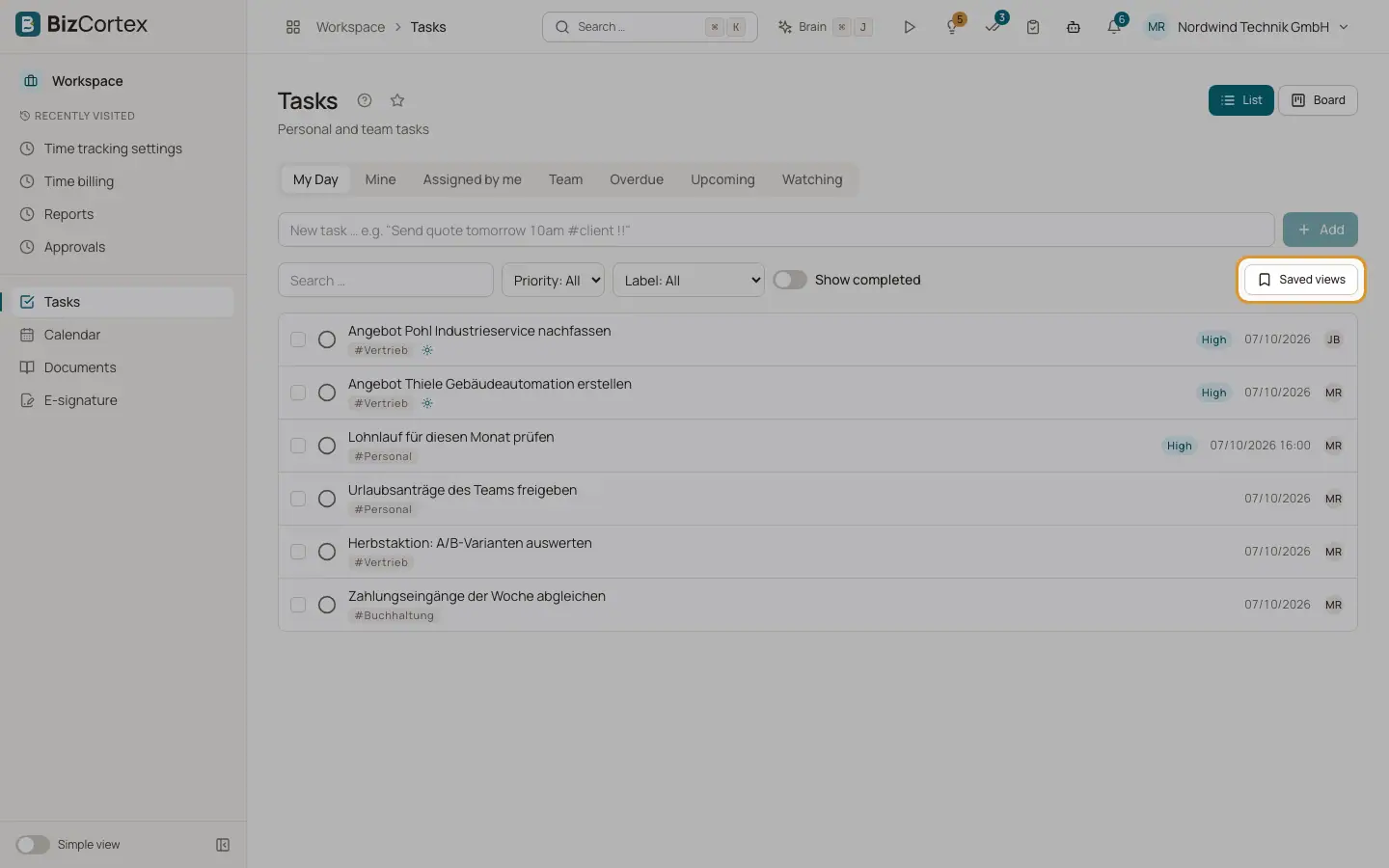
- Saved views
Click "Save view", enter a "View name" and save. The view stores your current filters and the layout (List or Board). Saved views are personal. Use "Delete view" to remove one.
Tips
- The task list can be exported to CSV or Excel from the list toolbar.
Related
- Tasks: views and layouts
Use My Day, Mine, Team and the other views, and switch between list and board.