Documents: search and trash
Find pages, notes and files, and restore deleted items.
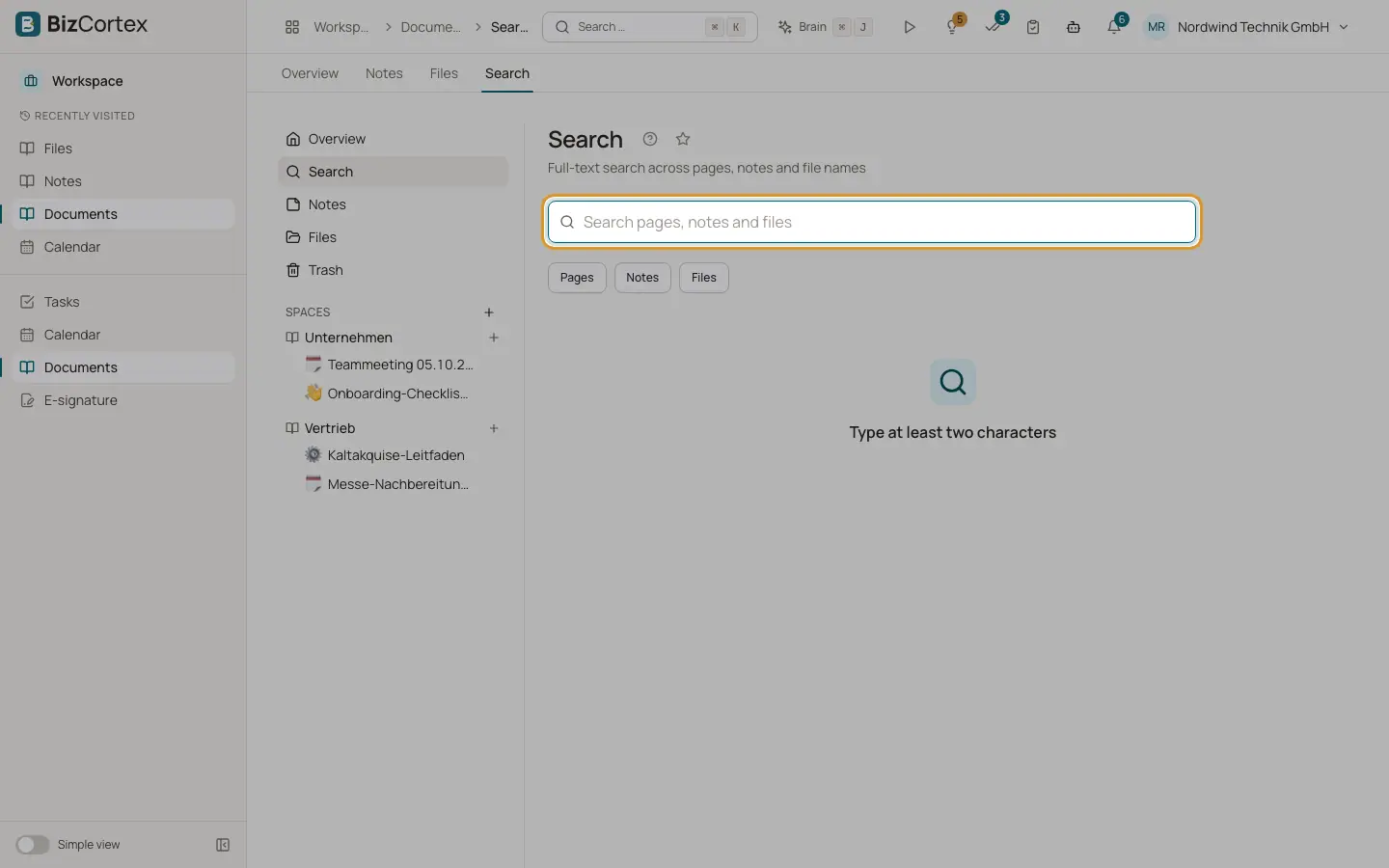
Open Documents, Search. Type at least two characters. The search covers page titles, tags and text, your own notes, and file names and descriptions. It understands German word forms and matches the start of words. Use "Result types" to limit to Pages, Notes or Files.
Open Documents, Trash to see deleted pages, folders and files of spaces where you can edit. Each row shows the Space, when it was Deleted and when it will be "Permanently deleted on".
Who can use this
- Anyone with the Documents read permission (results follow your access)
Steps
1. Restore
Click Restore. A page comes back with its subpages, a folder with its files. If the parent is still in the trash, the item is restored at the top level.
2. Delete permanently
Click "Delete permanently" and confirm. This cannot be undone.
Good to know
- Items in the trash are removed for good after 30 days.
Related
- Notes
Personal quick notes that only you can see.