Documents: versions and comments
Compare and restore earlier versions, and discuss text with inline comments.
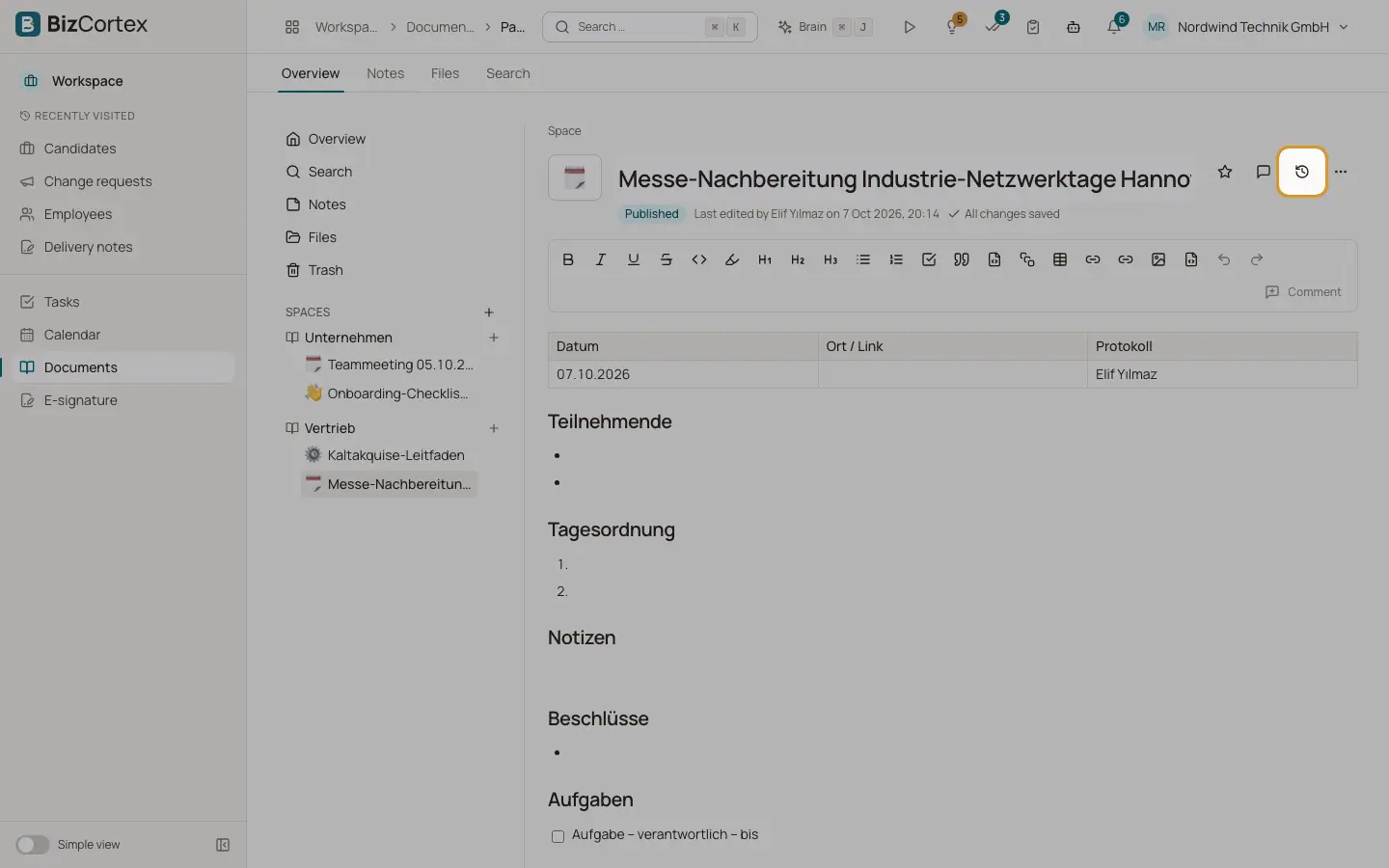
Open "Versions" from the page menu. Every save creates a version. Changes by the same person within 5 minutes are combined into one version ("3 saves"). All versions are kept for 30 days, then one per day.
Open "Comments" to see two tabs: "In the text" (comments attached to selected text) and "On the page" (comments on the whole page).
Who can use this
- Space role Read (view, comment)
- Space role Edit (restore)
Steps
1. Compare
Select a version. Under "Compare with" choose "Previous version" or "Current state". You see the added and removed lines.
2. Restore
Click Restore and confirm. The current state is kept as a version, so nothing is lost.
3. Comment on text
Select text in the editor and click "Comment". The comment stays attached to the text even when the text moves.
4. Reply, resolve, delete
Reply in the thread, click Resolve when done, and Reopen if needed. "Show resolved" shows closed threads. Authors can delete their comments; space managers can delete any.
Good to know
- The page owner is notified of new inline comments. Mentions inside comments do not send notifications yet.
- Version kinds: Created, Edited, Restored, Finalized. The first version, restores and finalizations are always kept.
Related
- Documents: writing pages
The page editor, autosave, the page tree, mentions, links and favourites.