Notes
Personal quick notes that only you can see.
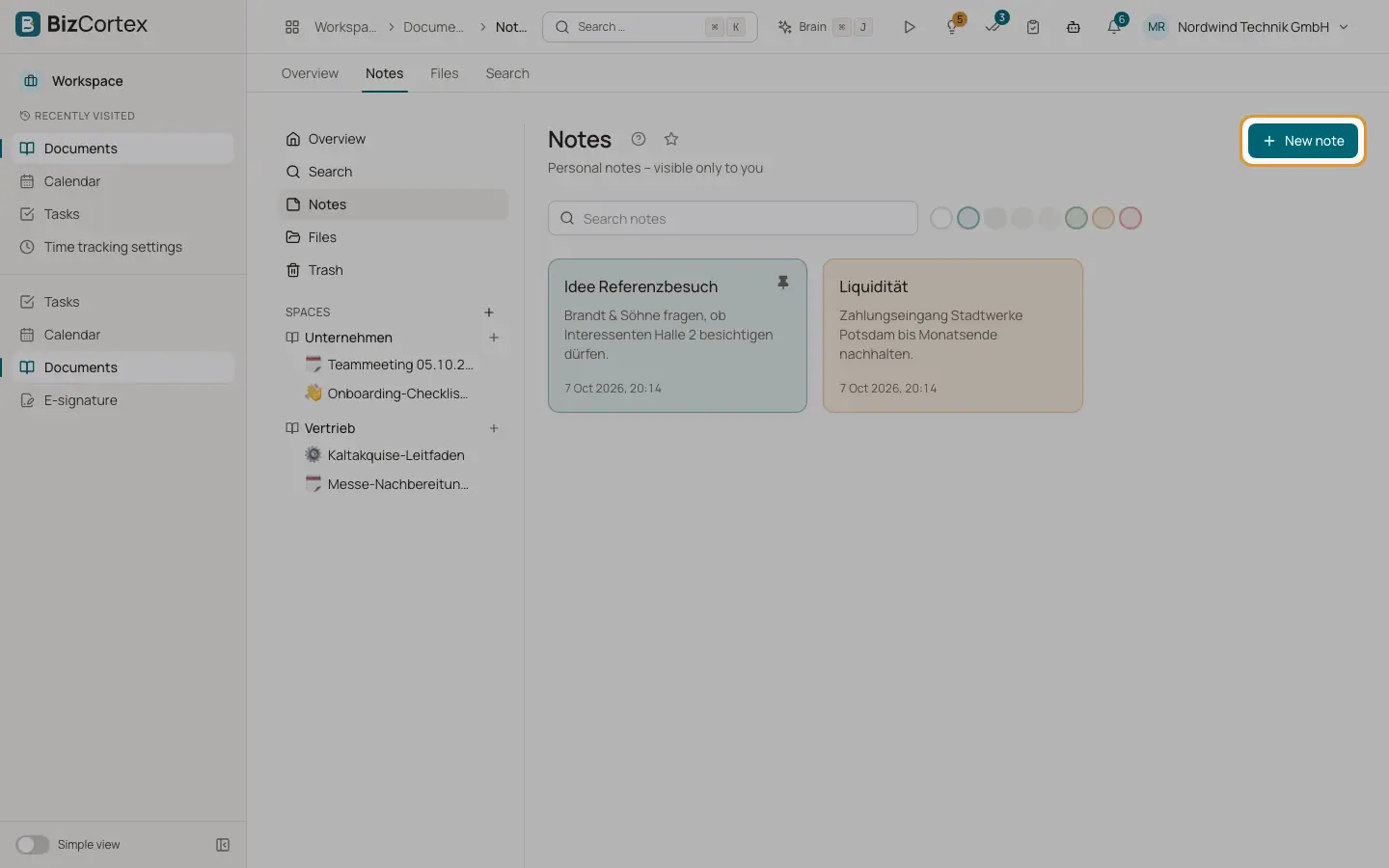
Open Documents, Notes, or choose "Write a note" in the sidebar. Capture ideas, call backs and to dos. Notes are personal and never shared.
Who can use this
- Anyone with the Documents note permission. Each note is visible to its owner only, also for owners and admins.
Steps
1. Create
Click "New note", write, and save.
2. Search
Use "Search notes".
3. Delete
Confirm "Delete note?".
Fields and options
- Title
Optional. Without a title the note shows "Untitled".
- Text
The note. Markdown is accepted, but it is shown as plain text.
- Colour
Default, Primary, Secondary, Accent, Muted, Success, Warning or Critical. Use "Filter by colour" to show one colour.
- Linked to (type), Linked to (ID)
Free fields to link the note to a record. There is no record picker yet.
- Pin
Pinned notes stay on top. Click Unpin to release.
Related
- Documents: search and trash
Find pages, notes and files, and restore deleted items.