Electronic signature: completion and audit certificate
What happens after the last signature, and what the audit certificate contains.
When the last signer has signed, BizCortex builds the final document automatically. The signature images and the text, date and initials values are stamped onto the pages at the field positions. An audit certificate is added at the end. The PDF is sealed and archived unchangeably, and so is the certificate on its own.
Everyone receives the completed copy by email ("Fully signed: title", with the checksum). The sender also gets an in app notification. The source is updated too: a quote is marked as accepted, and the signed copy of an HR document is stored in the personnel file.
Who can use this
- Owner
- Admin
- Anyone with the E signature read permission
Fields and options
- Audit certificate
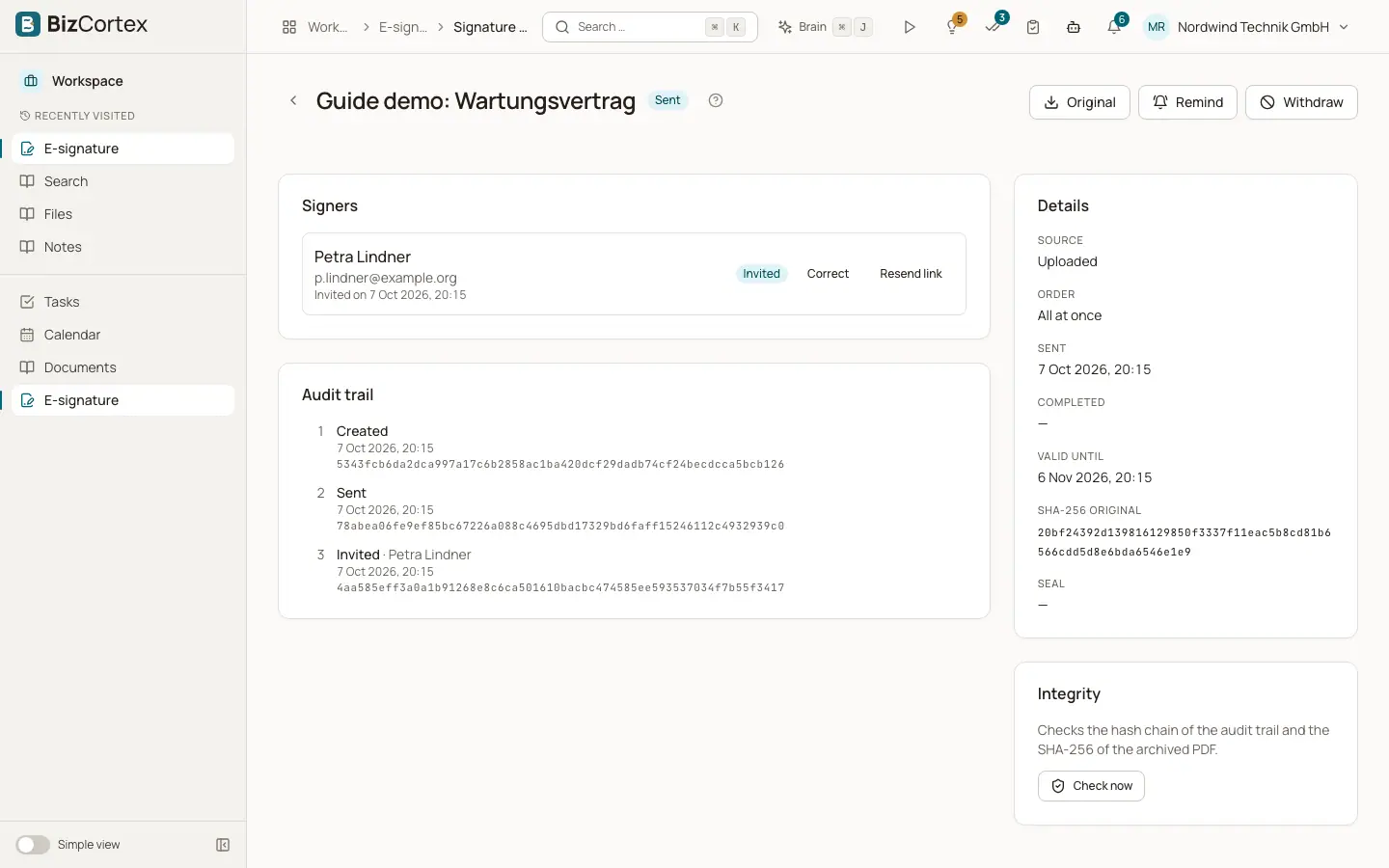
Lists the document, request ID, sender, dates, pages, the checksum of the original and of the signed content, the event chain hash, every signer (name, email or phone, role, how they signed, the identity check, when the code was confirmed, when they signed, IP address and browser) with their signature images, and the full event list.
- Seal
A PAdES electronic seal over the final PDF. Any later change to the PDF breaks the seal.
- Retention
The signed document and signer data are kept for 10 years.
Good to know
- If a request is declined, everyone is told by email ("Signature declined") and the request ends.
- Expiry, reminders and failed completions are handled every 30 minutes. When a request expires, the sender is informed by email.
- The seal certificate comes from the company's own certificate (set up in Connections), or the platform certificate. Without one, the PDF is not sealed, but the checksums and the audit trail still detect changes. A "test certificate" is only used outside production and is not trusted.
Related
- Electronic signature emails
Invitations, codes, reminders and results of signature requests.
- Electronic signature: the request detail page
Follow the signers, send reminders, correct addresses, withdraw and download.
- Electronic signature: legal level and written form
Which signature level BizCortex reaches and when you must not use it.