Automation execution log
Every run of every automation rule, with its result and errors.
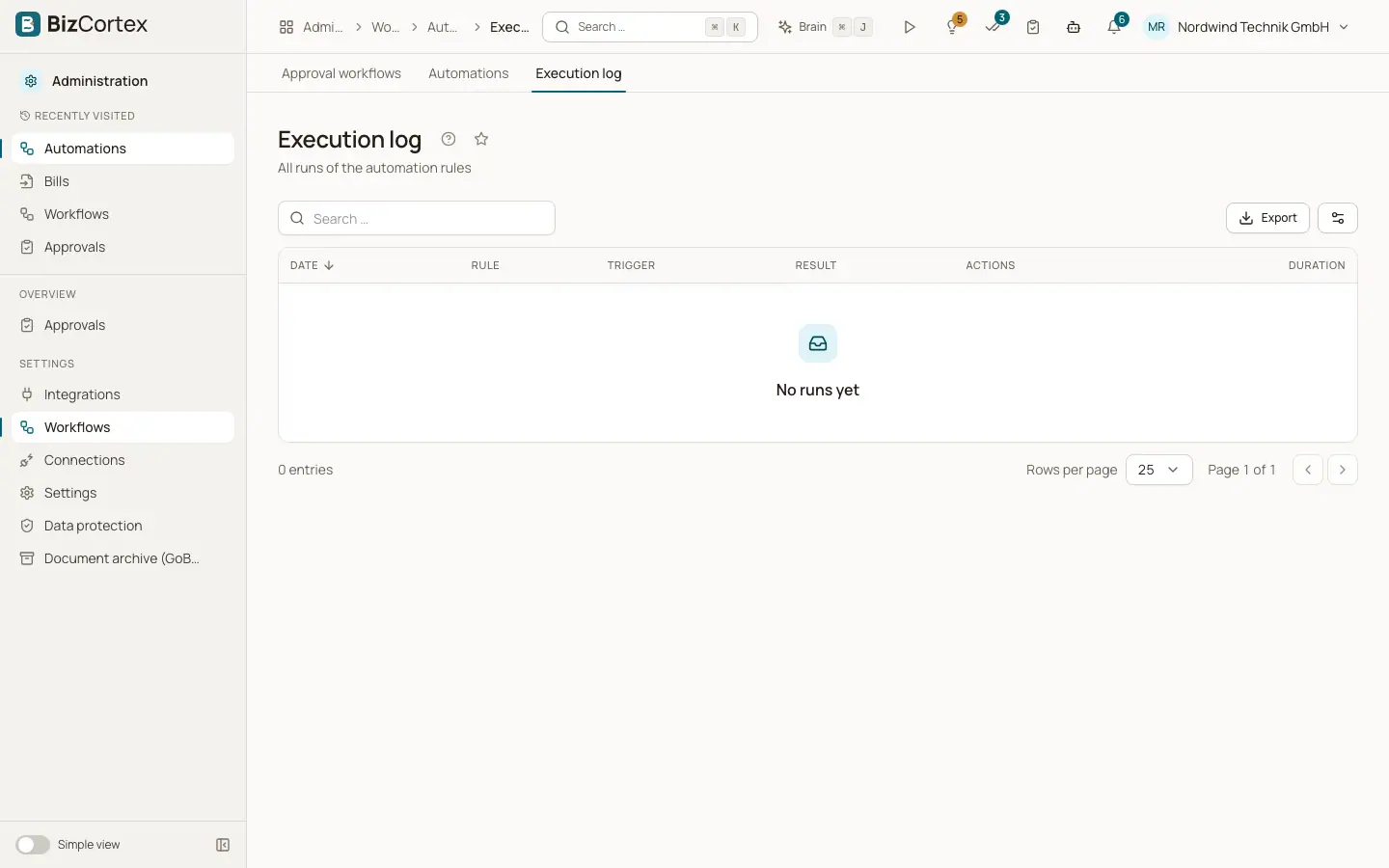
Open "Workflows" and then "Execution log". The table shows date, rule, trigger, result, the results of each action and the duration in milliseconds. Click a row to see the details of the run.
Who can use this
- Owner
- Admin
- Accountant
Fields and options
- Succeeded
Every action ran without error.
- Partial
Some actions failed, others succeeded.
- Failed
The run failed, for example because of the loop protection.
- Skipped
A test run or dry run that did not change anything.
Related
- Automations
Run actions automatically when an event happens or on a schedule.