Automation actions
Every action an automation rule can run, with its parameters.
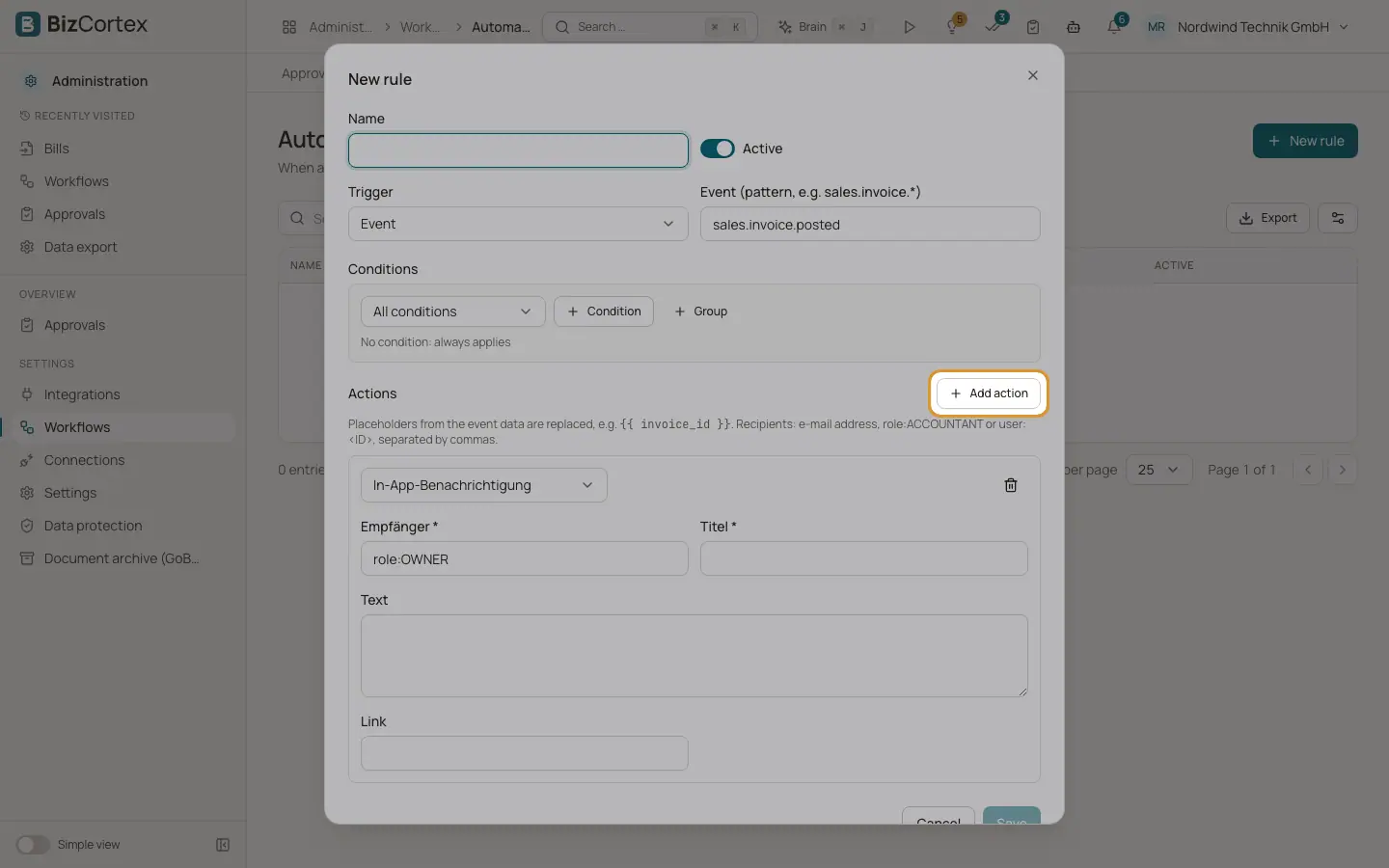
An automation rule can run six kinds of actions. Only these actions exist, which keeps automations safe. Text parameters can contain placeholders such as {{ invoice_number }}.
Recipients are written as an email address, role:ACCOUNTANT (everyone with a role) or user: followed by the user id, separated by commas.
Who can use this
- Owner
- Admin
Fields and options
- Send email
Parameters: recipients, subject and text. All three are required.
- In app notification
Parameters: recipients and title (required), text and link (optional). The notification appears in the bell menu of each recipient.
- Create task (projects)
Parameters: project id and title (required), description, assignees, due in days and priority (LOW, NORMAL, HIGH or URGENT).
- Call webhook
Parameters: URL (required) and body. The body is a JSON template; when it is empty, the event data is sent. Only http and https addresses on the internet are allowed. Addresses in local or private networks are refused.
- Set field
Parameters: record type, record id (empty means the record from the event), field and value. Allowed: on customers the notes, dunning block, dunning block reason and custom fields; on vendors the notes and custom fields; on projects the status (ACTIVE, COMPLETED, ON_HOLD) and custom fields. The change goes through the normal checks of the module.
- Add tag
Parameters: tag, entity type (for example invoice, client or bill) and entity id (for example {{ invoice_id }}). All three are required.
Good to know
- The names of the actions and their parameters are currently shown in German in the editor.
Related
- Automations
Run actions automatically when an event happens or on a schedule.
- Webhooks
Notify other systems automatically when events happen, for example a new invoice.