System status
Check the health of the database, cache, file storage and background jobs.
Open the Administration app and "System status". The badge at the top shows "All good", "Degraded" or "Down". One card per component shows whether it is reachable and its response time in milliseconds.
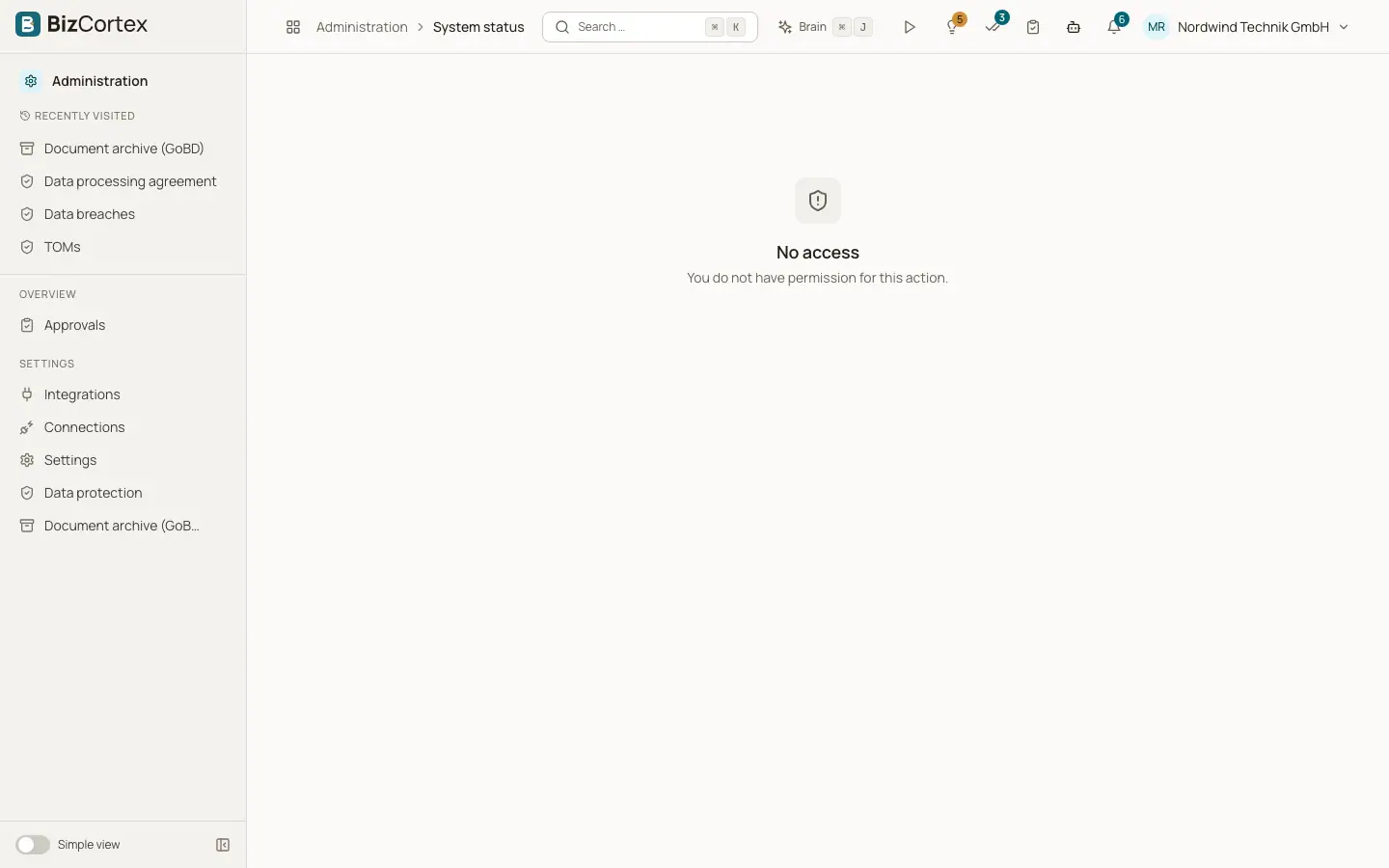
Who can use this
- Owner
- Admin
Fields and options
- Database
Where all data is stored. If it is down, BizCortex cannot work.
- Redis
The fast cache used for background work.
- File storage
Where attachments, exports and archived documents are stored. Shows the storage mode.
- Background jobs
Workers for emails, archiving, automations and reminders. Shows the number of workers.
- Version
Release, commit, build time and environment of the running version.
Tips
- If a component is unreachable, its card shows the error. Pass it to your operator.