Consents
Keep proof of consents given and withdrawn under Art. 7 GDPR.
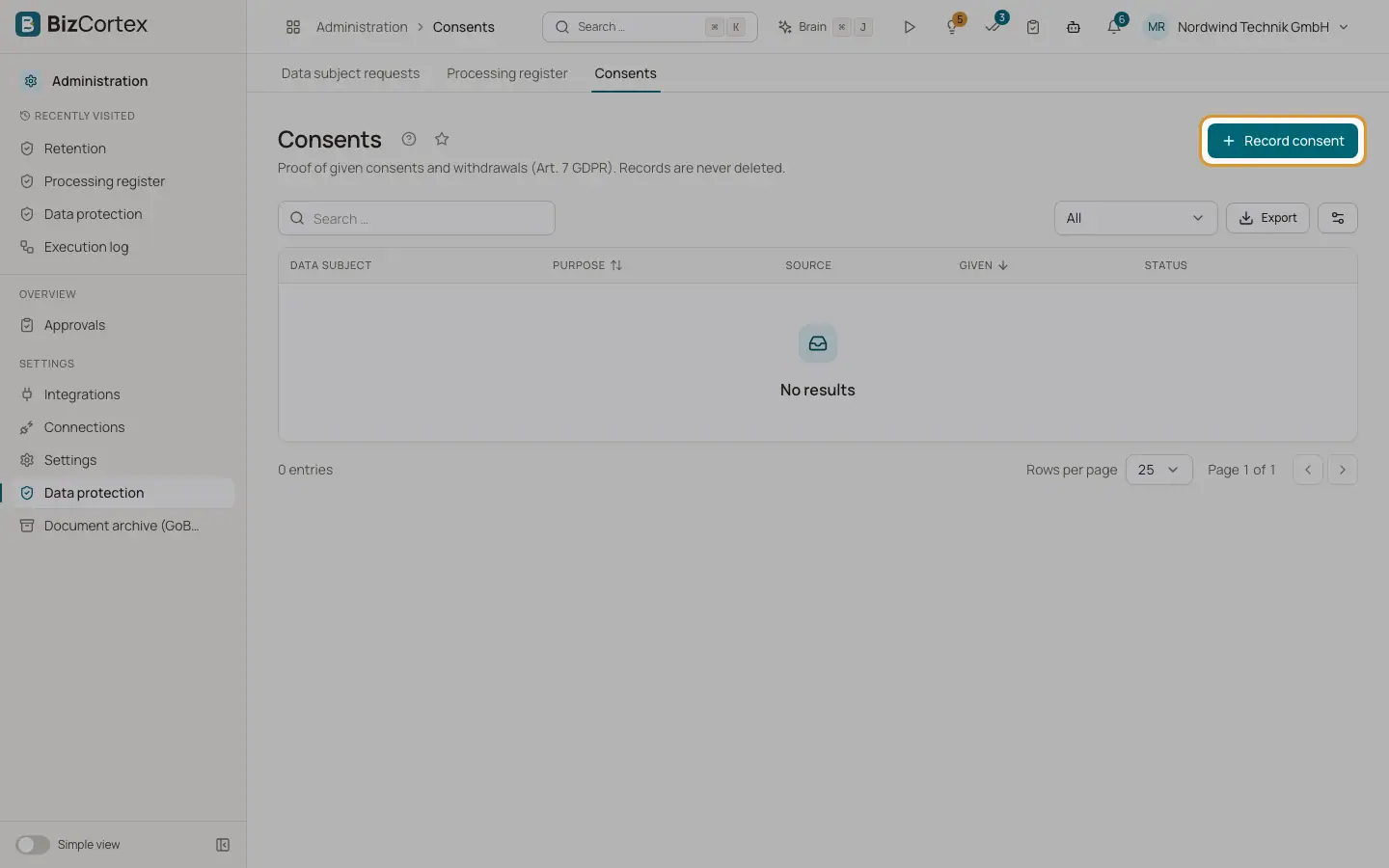
Open "Data protection" and then "Consents". The list shows the data subject, the purpose, the source, the date given and the status. Filter with "All", "Active" or "Withdrawn". Consent records are never deleted.
Who can use this
- Owner
- Admin
- Compliance
- HR manager
Steps
1. Record a consent
Click "Record consent". Enter the person (email and name, group of persons), the purpose, the source, the version and text of the consent and the evidence. Save.
2. Record a withdrawal
Click "Record withdrawal" on a consent and add a withdrawal note. The record shows "Withdrawn" with the date.
Fields and options
- Purpose
What the person agreed to. Required.
- Source
Web form, Paper, Email, Careers page, Portal or Manual.
- Consent text version, Consent text
The exact text the person agreed to.
- Evidence
For example a double opt in or a document.