Record of processing activities
Keep the register required by Art. 30(1) GDPR and print it as PDF with the TOMs attached.
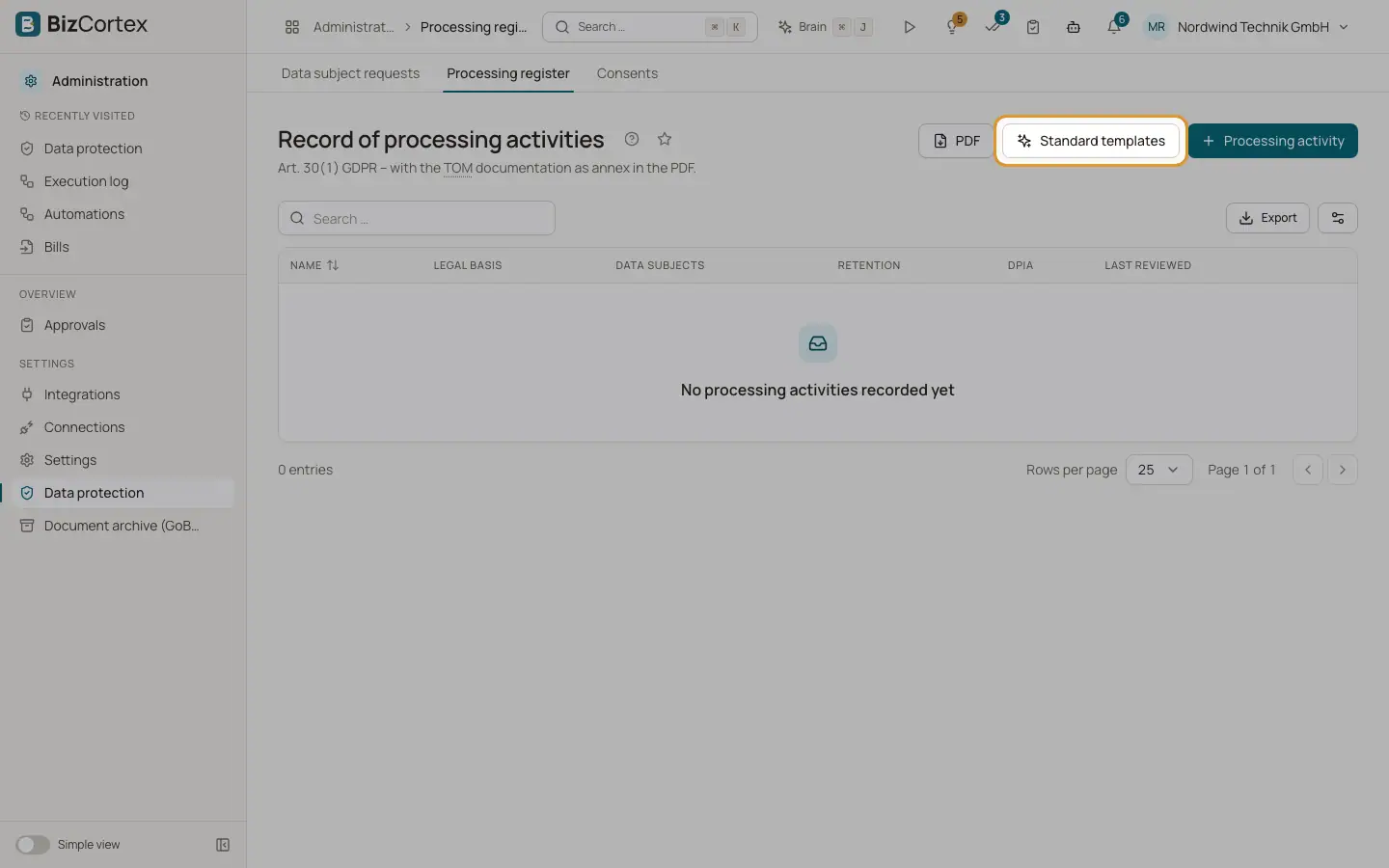
Open "Data protection" and then "Processing register". Each entry describes one processing activity, for example payroll or customer management.
Who can use this
- Owner
- Admin
- Compliance
Steps
1. Start with templates
Click "Standard templates" to create typical processing activities. A message tells you how many were created. Review and adjust them.
2. Add an activity
Click "Processing activity" and fill in the form. List fields take one entry per line.
3. Edit or delete
Use the edit and delete actions of an entry.
4. Print
Click "PDF" to download the register with the TOM documentation as an annex.
Fields and options
- Name, Purpose, Legal basis
What the processing is, why, and on which legal basis. Name and purpose are required.
- Data subjects, Data categories
Whose data and which kinds of data.
- Special categories (Art. 9)
Health data and other special categories, if processed.
- Recipients, Processors
Who receives the data and which service providers process it.
- Systems / modules
Where the data is processed.
- Transfers to third countries
Transfers outside the EU or EEA.
- Retention, TOM reference
How long the data is kept and which measures protect it.
- Responsible unit, Last reviewed
Who is responsible and when the entry was last checked.
- DPIA
Mark "Data protection impact assessment required" and add DPIA notes if needed.
- Active
Inactive entries are kept for the history.
Related
- Technical and organisational measures
Document the measures under Art. 32 GDPR and name your data protection officer.