Invitations
Invite new people by email and manage invitations that are still open.
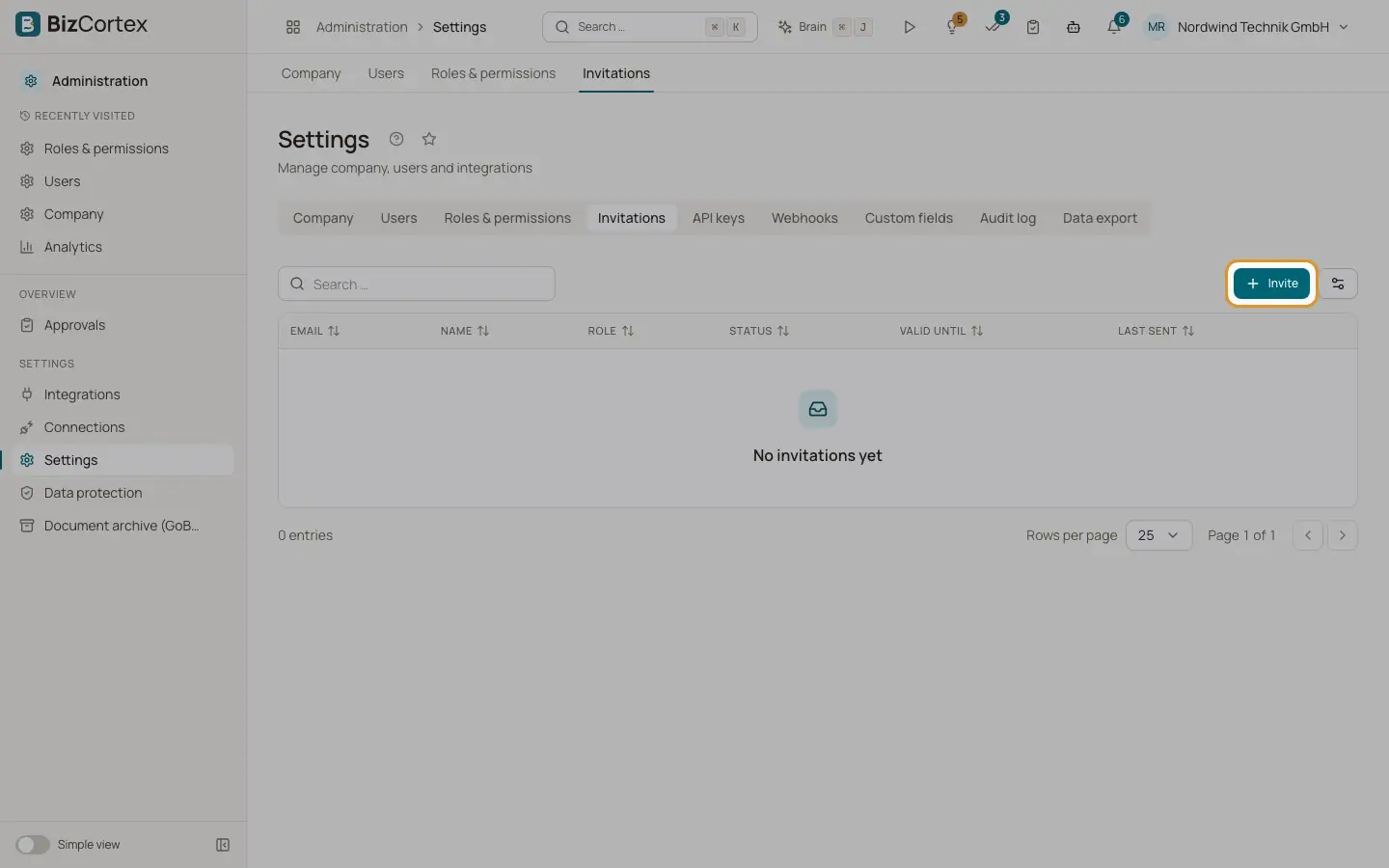
Open "Settings" and the "Invitations" tab. With Auth0 sign in, Auth0 emails the invitation. The person signs up or signs in there and joins this company with the chosen role.
The table shows email, name, role, status, "Valid until" and "Last sent". The status is Open, Accepted, Expired or Revoked.
Who can use this
- Owner
- Admin
Steps
1. Send an invitation
Click "Invite". Enter the email address, optionally the name, choose a role and add an optional personal message. Click "Send invitation".
2. Resend
For an open or expired invitation, open the row menu and choose "Resend". The old invitation is revoked and a new one is sent with the same role.
3. Revoke
Open the row menu and choose "Revoke". The link in the email stops working.
Fields and options
Required. A person who is already a member cannot be invited again.
- Name
Optional.
- Role
One of the built in roles. Only an Owner can invite another Owner.
- Personal message (optional)
Up to 2000 characters.
Good to know
- Company roles cannot be chosen here. Invite with a built in role and change it on the "Users" tab later, or use "Invite user" on the "Users" tab.
- Without Auth0 (for example in a test installation) the person is added directly and the list stays empty.
Related
- Users
See who has access to the company, invite people, change roles and remove users.