Substitutes for approvals
Let a colleague approve for you while you are away.
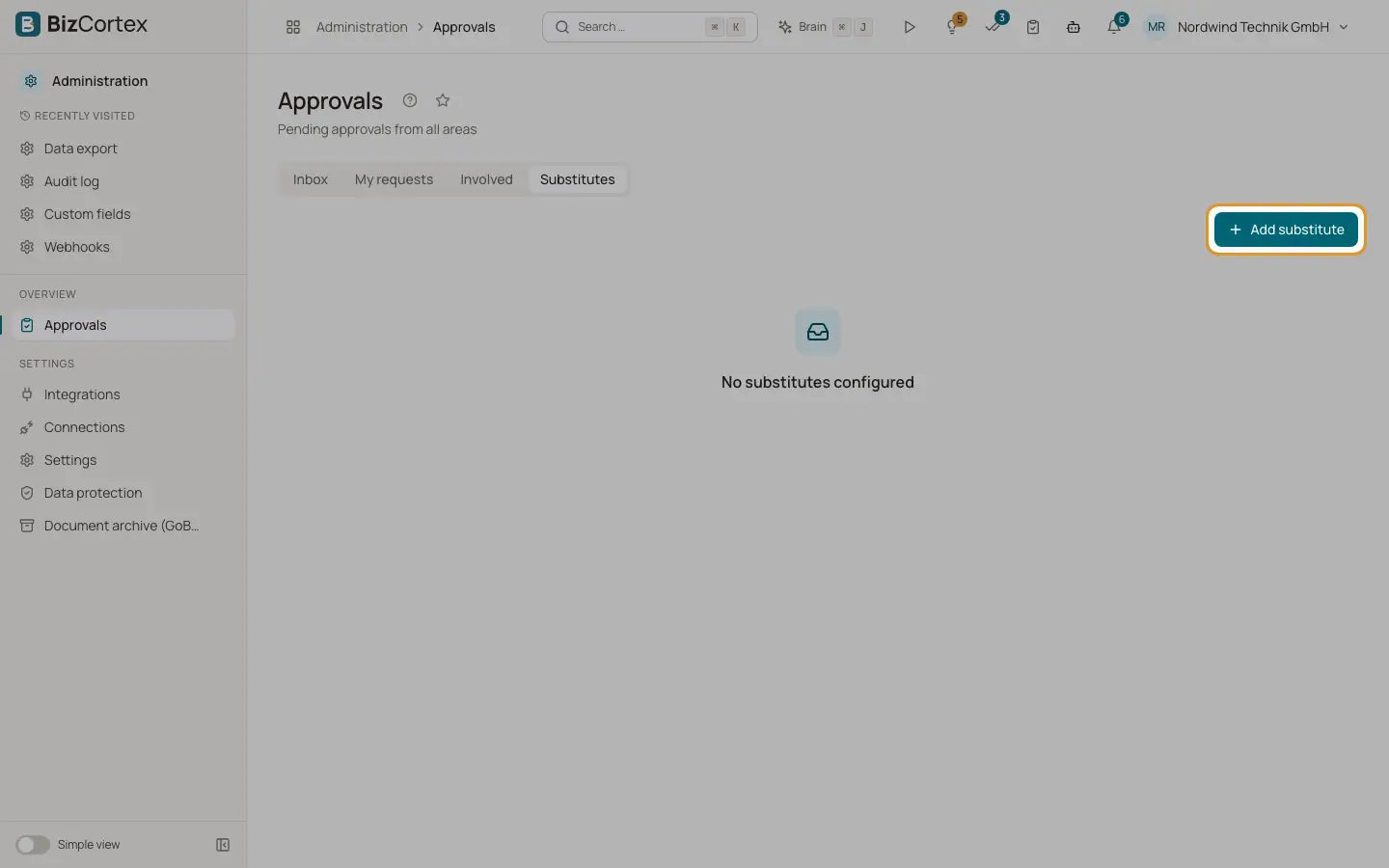
On the "Substitutes" tab of the "Approvals" page you name a colleague who approves in your place during a period. While the substitution is active, new approval tasks go to your substitute. The task remembers that it was delegated.
The tab lists both directions: "My substitute" (who stands in for you) and "I substitute" (for whom you stand in).
Who can use this
- Every member except Viewer
Steps
1. Add a substitute
Click "Add substitute". Choose the colleague in "Substitute".
2. Set the period
Enter the start date in "From" and the end date in "To".
3. Limit the areas
In "Only for areas (empty = all)" choose one area, or leave "All areas" to delegate everything.
4. Add a reason and save
Enter an optional reason, for example "Holiday", and click "Save".
5. Remove
Click the delete icon on one of your own substitutions to end it.
Good to know
- You can only delegate your own approvals, and you cannot name yourself.
Related
- Approvals inbox
Approve or reject documents and requests from every area in one place.