The Administration app
What you find in the Administration app and who can see it.
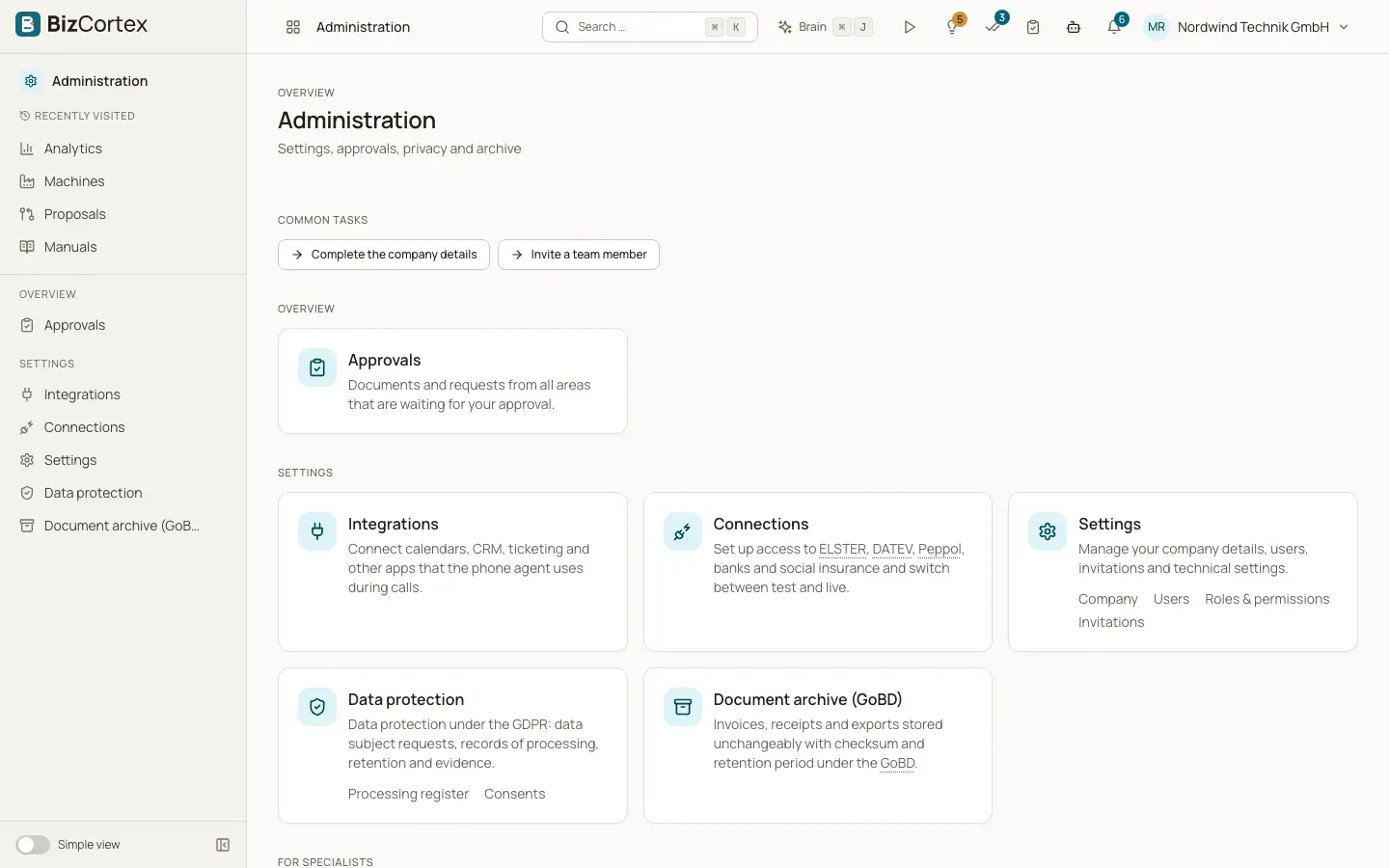
Administration is the app for the people who run the company account. Open the app launcher and choose "Administration". The sidebar shows only the pages your role may use.
Administration, data protection, the archive and approvals are always part of BizCortex. They do not depend on the packages your company has booked.
Who can use this
- Owner
- Admin
- Accountant
- Compliance
- Anyone who can see the company details
Steps
1. Settings
Open "Settings" for the company master data, users, roles, invitations, API keys, webhooks, custom fields, the audit log and the full data export. Each one is a tab at the top of the page.
2. Workflows
Open "Workflows" to define "Approval workflows" (who must approve which documents), "Automations" (rules that run actions on events or on a schedule) and the "Execution log" of all automation runs.
3. Data protection
Open "Data protection" for data subject requests, the processing register, retention, consents, TOMs, data breaches and the data processing agreement.
4. Archive and system
Open "Document archive (GoBD)" for the tamper proof archive and "System status" for the health of the platform.
5. Approvals
The "Approvals" inbox is open to every member. You find it in the overview area of the sidebar and through the approvals badge in the header.
Tips
- Some pages are marked as specialist pages. In the "Simple view" they are hidden from the sidebar. Switch the sidebar to "All functions" to see every page, or find the page through the search.
Related
- Company master data
Legal name, address, tax numbers, register entry and bank details that appear on your invoices.
- Users
See who has access to the company, invite people, change roles and remove users.
- Approvals inbox
Approve or reject documents and requests from every area in one place.