Full data export
Download all data of your company as a ZIP file, for example when you switch systems.
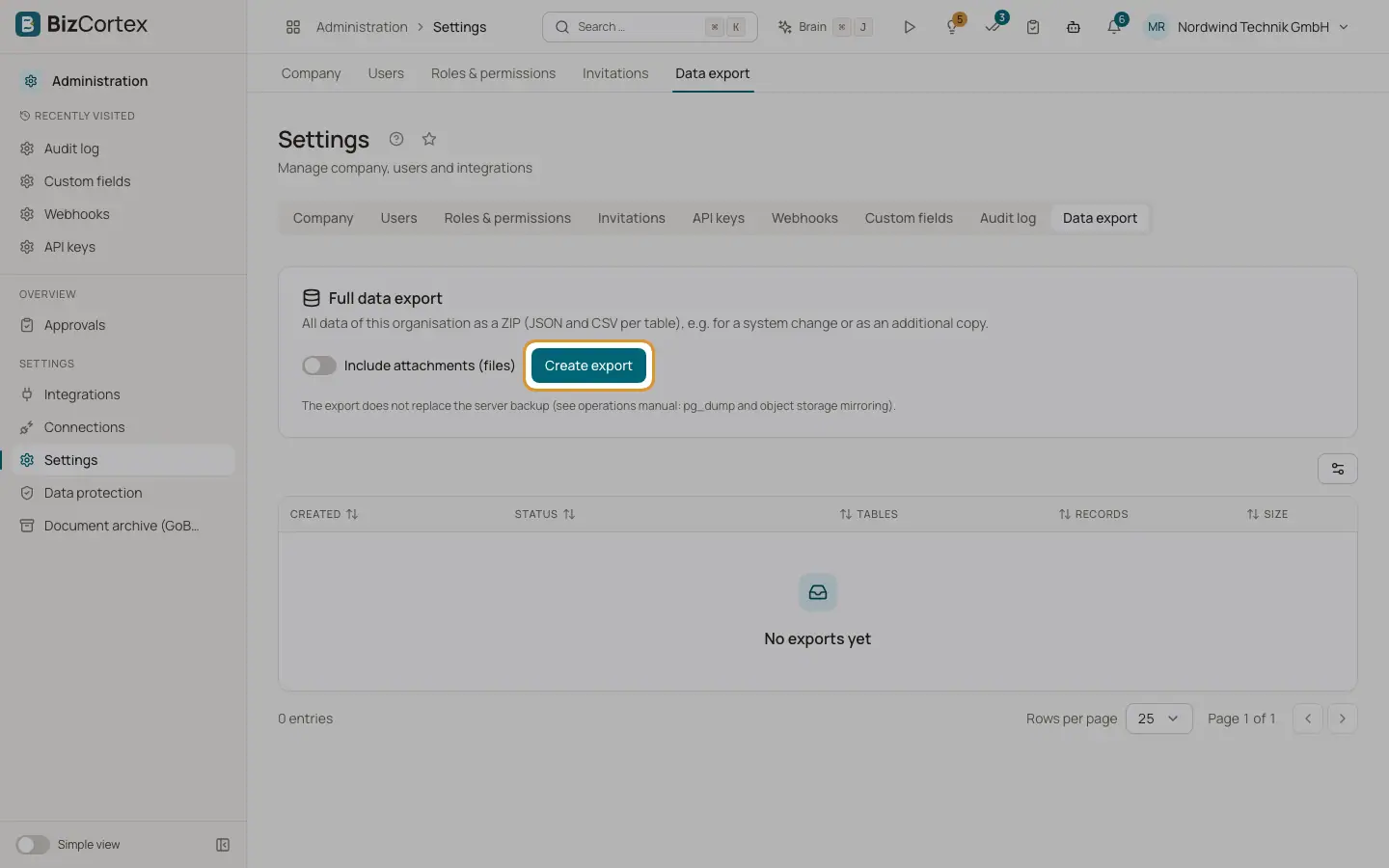
The full data export packs all data of your organisation into a ZIP file, with one JSON file and one CSV file per table. Use it for a system change or as an additional copy. Open "Settings" and the "Data export" tab.
Who can use this
- Owner
- Admin
Steps
1. Choose attachments
Switch on "Include attachments (files)" if the ZIP should also contain uploaded files. This makes the export much larger.
2. Create the export
Click "Create export". The export is built while you wait. A message "Export created" appears when it is done.
3. Download
The table lists every export with creation time, status, number of tables, number of records and size. Click "Download" next to a completed export.
Good to know
- The ZIP also contains the company record, the member list and a manifest with the number of rows per table.
- Secrets are never exported: API key fingerprints, signing secrets and encrypted fields are left out.
- The personal assistant content of each member (mailbox data, drafts, connections) is not part of the company export. Each member exports it themselves.
- CSV files use the semicolon as separator so they open directly in Excel.
- The export does not replace the server backup run by the operator.
- An export cannot be imported back into BizCortex automatically.