Bills of materials
Define which components make a product, explode multi level structures and see costs.
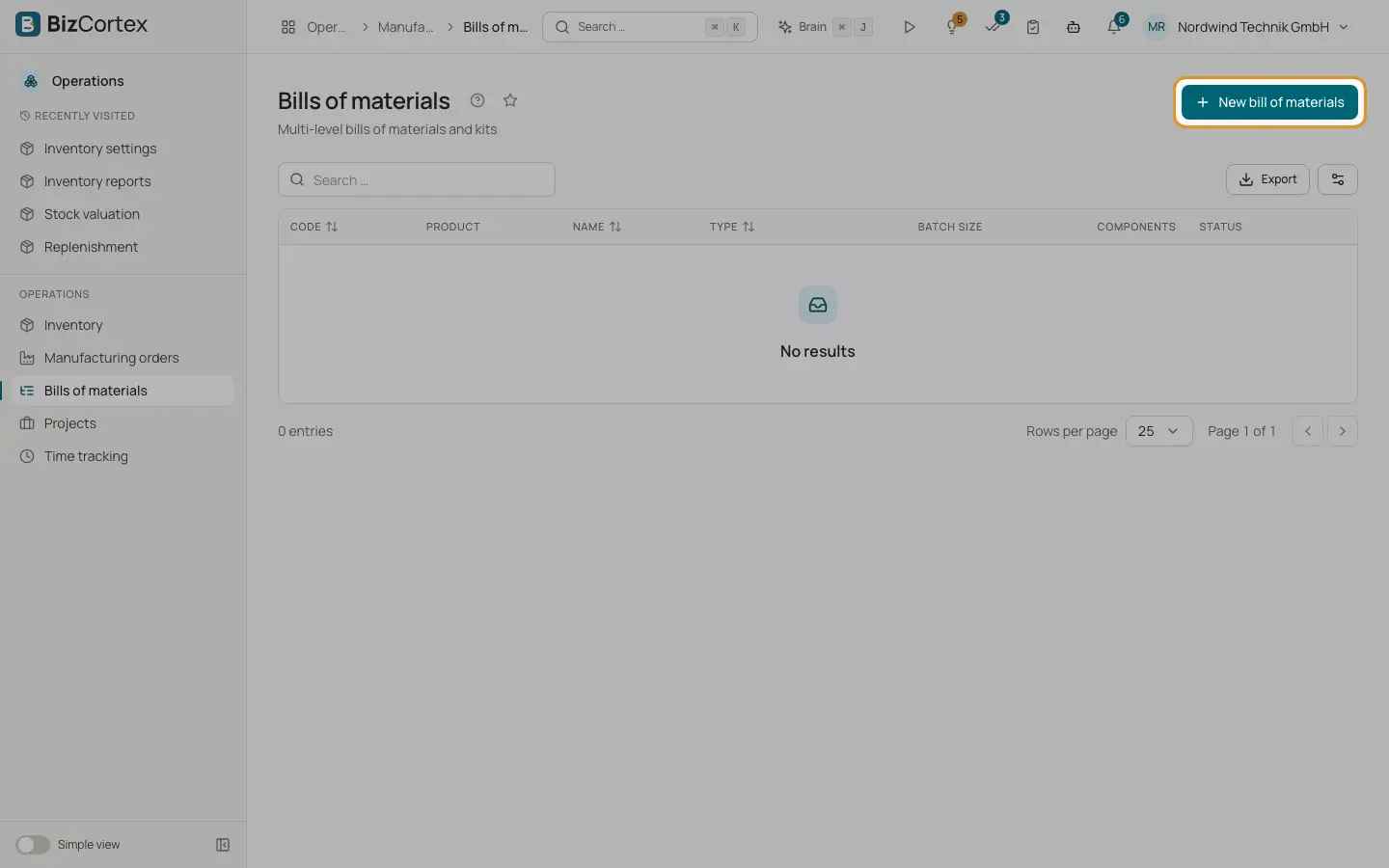
Open Operations, Bills of materials. A bill of materials (BOM) says which components, in which quantities, make up a batch of a product. A BOM of type "Manufacture" is used by manufacturing orders. A BOM of type "Kit / bundle" is used for kit products. Sub assemblies can have their own BOM, which gives multi level structures.
Who can use this
- Owner and Administrator
- Purchasing (full access)
- Accountant (read only)
Steps
1. Create a BOM
Click "New bill of materials". Choose the product, an optional code and name, the type, and the "Batch size" (the product quantity the components refer to). Click "Add component" for every component and enter the quantity and the "Scrap %". Keep "Active" on. Save.
2. Explode the BOM
Open the BOM and look at "BOM explosion". Enter a quantity and the number of levels. You see the tree with level, cost per line, the "Requirements (purchasing)" list of leaf components to buy, the "Total cost" and the "Cost per unit". Costs are rolled up from the current unit costs of the leaf components.
3. Start production
Click "Create manufacturing order" on the BOM page to open a new order for this product.
Good to know
- Service products cannot be components.
- A BOM that would contain a loop (a product that ends up as its own component) is refused.
- Routings, work centres, labour and overhead costing, partial production and by products are not available yet.
Related
- Manufacturing orders
Plan production, reserve and consume components, and receive finished goods at production cost.
- Kits and bundles
Sell and move sets of products that are split into their components automatically.