Kits and bundles
Sell and move sets of products that are split into their components automatically.
A kit is a product of type "Kit / bundle" with an active BOM of type "Kit / bundle". You do not keep stock of the kit itself. Every stock move of a kit, for example a delivery, is split into moves of its components. Kits can contain other kits.
Who can use this
- Anyone who can edit products and bills of materials
Steps
1. Create the kit product
Create a product with the type "Kit / bundle".
2. Create the kit BOM
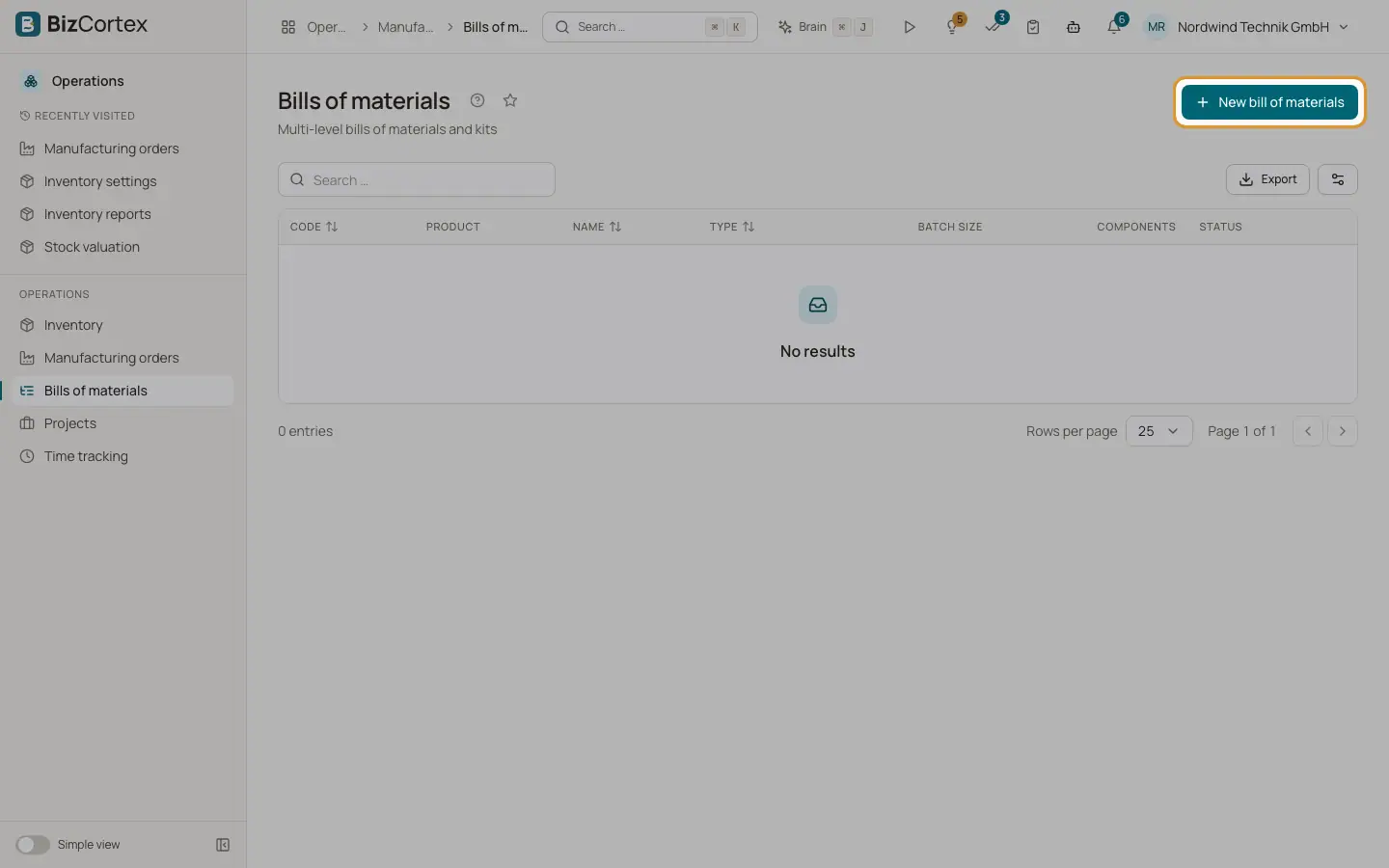
Create a bill of materials for it with the type "Kit / bundle" and add the components.
3. Check availability
On the BOM page the box "Available kits" shows per warehouse how many kits ("Possible kits") can be put together from free component stock, with the quantity "Per kit" and "Available" per component.
Related
- Bills of materials
Define which components make a product, explode multi level structures and see costs.
- Product form and product types
Every field of the product form, the four product types and tracking options.