Cycle counting
Count products regularly based on their ABC class instead of one big yearly count.
With cycle counting you count important products often and less important ones rarely. BizCortex classifies products by their consumption value of the last 365 days into A, B and C. By default A items are due every 30 days, B items every 90 days and C items every 365 days. You can change these intervals in the inventory settings.
Who can use this
- Anyone with the Inventory stocktake read permission (see suggestions)
- Anyone with the Inventory stocktake write permission (start counts)
Steps
1. See which products are due
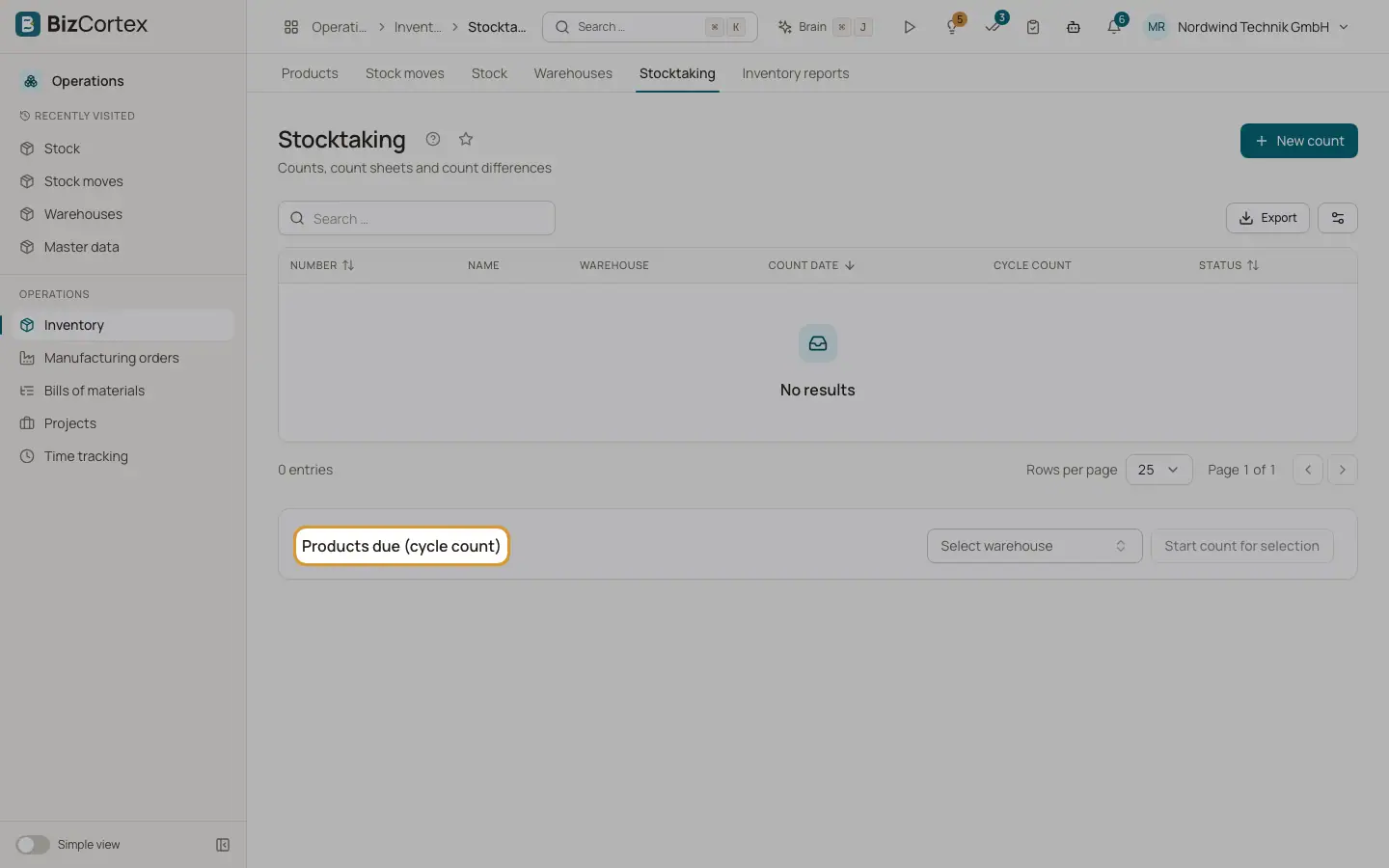
On the Stocktaking page, choose a warehouse under "Select warehouse". The box "Products due (cycle count)" lists products with SKU, category, ABC class, "Last counted" (or "Never") and "Overdue (days)".
2. Start the count
Select the products and click "Start count for selection". A cycle count for these products is created. Continue as in a normal stocktake.
Related
- Stocktaking
Create a count, print count sheets, enter counted quantities and post the differences.
- Inventory settings
Perpetual inventory, default costing method, default accounts and cycle count intervals.