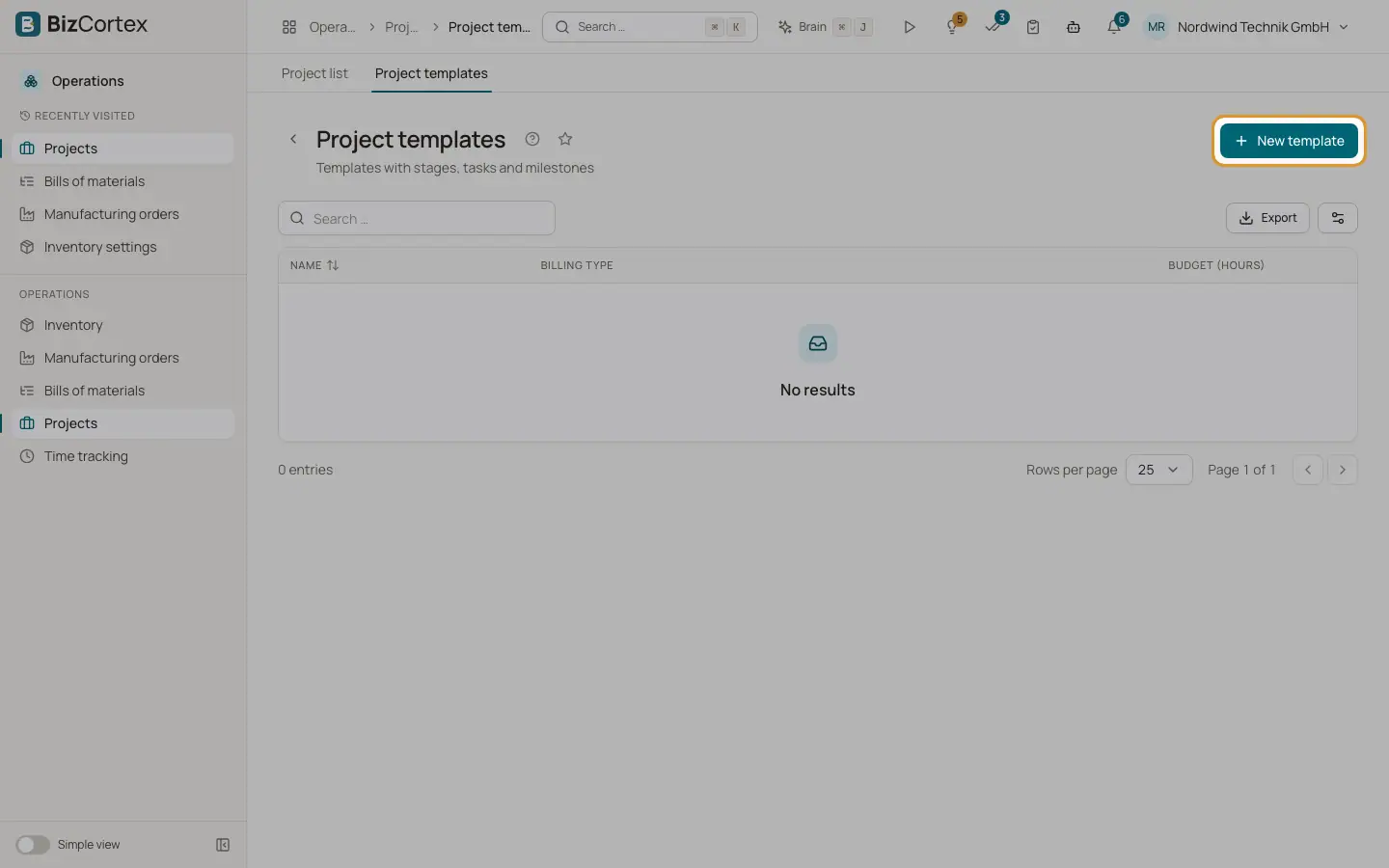
Project templates
Save stages, tasks and milestones as a template and start new projects from it.
Open Operations, Projects, Project templates. A template holds stages, tasks and milestones. It does not appear in the project list and does not accept time.
Who can use this
- Owner, Administrator and Sales
Steps
1. Create a template
Click "New template", or copy an existing project with "Save as template" switched on.
2. Edit its tasks
Click "Edit tasks" to open the template and build its board, timeline and milestones.
3. Use the template
Click "Create project from template". Enter the name, customer and start date. All dates are shifted so the new project starts on that date.
Related
- Projects list
Create projects, filter by status, copy them and invoice unbilled time.