Inventory reports
Stock on hand, movement history, slow movers, turnover, ABC analysis and the year end inventory list.
Open Operations, Inventory, Inventory reports. The page has six tabs. Most reports can be downloaded as CSV or Excel, and the inventory list also as PDF.
Who can use this
- Anyone with the Inventory report read permission, for example Owner, Administrator, Purchasing, Accountant and Viewer
Steps
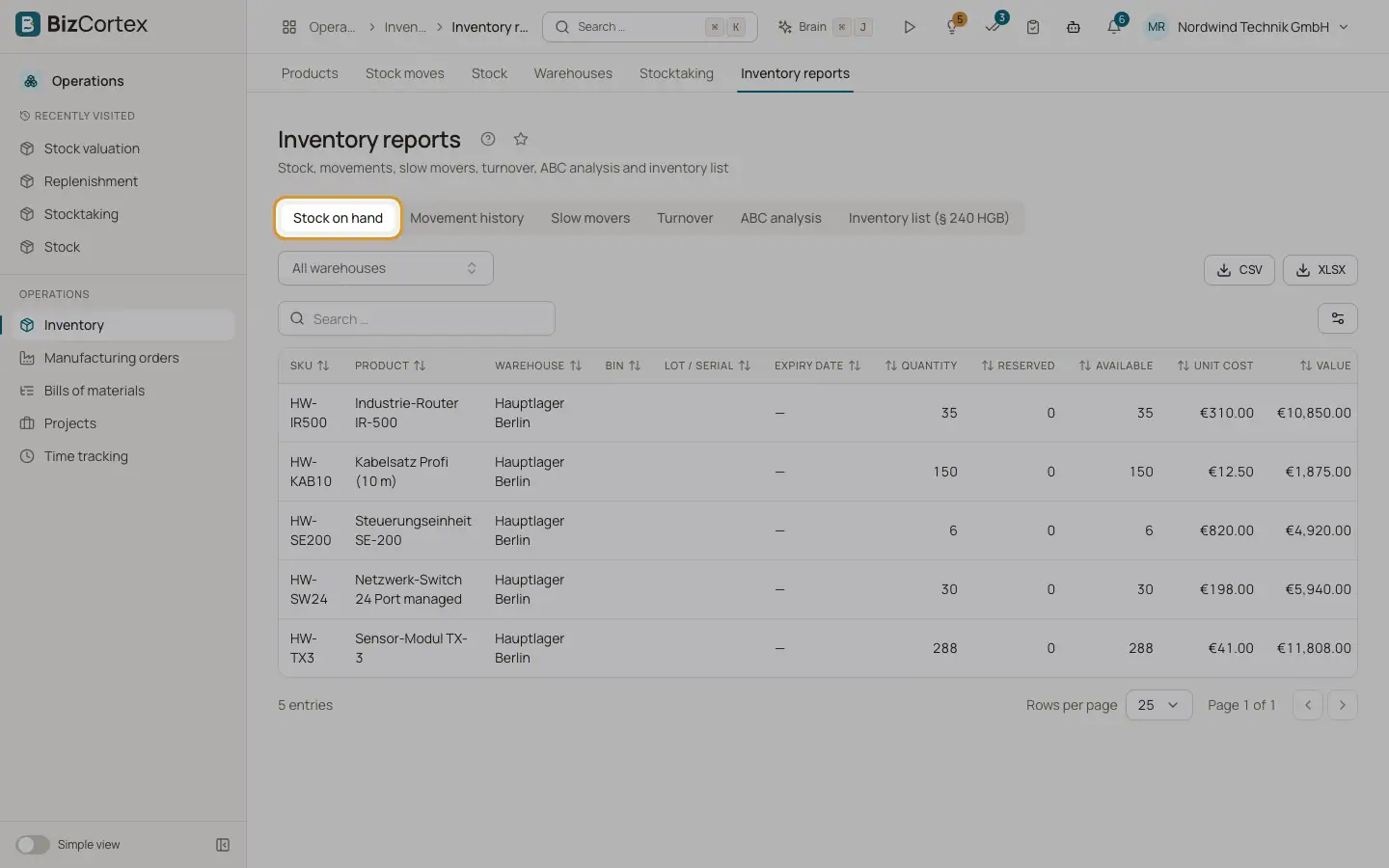
1. Stock on hand
Current stock per product, bin and lot, valued at the current cost.
2. Movement history
Choose a product ("Select a product") and a period. You see every posted move with a running Balance, starting with the opening balance at the start date.
3. Slow movers
Set the "Window (days)". The report lists stock without deliveries, consumption or scrap in that window, with "Last outgoing", "Days since outgoing" and "Outgoing in window". Products with no outgoing at all are shown first as "No outgoing" (dead stock).
4. Turnover
For a period you see COGS, opening value, closing value, average inventory, turnover (COGS divided by average inventory) and days of inventory.
5. ABC analysis
Choose the basis "Consumption value" or "Stock value". Products are sorted by value. Class A covers the first 80 percent of the cumulative value, class B up to 95 percent, class C the rest. Columns: Share, Cumulative, Class.
6. Inventory list (§ 240 HGB)
Choose the closing date, usually 31 December. The list shows quantity per warehouse and lot at that date, valued at acquisition cost, with the total, your company name and a signature line. Download it as PDF, sign it and keep it with your annual accounts.
Related
- Stock valuation
Value your stock at any date with FIFO or moving average and compare it with the ledger.
- Stocktaking
Create a count, print count sheets, enter counted quantities and post the differences.