Project team and documents
Add people with roles and rates, and link invoices, bills and expenses to the project.
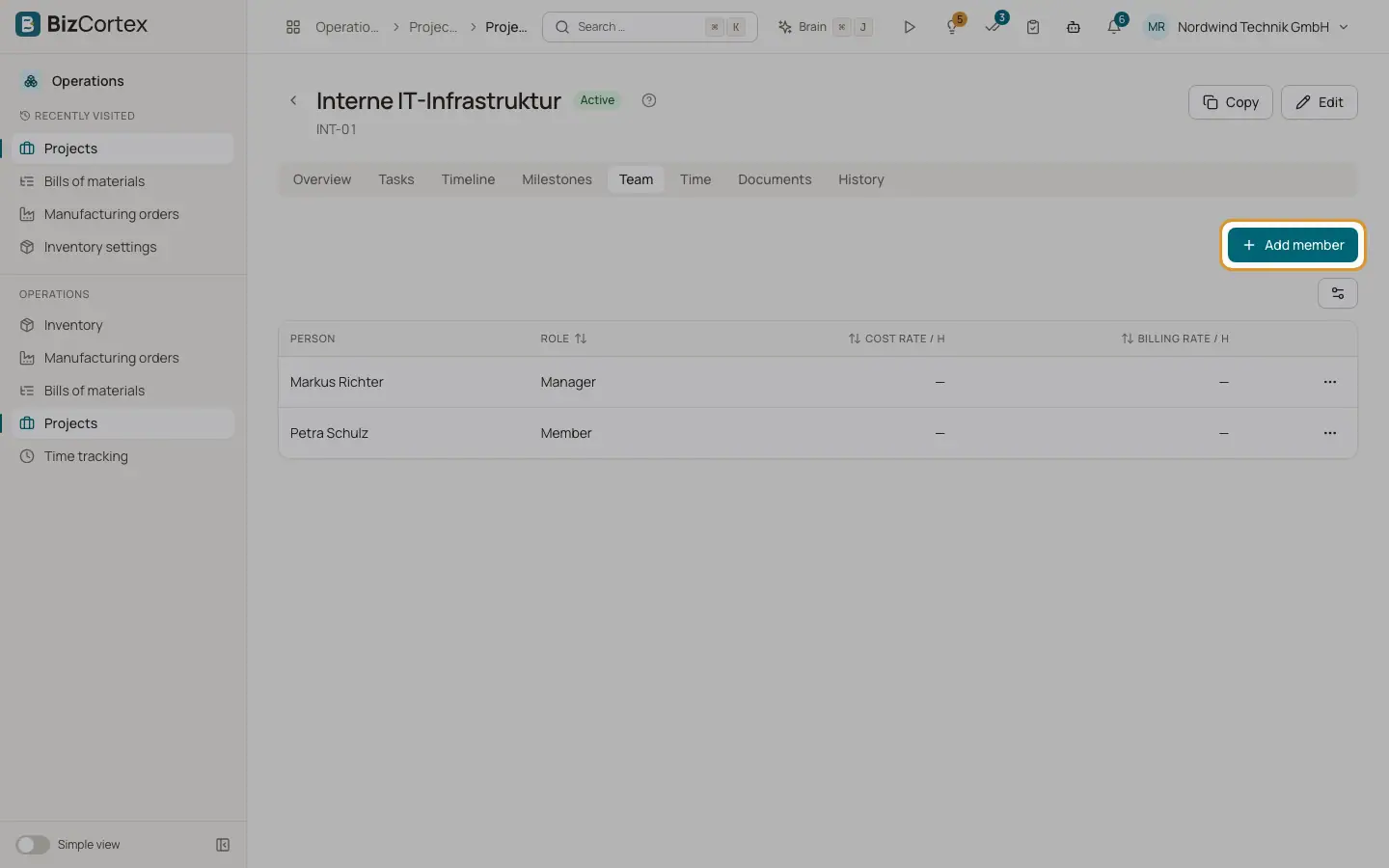
The Team tab lists the members of the project. The Documents tab links invoices, bills and expenses so they count in the profitability.
Who can use this
- Owner, Administrator and Sales
- Anyone with the Projects member write permission (team)
Steps
1. Add a member
On the Team tab click "Add member". Choose the person and the role: Manager, Member or Viewer. Optionally enter "Cost rate / h" and "Billing rate / h" for this person on this project. Managers see the time of all members and can approve their timesheets.
2. Link a document
On the Documents tab click "Link document". Choose the type (Invoice, Bill or Expense) and the document. Under Share enter the part of the net amount that belongs to this project, or leave it empty for the full amount.
Good to know
- A person can be a member of a project only once. A document can be linked only once.
Related
- Project overview and profitability
Revenue, cost, margin, budget and the burn down chart of a project.
- Time tracking settings
Activities, tags, hourly rates and rules such as rounding, overlaps and period locks.