Timesheet approvals
Approve or reject the weekly timesheets of your team.
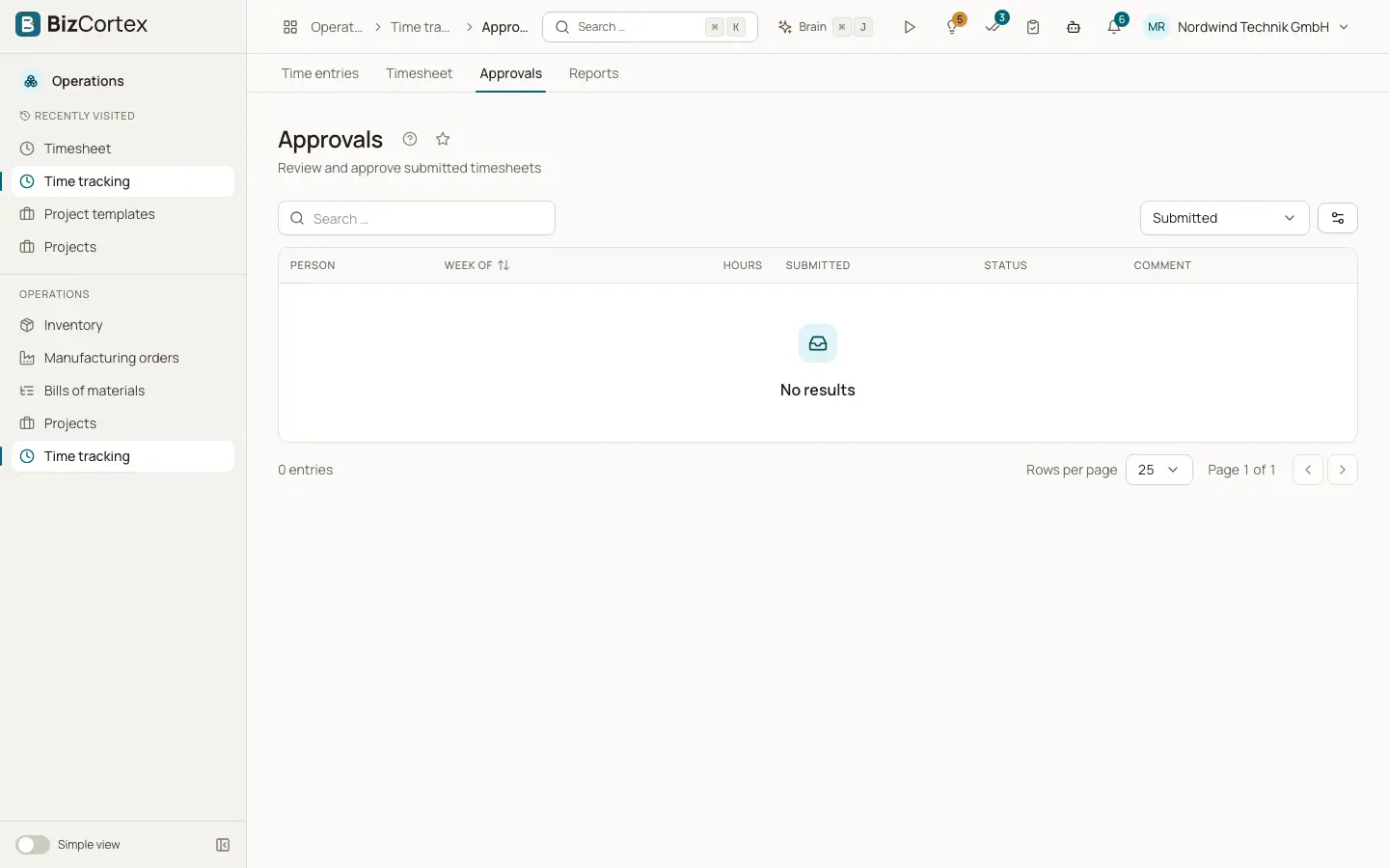
Open Operations, Time tracking, Approvals. The list shows submitted timesheets with person, "Week of", hours, "Submitted" and the comment. Filter by status or choose All.
Who can use this
- Anyone with the Time tracking timesheet approve permission
- The project manager of every project in that week
- Owner and Administrator (also their own week)
Steps
1. Approve
Click Approve and confirm the week and hours. The entries become Approved and are locked.
2. Reject
Click Reject and enter a Reason. The entries become Rejected and the person can edit and submit them again.
Good to know
- You cannot approve your own week, unless you are Owner or Administrator.
Related
- Weekly timesheet
Enter hours per day for a week and submit the week for approval.
- Time billing
Turn unbilled time and rebillable expenses into invoice lines and mark them as billed.