Stocktaking
Create a count, print count sheets, enter counted quantities and post the differences.
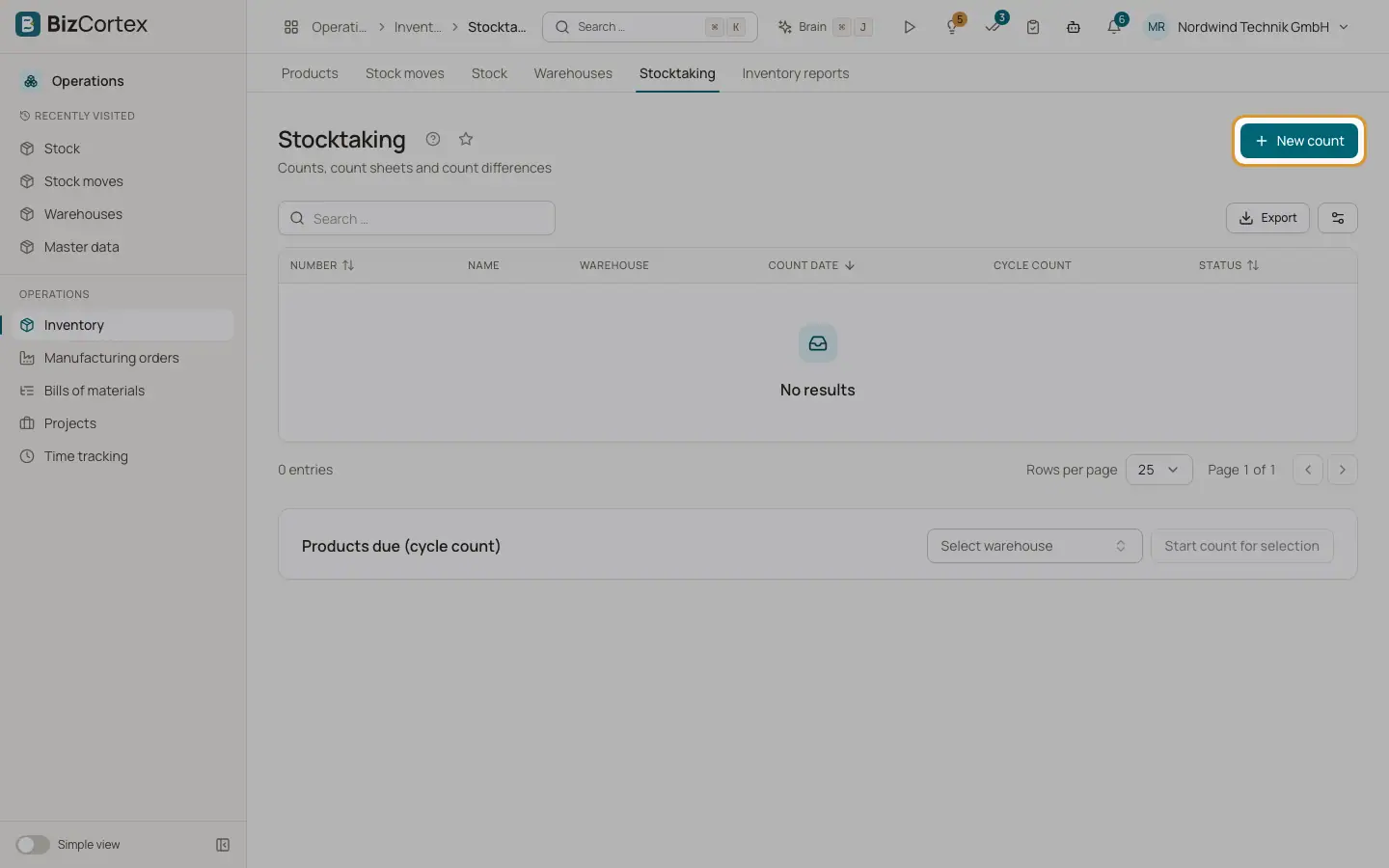
Open Operations, Inventory, Stocktaking. A count compares what is really on the shelf with the book quantity. When you post the count, BizCortex books the differences as count differences and values them.
Who can use this
- Owner and Administrator
- Purchasing
- Anyone with the Inventory stocktake write permission (create and count)
- Anyone with the Inventory stocktake approve permission (post the count)
Steps
1. Start a count
Click "New count". Choose the warehouse and optionally a name, a count date, a category or specific products ("Products (optional)"). Switch on "Cycle count" if this is a partial count. Switch on "Include products without stock" to also list products that should have zero stock. BizCortex saves a snapshot of the expected quantities per product, bin and lot. The count gets a number such as INV 2026 00001 and the status Counting.
2. Print the count sheet
On the count page click "Count sheet (PDF)" or "Count sheet (Excel)". Switch on "Blind count (hide expected)" to leave out the expected quantities, so counters are not influenced. The PDF is landscape A4 with signature lines.
3. Enter the counts
Type the counted quantity in each line. The page shows Expected, Counted and Difference, and a progress value "Counted". If you find goods that are not in the list, click "Add product" and enter product, bin, lot and quantity. Click "Save count". Unsaved changes are marked.
4. Post the count
Click "Post count". Decide whether to use "Post uncounted lines as 0". Confirm. The difference between counted and current quantity of every counted line is posted as a Count difference. All differences form one group and one journal entry. Gains are valued at the cost of the snapshot. The status becomes Posted.
5. Cancel a count
Click "Cancel count" if the count should not be posted. Nothing is booked.
Fields and options
- Draft, Counting, Posted, Cancelled
The statuses of a count.
Good to know
- If stock is reserved, a count cannot reduce it below the reserved quantity. Unreserve the moves first.
- Posting a count needs the special stocktake approve permission, so a second person can check the count.
Related
- Cycle counting
Count products regularly based on their ABC class instead of one big yearly count.
- Inventory reports
Stock on hand, movement history, slow movers, turnover, ABC analysis and the year end inventory list.