Categories, units and attributes
Set up product categories with their accounts, units of measure and variant attributes.
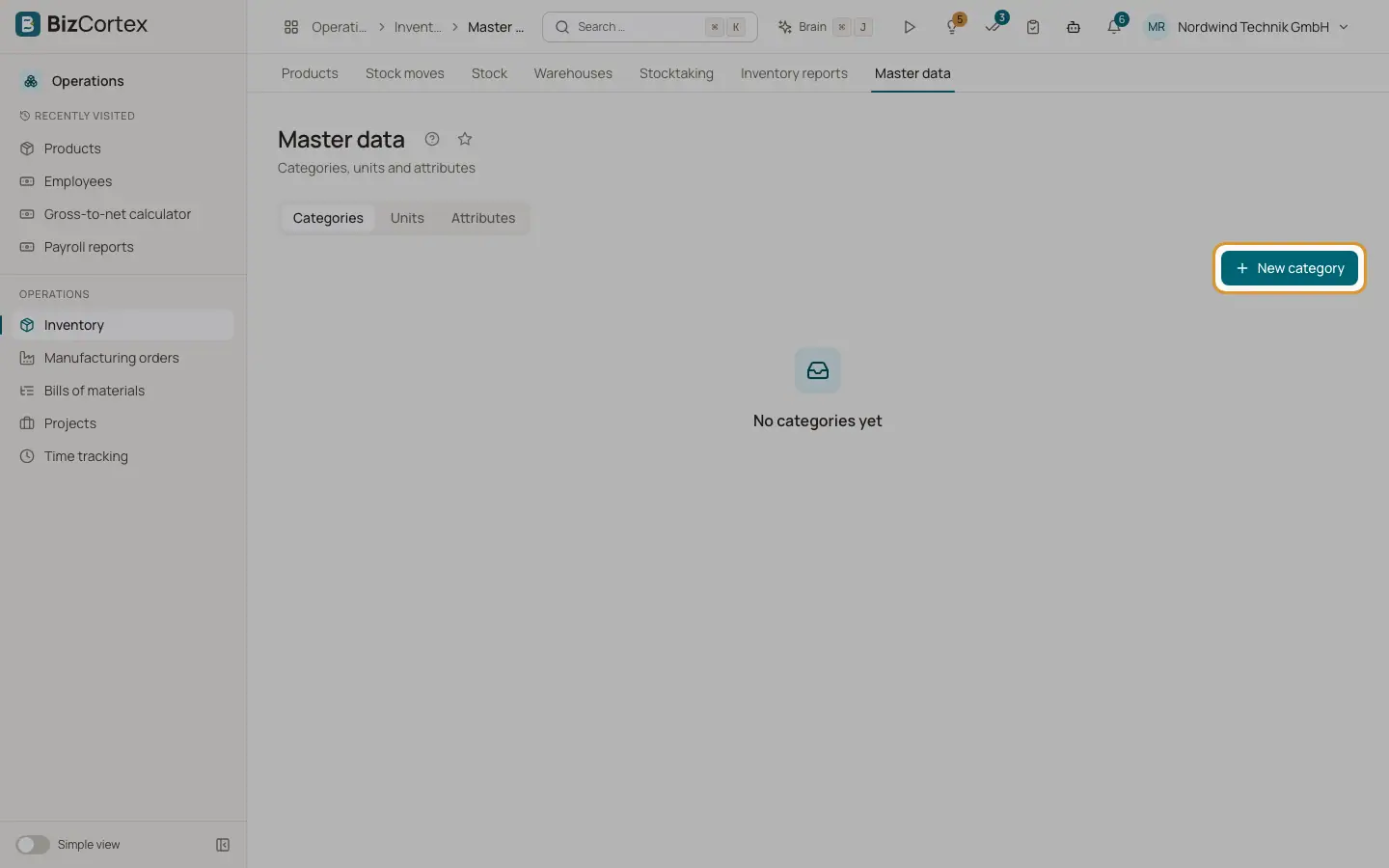
Open Operations, Inventory, Master data. The page has three tabs: Categories, Units and Attributes. Set these up before you create many products, because products inherit their accounts and units from here.
Who can use this
- Owner and Administrator
- Purchasing
- Accountant and Viewer (read only)
Steps
1. Create categories
On the Categories tab click "New category". Enter a name and choose a "Parent category" or "(Top level)". Categories form a tree, and the full name shows the path, for example "Raw material / Metal". Optionally set the revenue account, expense account, inventory account, stock change / COGS account, scrap account, tax code and costing method. Empty fields show "Inherit" and are taken from the parent category or from the chart of accounts.
2. Create the default units
On the Units tab click "Create default units". BizCortex creates the common units in their unit categories. You can click this button again safely; units that exist are not duplicated.
3. Add your own units
Click "New unit category" for a new group of units, or "New unit" to add a unit to a category. Each unit has a name, a symbol and a ratio. The ratio is how many reference units one unit holds, for example g is 0.001 kg and a carton is 12 pieces. One unit per category is the reference.
4. Convert units
The Convert box on the Units tab converts a quantity from one unit to another unit of the same category. Stock moves can be entered in any convertible unit and are stored in the product unit.
5. Create attributes
On the Attributes tab click "New attribute", for example Size or Colour. Enter the values comma separated, optionally with a code: "Red:RD, Blue:BL". Use "Add value" to extend an attribute later. The codes become part of the variant SKU.
Fields and options
- Inventory account
Default in the German charts: SKR03 3980, SKR04 1140.
- Stock change / COGS
Default in the German charts: SKR03 3960, SKR04 5880.
- Scrap
Account for scrapped goods. Default: the stock change account.
Good to know
- A unit and a purchase unit of a product must belong to the same unit category.
Related
- Product form and product types
Every field of the product form, the four product types and tracking options.
- Inventory settings
Perpetual inventory, default costing method, default accounts and cycle count intervals.