Time reports
Analyse hours, revenue, cost and utilization, and export entries.
Open Operations, Time tracking, Reports. The Hours report groups booked time. The Utilization report compares booked time with available working time.
Who can use this
- Anyone with the Time tracking report read permission
Steps
1. Group the hours
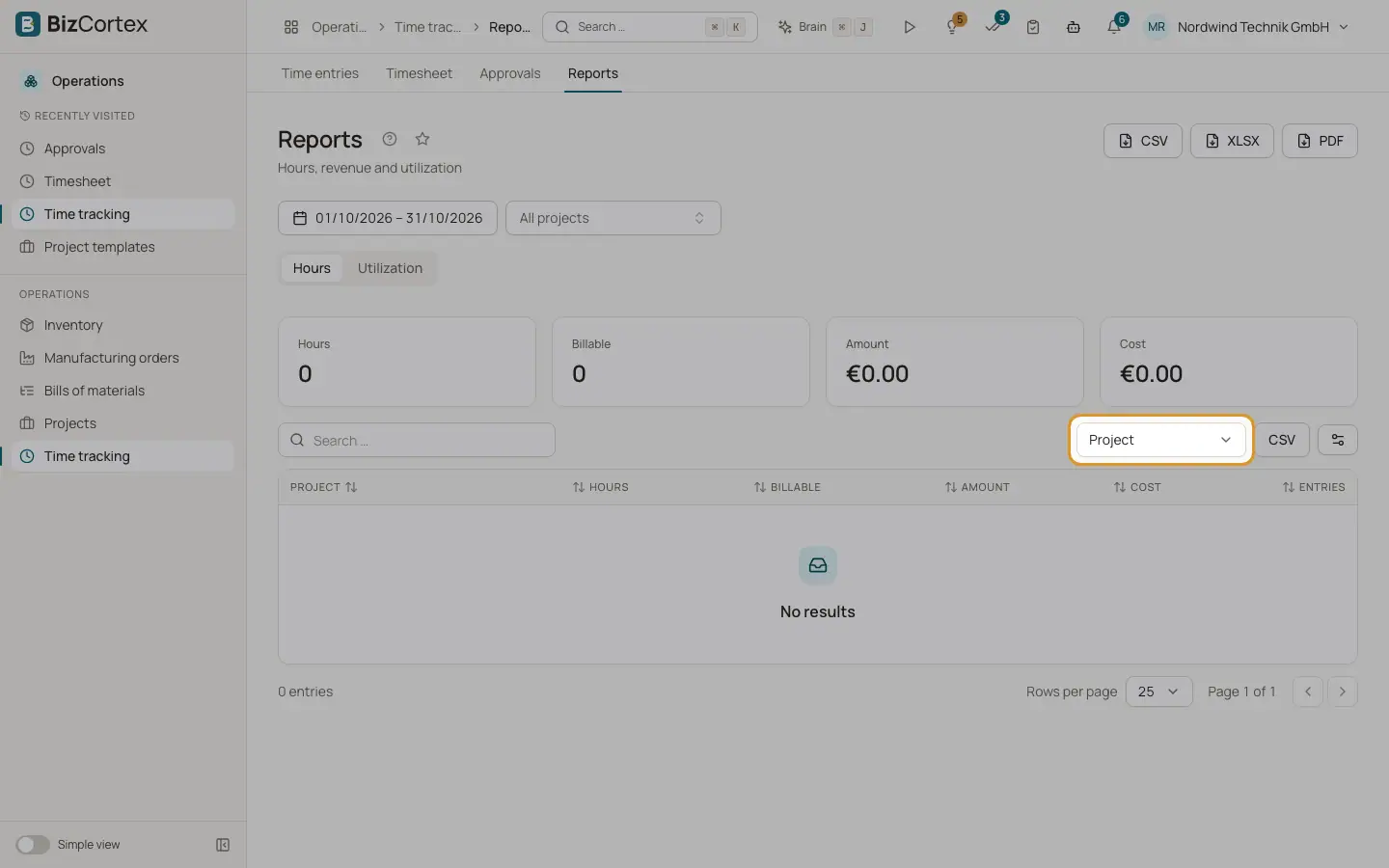
Choose "Group by": Person, Project, Customer, Activity, Task, Day, Week or Month. Each row shows hours, billable hours, amount, cost and number of entries.
2. Check utilization
Pick a period. Per person you see available hours, total hours, utilization and billable utilization. Available hours come from the working days and target hours per day in the settings.
3. Export
Click CSV, XLSX or PDF to download the entries of the current filter.
Good to know
- Utilization does not subtract leave or public holidays yet.
Related
- Time tracking settings
Activities, tags, hourly rates and rules such as rounding, overlaps and period locks.