Inventory settings
Perpetual inventory, default costing method, default accounts and cycle count intervals.
Open Operations, Inventory, Inventory settings. These settings apply to the whole company.
Who can use this
- Owner and Administrator (change)
- Anyone with the Inventory settings read permission (view)
Steps
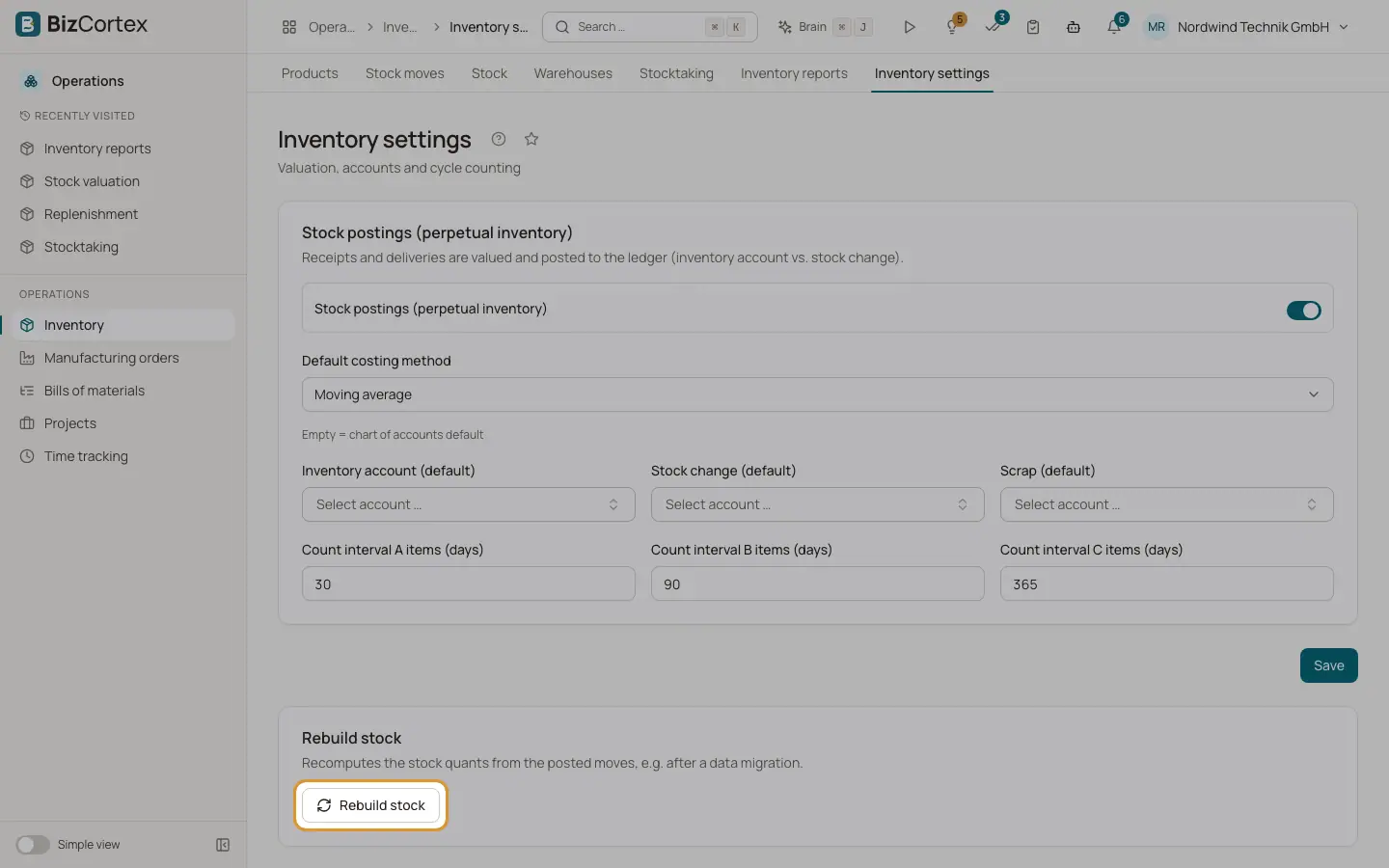
1. Rebuild stock
Click "Rebuild stock" to recalculate all stock positions from the posted moves, for example after a data migration. You see how many stock positions were rebuilt.
Fields and options
- Stock postings (perpetual inventory)
When on, receipts and deliveries are valued and posted to the ledger (inventory account against stock change). When off, stock is still valued but no journal entries are made.
- Default costing method
FIFO or Moving average. Used when neither the product nor its category sets a method. The default is Moving average.
- Inventory account (default)
Used when no category sets one. Empty means the chart of accounts default.
- Stock change (default)
Used when no category sets one. Empty means the chart of accounts default.
- Scrap (default)
Used for scrap moves when no category sets one.
- Count interval A, B and C items (days)
Cycle count intervals. Defaults: 30, 90 and 365 days.
Good to know
- Changing the settings needs the Inventory settings admin permission.
Related
- Stock valuation
Value your stock at any date with FIFO or moving average and compare it with the ledger.
- Cycle counting
Count products regularly based on their ABC class instead of one big yearly count.