The Brain panel on every page
Ask Brain about the page you are on without leaving it.
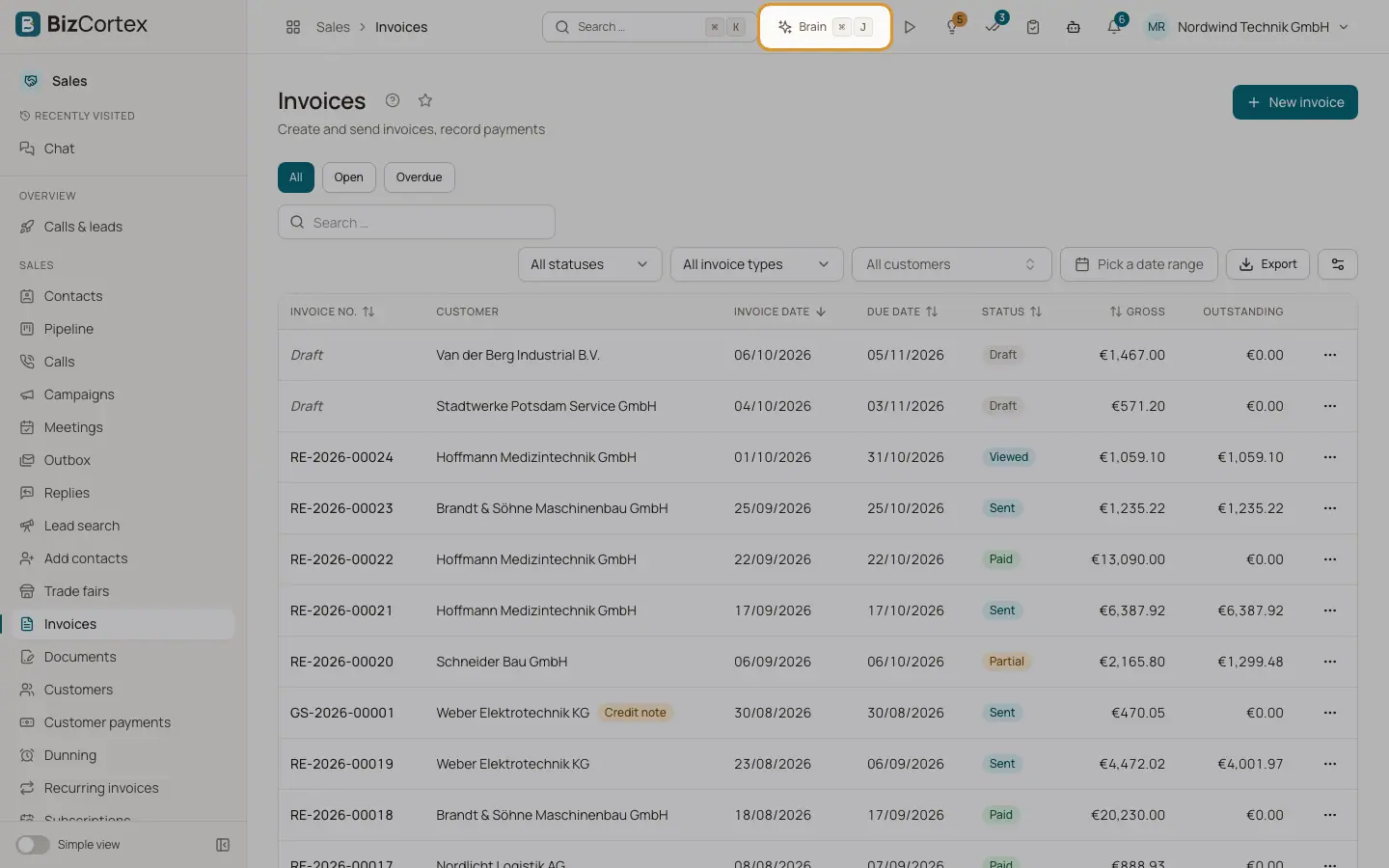
Brain is available on every page as a side panel. On wide screens (1024 pixels and more) the panel sits next to the page as a column, so you can keep working while it is open. On smaller screens it opens as a sheet over the page.
The panel sends the current page as context with your message: the type of record (for example an invoice, a customer or an employee), its title, and the form that is open. Brain can then answer questions such as "Mark as paid" or "Summarise the bill" without you naming the record.
Who can use this
- Every member with a built in role: Owner, Admin, Accountant, Sales, Purchase, HR Manager, Employee, Viewer and Compliance
- Members with a custom role only when the role includes the Brain chat permission
Steps
1. Open the panel
Click the Brain button in the header, or press Ctrl+J (Cmd+J on a Mac). Press the shortcut again or click "Close Brain" to close it.
2. Check the context
Above the input field you see a context chip with the name of the current page or record, and a "Form" chip when a form is open. Click the small cross on the context chip ("Remove context") if Brain should not use the page for this message. The context returns when you open another page.
3. Use a suggestion
On some record pages the panel offers ready questions. Click one to send it.
4. Change the width
Drag the left edge of the docked panel to make it wider or narrower. With the keyboard, focus the edge and use the arrow keys.
5. Continue in the Brain app
Click "Open in Brain" to open the same conversation in the full Brain app. Click "New chat" to start fresh in the panel.
Fields and options
- Suggestions on an invoice
"Create a dunning letter", "Mark as paid", "Send the invoice by email".
- Suggestions on an employee
"Show leave balance", "Show open absences", "Summarise master data".
- Suggestions on a bill
"Approve for payment", "Summarise the bill", "Suggest a booking".
- Suggestions on a lead
"Suggest the next step", "Summarise the call history", "Schedule a meeting".
- Suggestions on a customer
"Show open items", "Create a new invoice", "Revenue this year".
- Panel width
Between 320 and 720 pixels. The default is 420 pixels. The width and whether the panel is open are remembered in your browser.
- Record types Brain recognises
Invoice, Quote, Order, Delivery note, Payment, Customer, Bill, Purchase order, Vendor, Employee, Lead and Project.
Tips
- Other places in BizCortex also hand questions to Brain, for example the "Ask Brain" button on an Advisor insight. They open the panel and send the question for you.
Related
- Letting Brain fill a form
Brain can fill the form that is open on your page. You review and save.
- The Brain chat and your conversations
Use the Brain app to hold conversations, rename them and delete them.