Sales checks
Every sales check of Advisor, when it triggers and its default thresholds.
Sales checks look at leads, calls, meetings and subscription customers. Two of them run right after an event and are delivered to the people responsible for the lead. The lead, call and meeting checks appear on the Product side of the Company | Product switch (they belong to Outreach); Churn risk appears on the Company side.
Who can use this
- Owner
- Admin
- Accountant
- Sales
- Purchase
- HR Manager
- Viewer
Fields and options
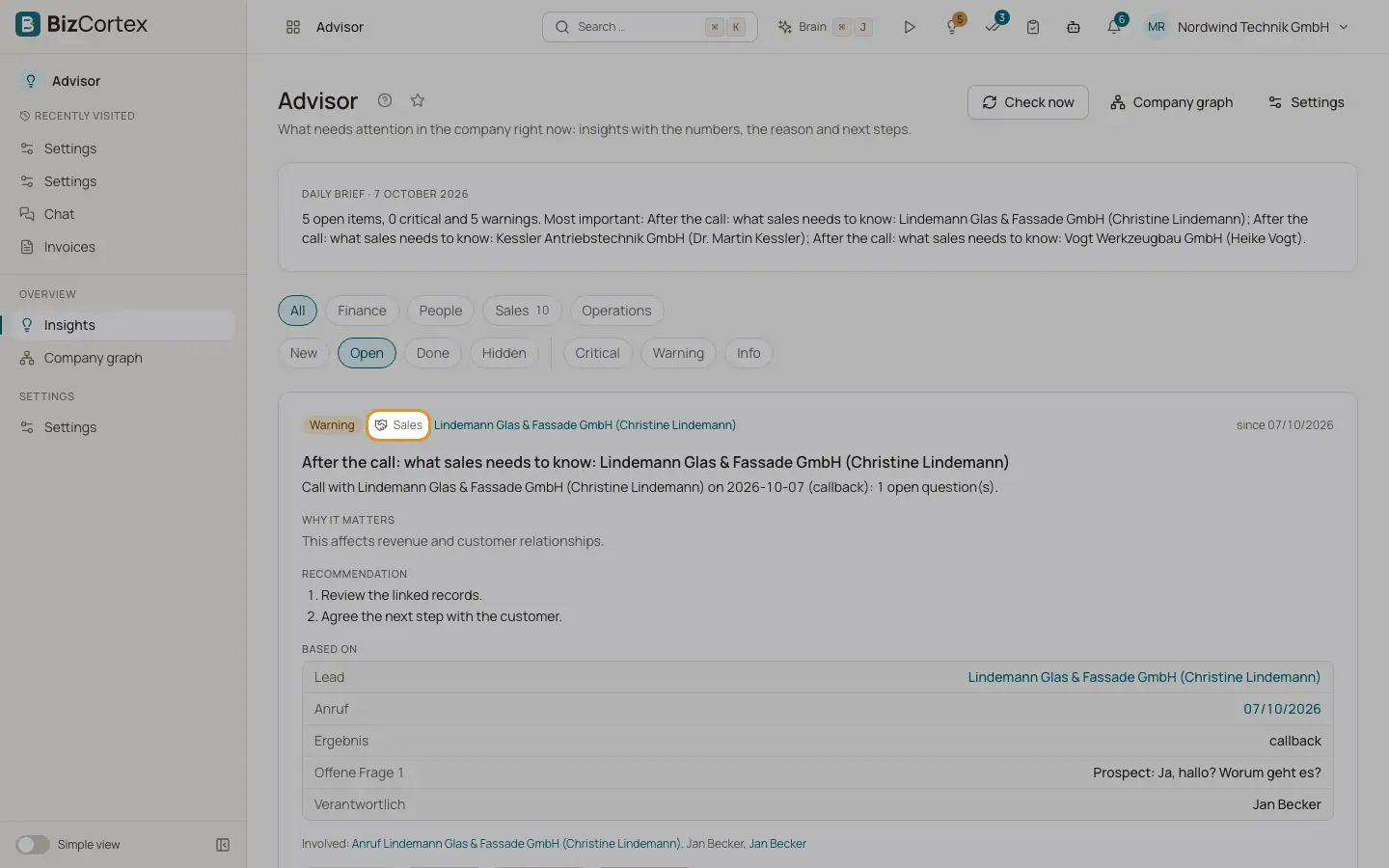
- After the call: what sales needs to know
Runs when a call is completed. Commitments, open questions, price and competitor mentions and the next step with its owner, for the lead's owner. Warning when something is urgent, otherwise Info. Visible with lead read access. Suggests "Open the call" or "Open the lead".
- After the meeting: what sales needs to know
Runs when the analysis of a meeting is completed. Commitments with due dates, the prospect's steps, unanswered objections, budget and competition, for the owner and the sales lead. Warning when there are commitments, otherwise Info. Visible with lead read access. Suggests "Open the meeting".
- Leads without contact, deals not moving
Nightly. Open leads without contact for no_contact_days (14), deals in the same stage for stuck_days (21), or an overdue next step. At most max_findings (25) per run. Visible with lead read access.
- Churn risk
Nightly. A subscription customer pays late, uses much less (usage drop of usage_drop_pct 50 % with at least usage_min_events 10 events), or the last conversation within sentiment_days (90) was negative (sentiment below minus 0.3). One signal is Info, two are Warning, three are Critical. Visible with customer read access. Suggests "Plan a customer call".
- Win/loss patterns in calls
Nightly. Objections that end calls, and signals or incumbent solutions with a clearly different booking rate, over the last days (90) days. Defaults: kill_rate 0.5 (share of calls an objection ends), uplift 0.15 (difference in booking rate). Reported only with enough cases. Visible with call analytics access. Suggests "Open call insights".
Related
- Company settings: checks, thresholds and AI wording
Switch checks on or off, tune thresholds, control AI wording and run a check now.