Subscriptions and usage billing
How plans, subscriptions, usage, coupons and wallets turn into invoices.
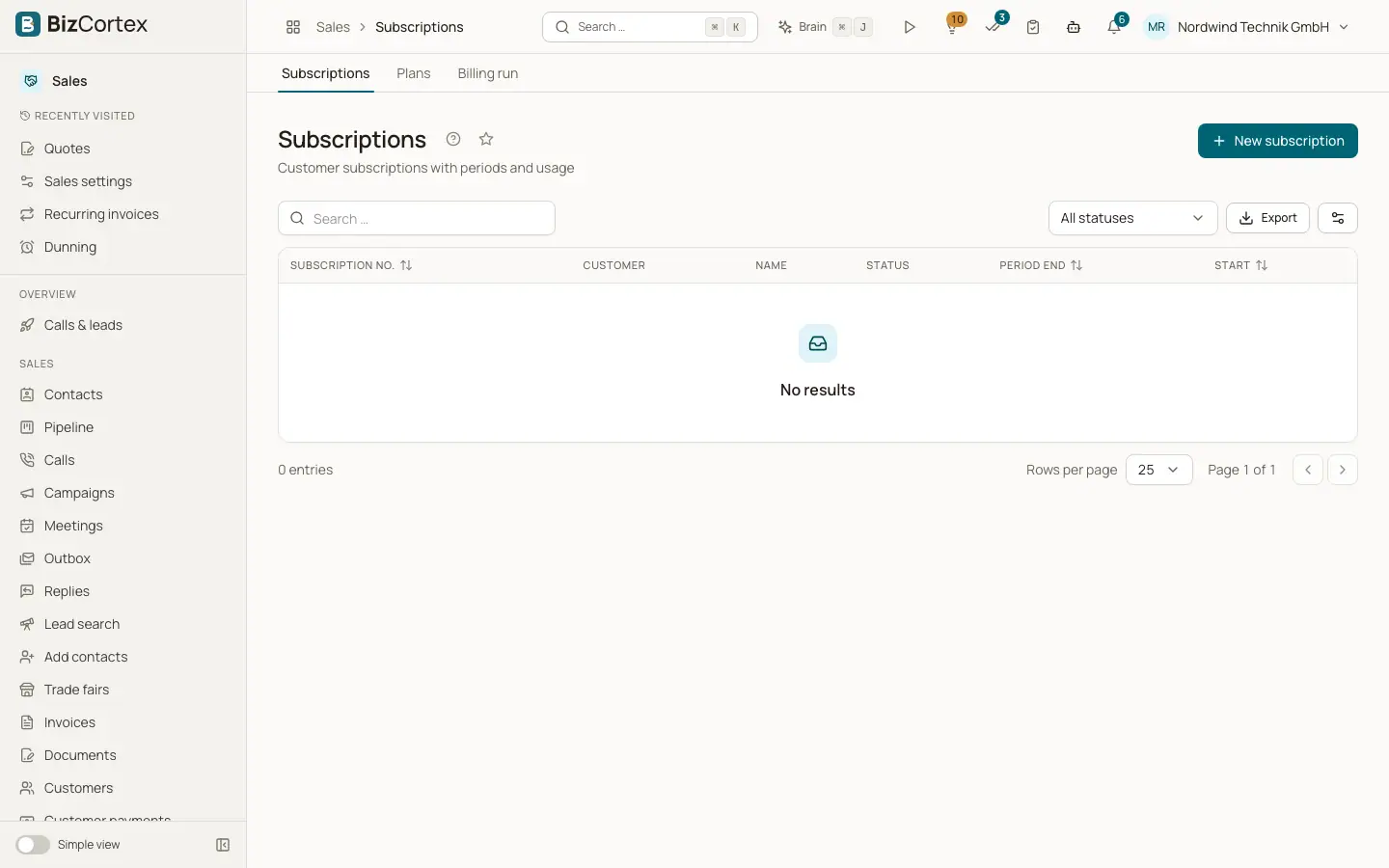
Billing is for recurring revenue: a customer subscribes to a plan with a base price and optional usage charges. At the end of each period the billing run creates a normal sales invoice with gapless number, the mandatory details check and the ledger posting. Open Sales, Subscriptions. The sub pages are Subscriptions, Plans and Billing run, and in All functions also Billable metrics, Add ons, Coupons, Wallets and Usage events.
When to use what: use recurring invoices for a fixed amount at a fixed interval. Use Billing when prices depend on usage, when customers change plans in the middle of a period, or when you need trials, coupons or prepaid credit.
Who can use this
- Owner
- Admin
- Accountant
- Sales
- Viewer (read only)
Steps
1. Define what you count
Create billable metrics, for example API calls or storage.
2. Build a plan
Set base price, interval and usage charges.
3. Subscribe a customer
Create a subscription for the customer on that plan.
4. Send usage
Connected systems send usage events, or you record test events.
5. Bill
The billing run creates invoices daily at 3:15, or you start it yourself.
Related
- Plans and billable metrics
Define usage metrics and plans with base price, trial and charge models.
- Subscriptions: create, change and cancel
Subscribe customers, change plans with proration and cancel.
- Usage events and the billing run
Record usage and invoice every ended subscription period.