Plans and billable metrics
Define usage metrics and plans with base price, trial and charge models.
A billable metric says which usage events count and how they are added up. A plan combines a base price with usage charges based on metrics.
Who can use this
- Owner
- Admin
- Accountant
- Sales
- Viewer (read only)
Steps
1. Create a metric
Open Billable metrics, click "New metric". Enter code, name, Aggregation and, for Sum, Maximum or Unique count, the Field to aggregate. Optional Filters: one line per property, written as property: value1, value2.
2. Create a plan
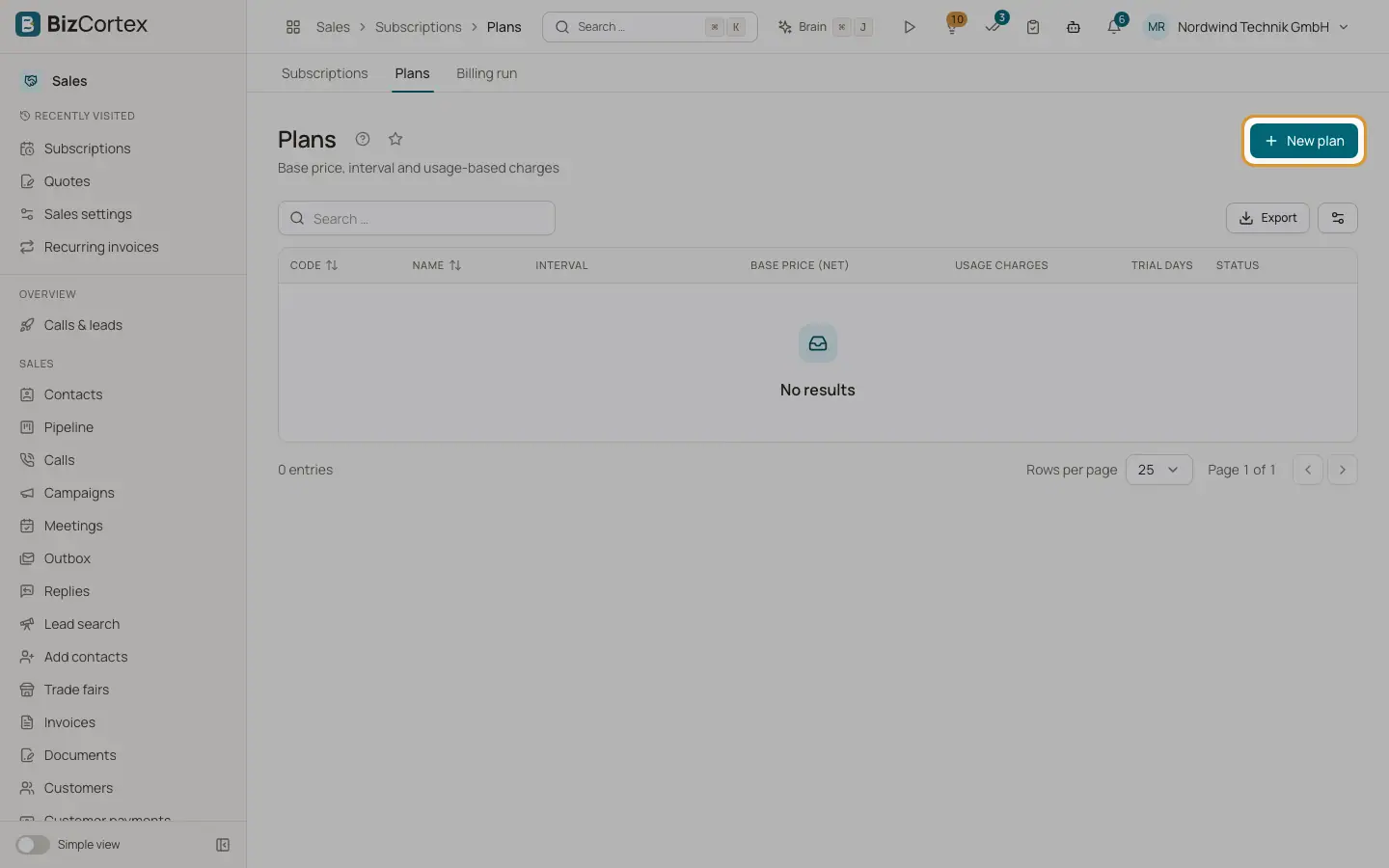
Open Plans, click "New plan". In Basics enter code, name, interval, "Base price (net)", currency, Trial days, "Charge in advance" and Tax code.
3. Add usage charges
Click "Add charge", choose the metric and the charge model and fill its prices. The Price preview shows the result for a number of units. Save.
Fields and options
- Aggregation
Count, Sum, Maximum, Unique count.
- Code
Letters, digits, dot, dash and underscore only. Must be unique. Usage events refer to the metric by this code.
- Interval
Weekly, Monthly, Quarterly, Yearly.
- Charge in advance
The base price is invoiced at the start of the period. Otherwise it is invoiced for the ended period.
- Trial days
Not charged. The base price is prorated by day.
- Tax code
Empty = the customer tax treatment.
- Standard (per unit)
Every unit costs the same price.
- Graduated
Each tier is priced separately, with From, To, price per unit and flat fee per tier.
- Volume
All units are priced at the tier the total falls into, plus that tier flat fee.
- Package
Price per started package of a given size, after free units.
- Percentage
A rate of the transaction amount plus a fixed amount per transaction, with free transactions and optional minimum and maximum per transaction.
- Minimum amount
The lowest amount charged for this usage charge.
Good to know
- Tiers must start at 0, be contiguous, and only the last tier may be open ended.
- A metric used by a charge cannot be deleted. A plan with subscriptions cannot be deleted.
Related
- Subscriptions: create, change and cancel
Subscribe customers, change plans with proration and cancel.
- Usage events and the billing run
Record usage and invoice every ended subscription period.