Setting up Peppol
Connect BizCortex to the Peppol network through Storecove.
Peppol is a European network for electronic invoices. BizCortex uses Storecove as access point. You need a Storecove account with a legal entity and an API key. The connection is set up once by an Owner or Admin.
Who can use this
- Owner
- Admin
Steps
1. Open Connections
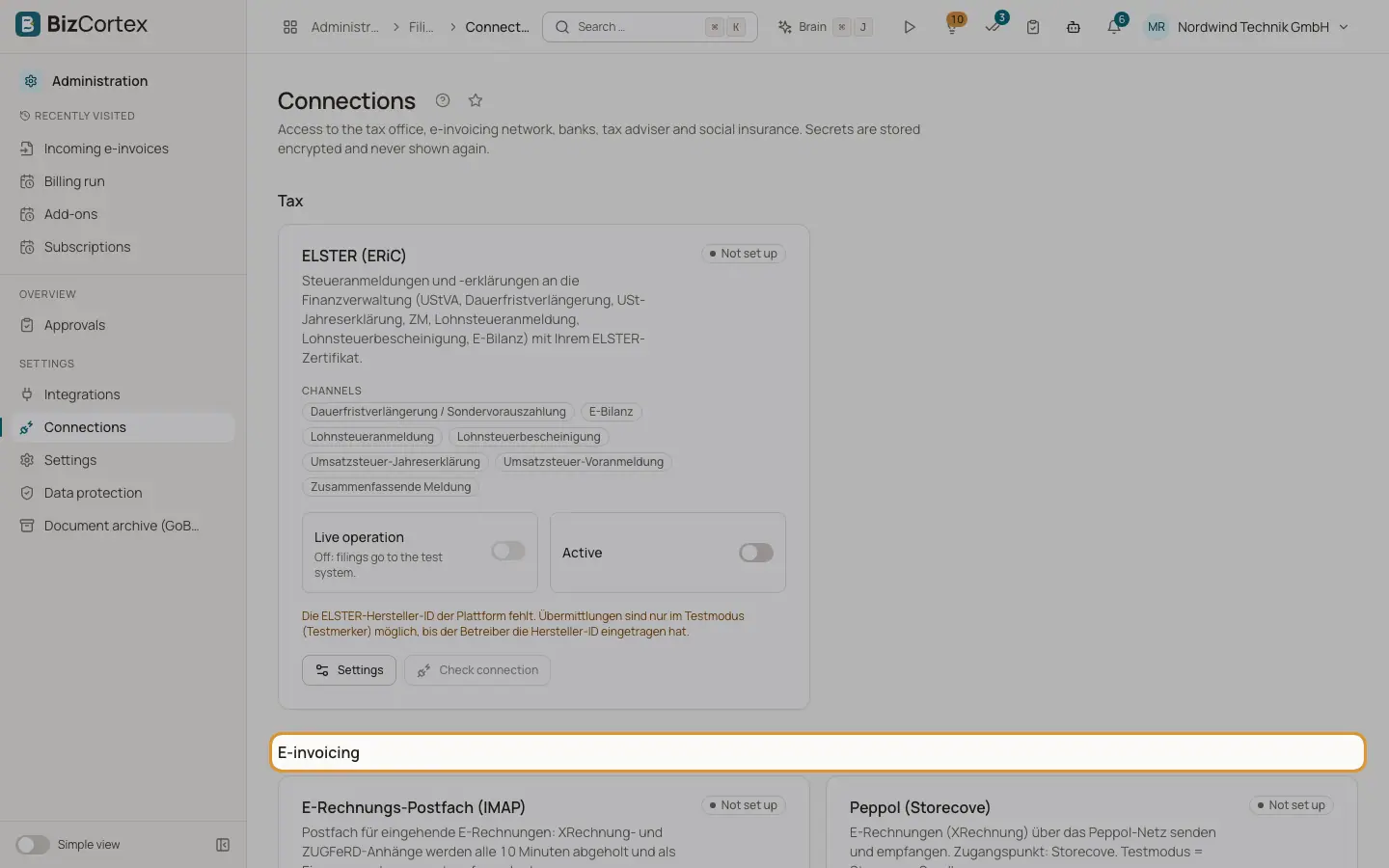
Open the Administration app, Settings, Connections. Find the card "Peppol (Storecove)" in the E invoicing group.
2. Enter the settings
Click Settings. Enter the Storecove legal entity ID, the sender scheme (for example 9930 for a German VAT ID, 0204 for a Leitweg ID, 0088 for a GLN) and the sender identifier (your Peppol ID, for example DE123456789). Under Credentials enter the Storecove API key.
3. Test or live
Leave "Live operation" off to use the Storecove sandbox. Switch it on when you are ready to send real invoices. Save.
4. Check
Click "Check connection". The card shows Connected or Error.
5. Prepare customers
On each Peppol customer, enter the E invoice address as scheme and ID separated by a colon (for example 9930:DE123456789), or the Leitweg ID for public authorities.
6. Receive over Peppol (optional)
In Administration, Integrations, create an inbound URL for Storecove and register the URL and secret at Storecove. Received documents then appear in Incoming e invoices with channel Peppol.
Good to know
- Secrets are stored encrypted and never shown again. Empty fields keep the stored value.
- Removing the connection keeps all existing filings.
Related
- Filings and connections
One list of everything BizCortex sends to tax offices, networks, banks and your tax adviser, with status, receipt and history, plus the connection settings.
- Sending an invoice over Peppol
Check the receiver, create the filing and send it, step by step.
- Incoming electronic invoices
Receive XRechnung and ZUGFeRD invoices from vendors and turn them into draft bills.