Customer portal: giving access
Invite customer contacts to the self service portal.
The customer portal lets your customers see their invoices, quotes, payments and statement, pay online, accept quotes and update their billing address. Access is per contact person, not per customer. Contacts sign in with a one time link by email; there is no password.
Who can use this
- Owner
- Admin
- Accountant
- Sales
Steps
1. Open the contact
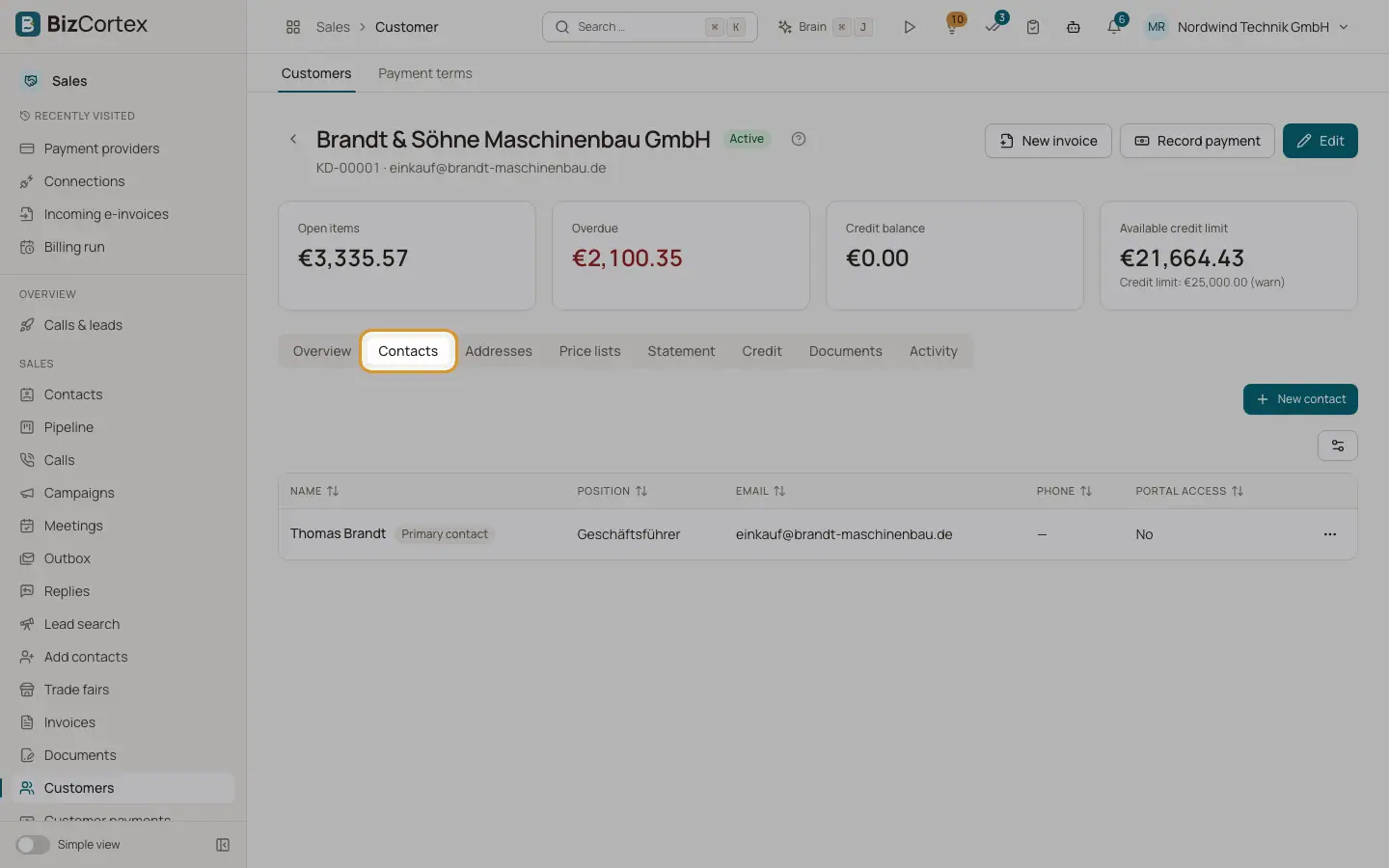
Open the customer page, Contacts tab. The contact needs an email address.
2. Invite
In the row menu click "Invite to the customer portal". Portal access is switched on and a sign in link is emailed (template Customer portal link).
3. Remove access
Edit the contact and switch off "Portal access". Open sessions stop working at once.
Good to know
- Sign in links are valid for 30 minutes and work once. A portal session lasts 12 hours.
- Portal users can never reach the staff application, and staff accounts cannot sign in to the portal.
- Changes to the billing address in the portal are recorded in the change history.
Related
- Customer portal: what customers see
The pages and actions available to your customers in the portal.
- Contacts and addresses
Add contact persons and separate billing and shipping addresses to a customer.