Usage events and the billing run
Record usage and invoice every ended subscription period.
Usage events are sent by your connected systems. Each event names a metric code, a customer or subscription, a time and properties. The same transaction id is counted only once, so a system can resend safely.
Who can use this
- Owner
- Admin
- Accountant
- Sales
Steps
1. Check events
Open Usage events. Filter by customer and metric code to see what arrived.
2. Record a test event
Click "Send test event". Enter a transaction id, the customer, metric code, optional timestamp and properties as a JSON object.
3. Start a run
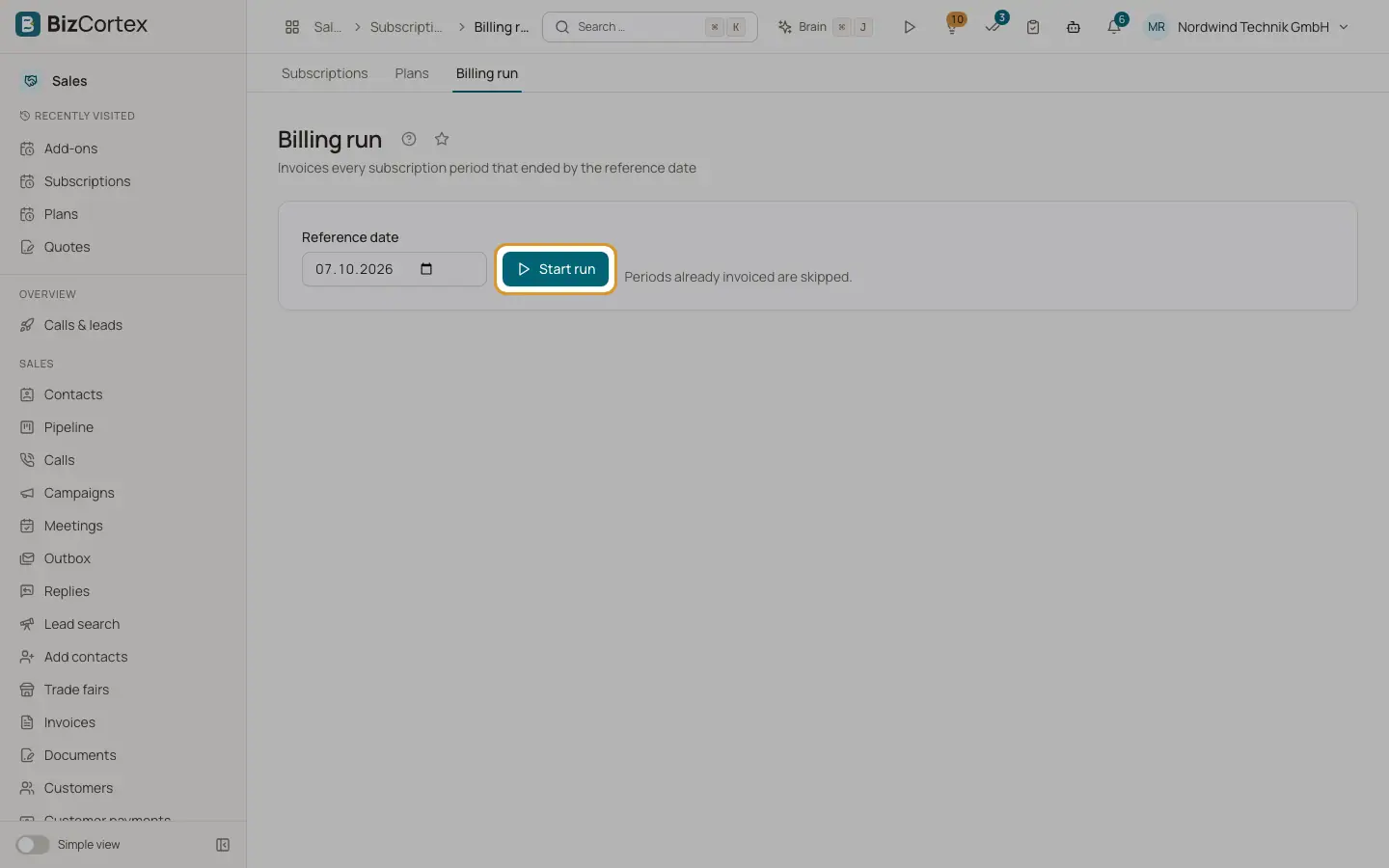
Open Billing run, choose the Reference date and click "Start run". Every subscription period that ended by that date is invoiced. Scheduled subscriptions whose start has come are activated.
4. Check the result
You see Subscriptions processed, Invoices created and Errors, with links to the invoices.
Good to know
- The run is safe to repeat: periods already invoiced are skipped.
- The run also happens automatically every night at 3:15.
- A subscription that fails (for example a customer without address) is listed under Errors and left unchanged; the others are billed.
- Periods with a zero amount are recorded without an invoice.
- An unknown metric code or customer rejects the event.
Related
- Subscriptions and usage billing
How plans, subscriptions, usage, coupons and wallets turn into invoices.