Customer groups
Give groups of customers a common discount, price list and payment term.
Open Sales, Customers, Customer groups (visible in All functions). A group bundles conditions for many customers. A customer in a group gets the group discount as line discount when a line has no discount of its own, the group price list after their own price list, and the group payment term when they have none.
Who can use this
- Owner
- Admin
- Accountant
- Sales
- Viewer (read only)
Steps
1. Create a group
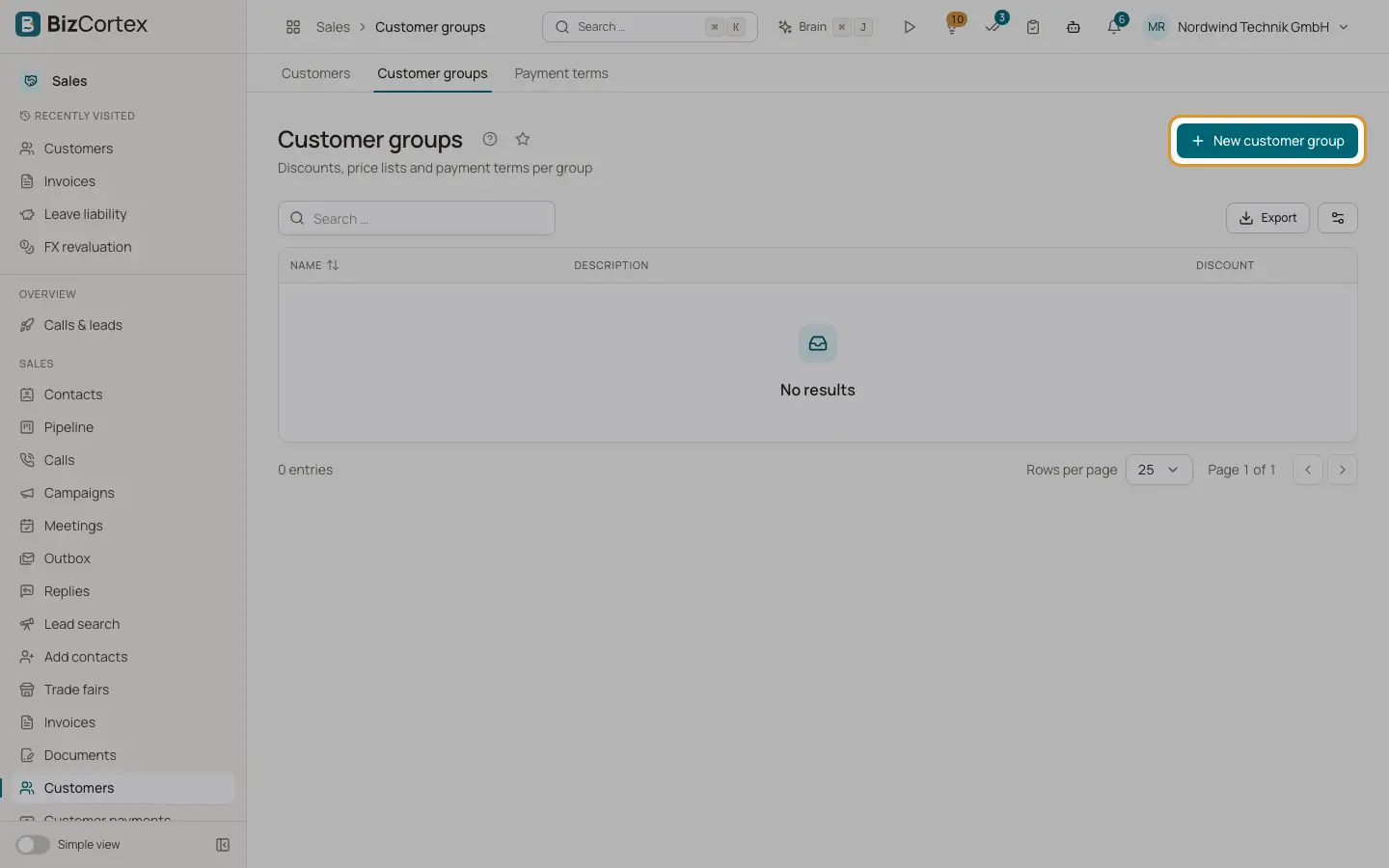
Click "New customer group", enter a name and optionally a description.
2. Set the conditions
Enter the Discount in percent (0 to 100) and choose a Price list and a Payment term if needed. Save.
3. Assign customers
Open each customer, click Edit and choose the group in "Customer group".
Fields and options
- Name, Description
Name is required.
- Discount
At most 100 percent. Used as line discount for lines without their own discount.
- Price list
Used when the customer has no own price for the product.
- Payment term
Used when neither the document nor the customer has a payment term.
Related
- Price lists
Customer, group and default prices per currency, with quantity breaks and validity.
- Payment terms
Define due dates and cash discounts for invoices.