Invoice types: standard, down payment, partial and final
When to use which invoice type and how down payments are deducted.
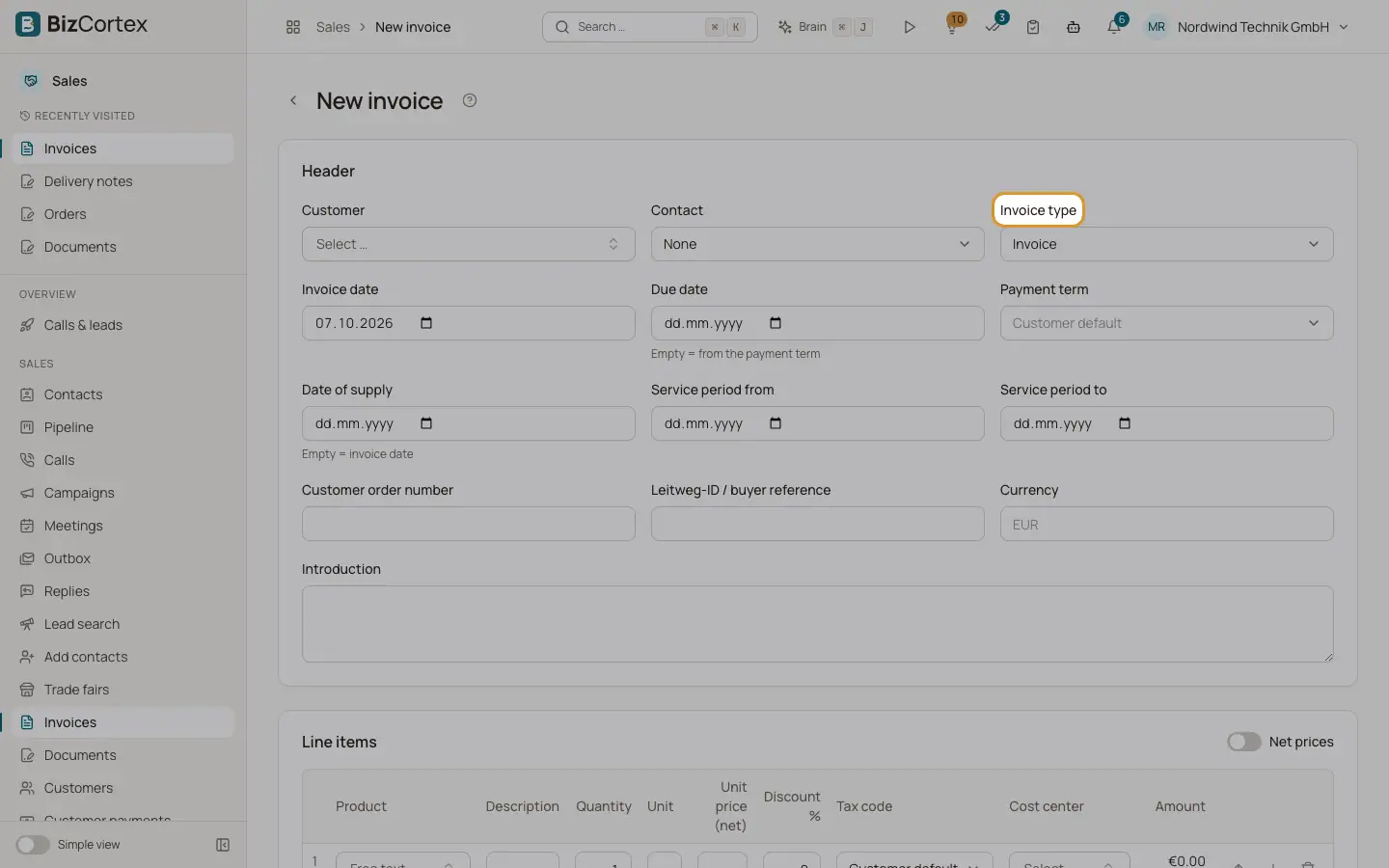
Choose the Invoice type in the invoice header. All types use the same RE number range. Credit notes are a fifth type that you never choose directly; they are created from an invoice.
Who can use this
- Owner
- Admin
- Accountant
- Sales
Fields and options
- Invoice
The normal invoice. Posted as receivable against revenue and output VAT.
- Down payment invoice
Asks for an advance before the work is done. It is posted to received down payments instead of revenue.
- Partial invoice
Bills a part of the work that is finished, for example a delivered part of an order. Posted like a normal invoice.
- Final invoice
The closing invoice over the whole job. Tick the down payment invoices to deduct; they are printed as a deduction table with net, VAT and gross, and only the remaining amount is receivable.
- Credit note
Corrects or cancels an issued invoice. Numbers start with GS.
Good to know
- Each down payment invoice can be deducted only once.
- If the deducted down payments are higher than the final invoice, the difference becomes customer credit.
- When you convert a quote or order, you can choose Invoice or Partial invoice.
Related
- Writing a document: the editor
Every field of the editor for quotes, orders, delivery notes and invoices.
- Credit notes and cancellations
Cancel an invoice completely or correct single lines with a credit note.