Dunning levels
Set deadlines, fees, default interest and texts for each reminder level.
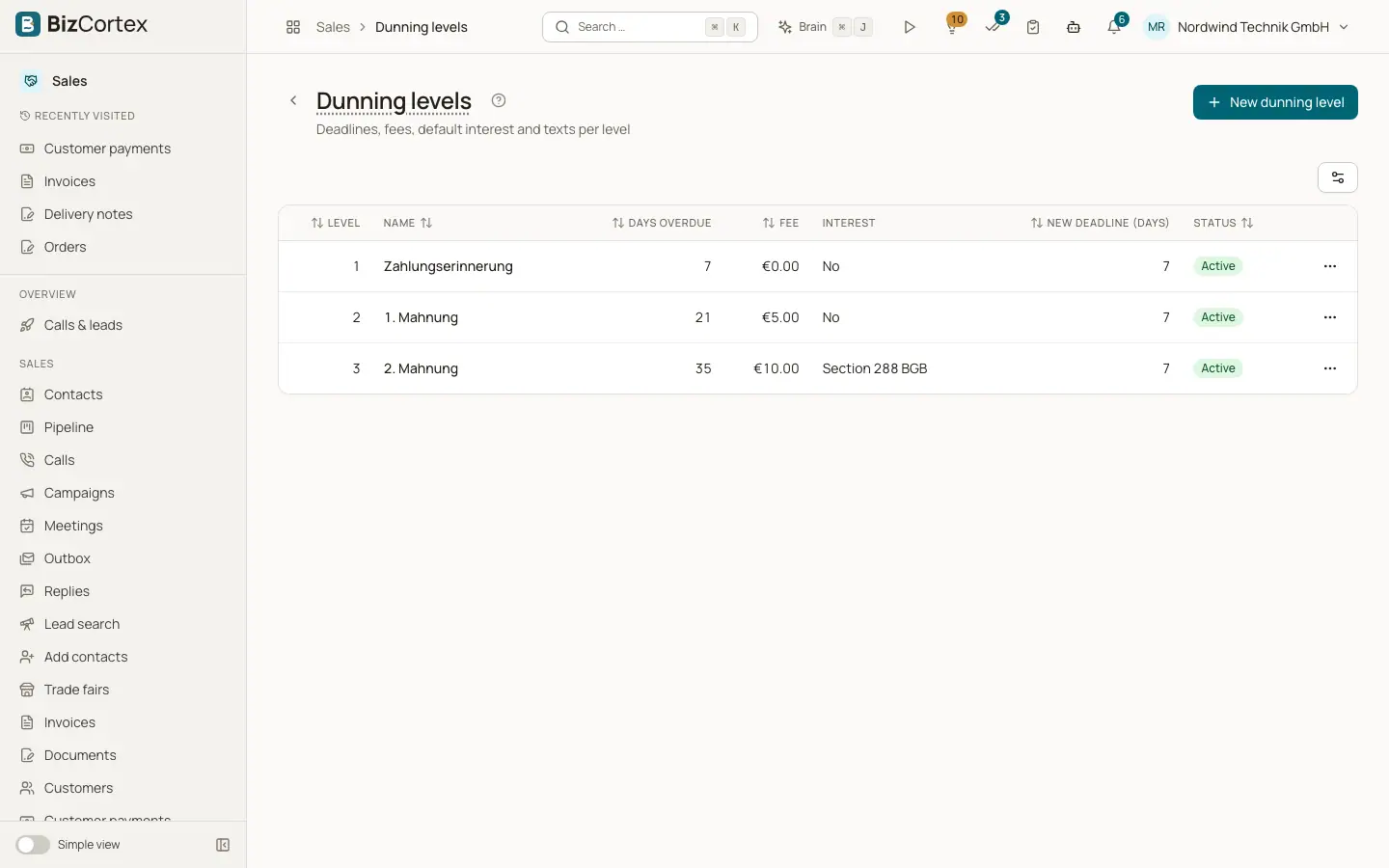
Open Sales, Dunning and click "Dunning levels". Three levels are created automatically the first time: 1 Payment reminder (7 days overdue, no fee), 2 First reminder (21 days, fee 5), 3 Second reminder (35 days, fee 10 and default interest). Each has a new payment deadline of 7 days. You can change them, add levels up to 10 and delete levels.
Who can use this
- Owner
- Admin
- Accountant
- Sales
- Viewer (read only)
Steps
1. Edit a level
Use the row menu, Edit.
2. Set deadlines and fee
Enter Days overdue (when the level is reached), Fee and "New deadline (days)" (the payment deadline printed on the notice).
3. Interest
Switch on "Charge default interest". Leave "Interest rate p.a." empty for the statutory German rate, or enter your own rate.
4. Texts
Each language has its own tab with Subject and Text. Empty fields use the built in text, shown as a placeholder. Save.
Fields and options
- Level
1 to 10. Cannot be changed after creation.
- Name
Printed as title of the notice.
- Interest rate p.a.
Empty = statutory rate (Section 288 BGB): base rate plus 9 points for business customers, plus 5 points for consumers. Interest = open amount times rate times days overdue divided by 365. Interest already charged on earlier notices is deducted.
- Text placeholders
For example {{ customer.name }}, invoice number, date, due date and total, open amount, fee, interest, total due, new due date, days overdue and level.
- Active
Inactive levels are skipped.
Related
- Dunning runs
Propose, review and confirm reminders for overdue invoices.
- Sales settings
Every setting that controls invoices, dunning, fees, links and email delivery.