Customer credit
Use or refund credit from overpayments and credit notes.
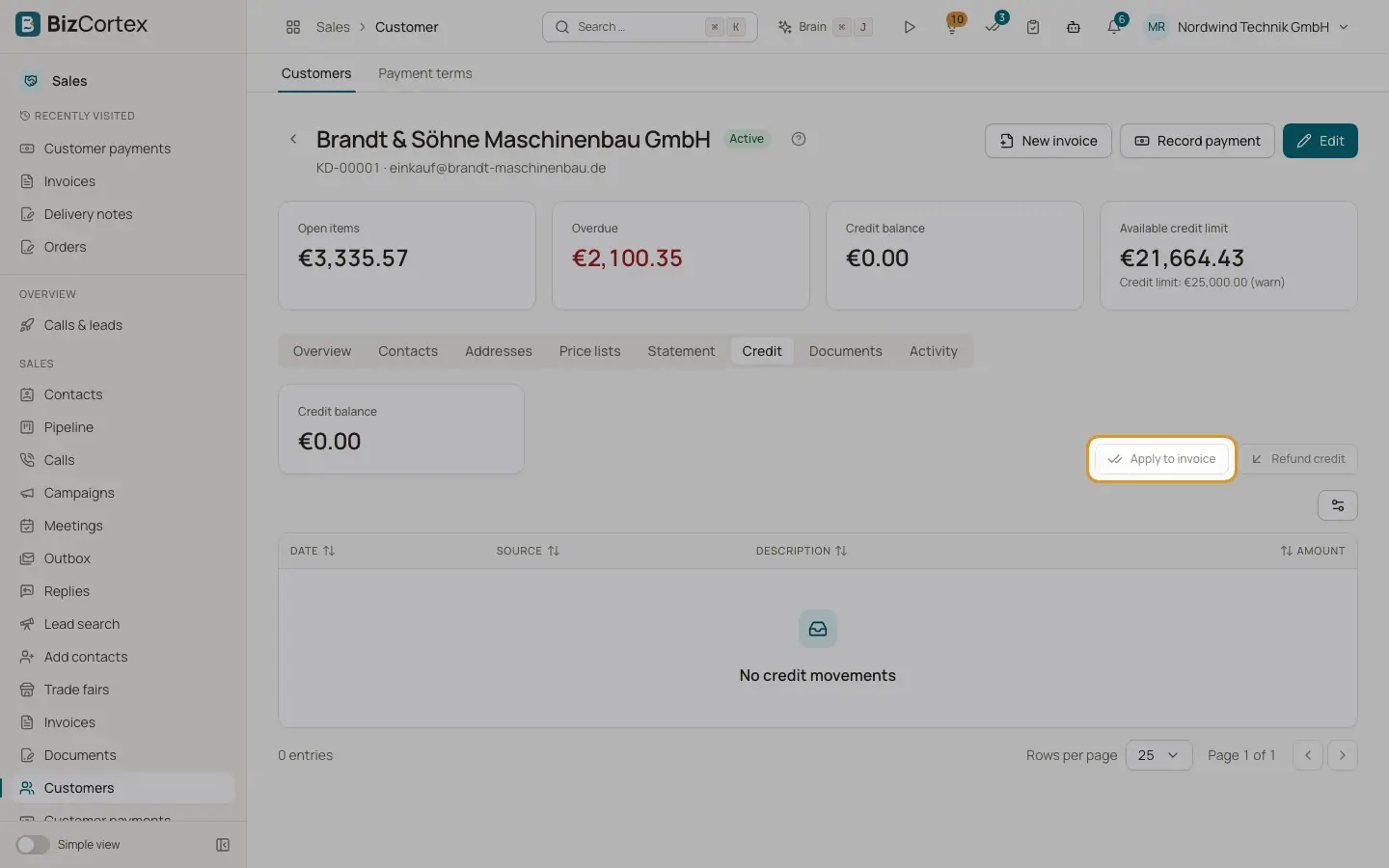
Overpayments, unallocated payments and credit notes larger than the open amount become customer credit. Open the customer page, Credit tab, to see the credit balance and every movement with date, source and amount. Sources: Overpayment, Credit note, Applied, Refunded, Reversal, Manual.
Who can use this
- Owner
- Admin
- Accountant
- Sales
Steps
1. Apply credit to an invoice
Click "Apply to invoice", choose the open invoice and an amount (empty = the smaller of credit balance and open amount). No posting is needed.
2. Refund credit
Click "Refund credit", enter the amount (not above the balance), date, payment method, bank account and reference. The refund is posted from the bank.
Good to know
- Refunding needs the Sales payment approve permission.
Related
- Recording customer payments
Post money received, allocate it to invoices, grant cash discounts and keep the rest as credit.