Ways to add contacts
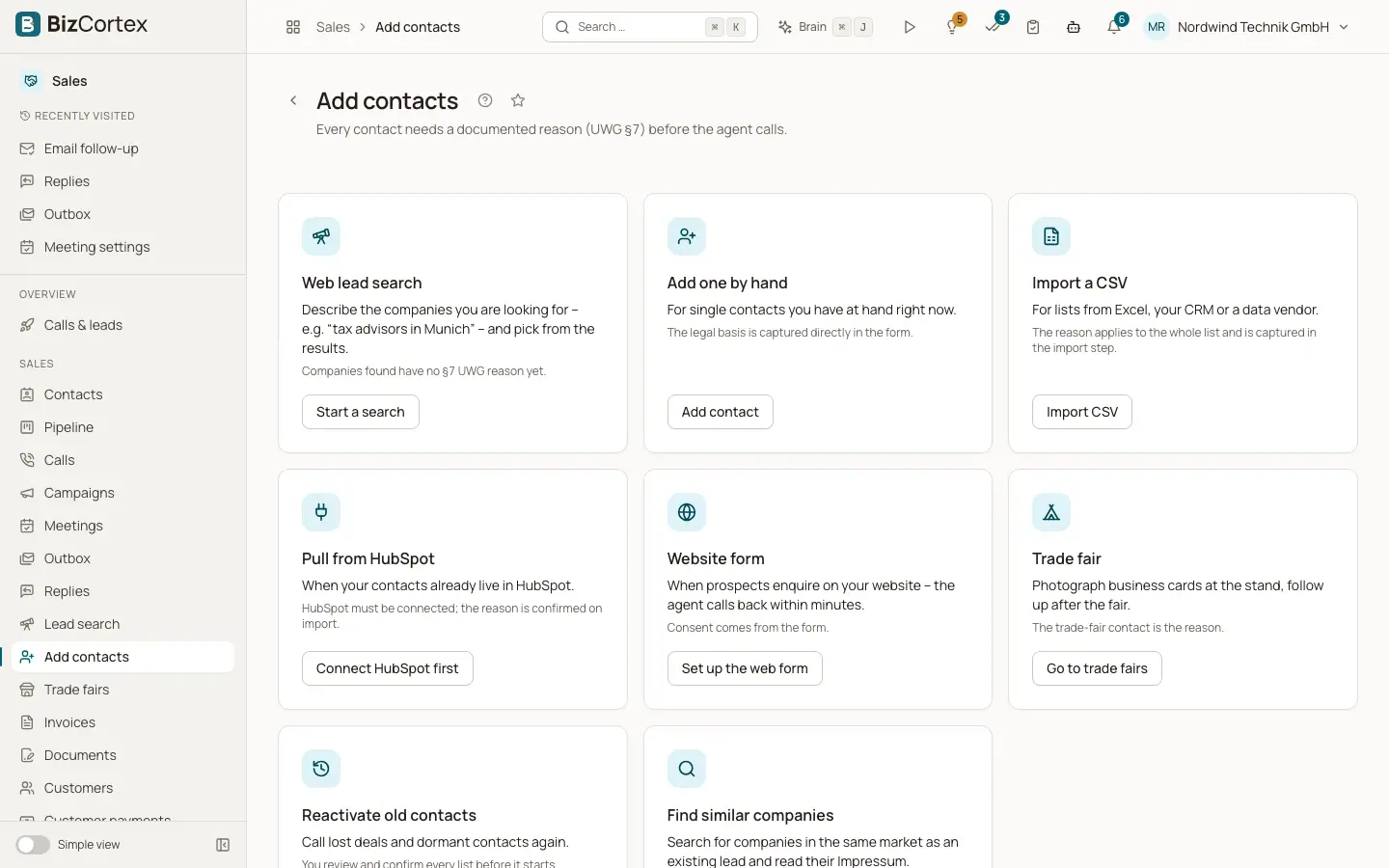
The chooser for web search, manual entry, CSV, HubSpot, website form, trade fairs, reactivation and similar companies.
Open the Sales app and click "Add contacts". Every contact needs a documented reason (UWG §7) before the agent calls. Each card says when to use it and what it needs.
Who can use this
- Owner
- Administrator
- Sales
Fields and options
- Web lead search
Describe the companies you are looking for and pick from the results. Found companies have no §7 UWG reason yet.
- Add one by hand
The legal basis is captured directly in the form.
- Import a CSV
For lists from Excel, your CRM or a data vendor. The reason applies to the whole list.
- Pull from HubSpot
HubSpot must be connected; the reason is confirmed on import.
- Website form
Enquiries are called back within minutes. Consent comes from the form.
- Trade fair
Photograph business cards at the stand. The trade fair contact is the reason.
- Reactivate old contacts
You review and confirm every list before it starts.
- Find similar companies
Companies in the same market as an existing lead. They have no reason yet.
Related
- Lead search on the web
Describe the companies you want and import the ones you pick as leads.
- Web enquiries (website form intake)
Enquiries from your website form are called back within minutes, with the consent documented.
- Trade fairs
Plan a fair, capture contacts at the stand and have them called after the fair.
- Reactivation
Rules propose lists of lost deals and dormant contacts; you review and approve them.