Data upkeep
Review unclear numbers, addresses and contact persons found in calls, emails and checks.
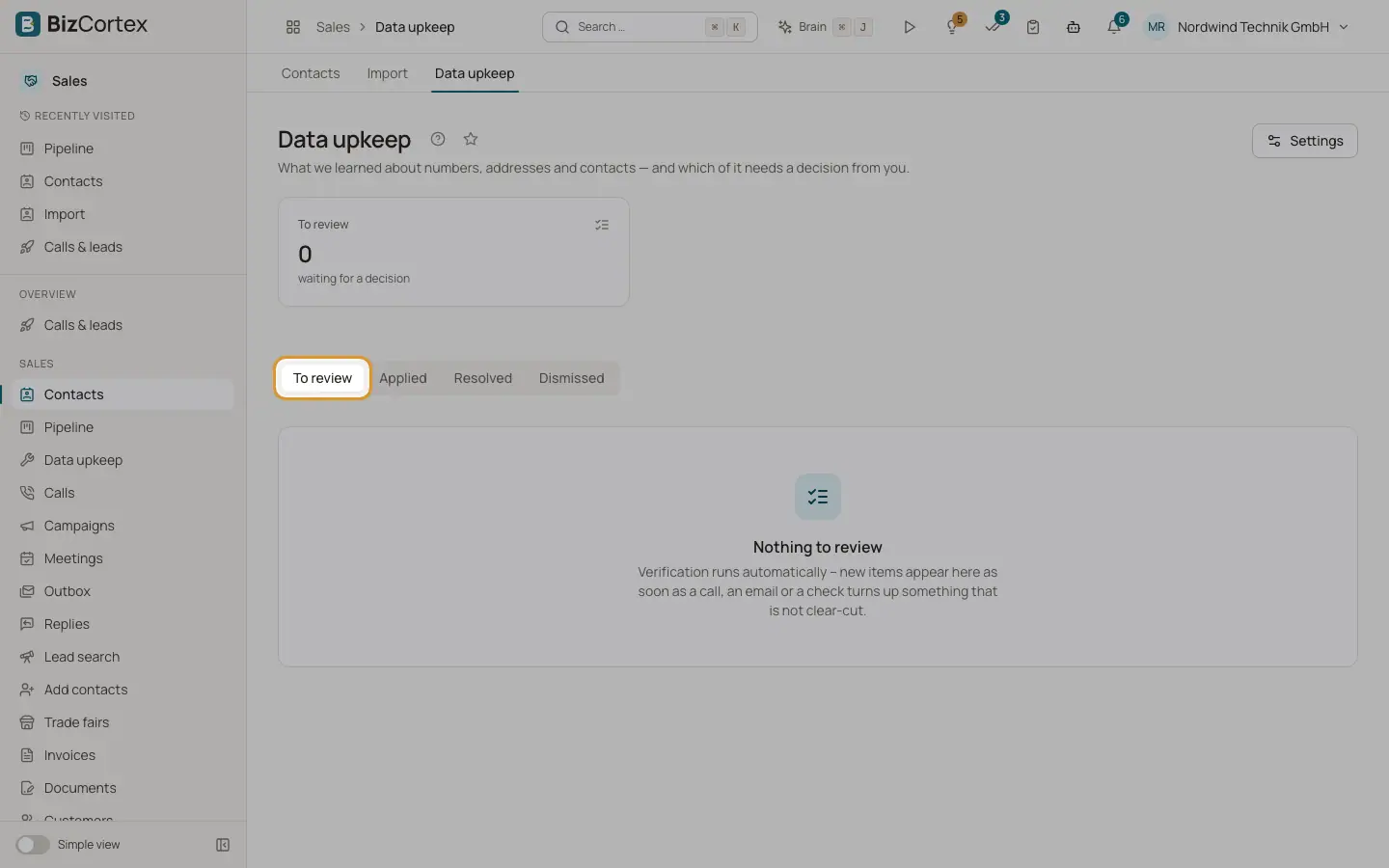
Calls, emails, SMS and background checks find out things about your contact data: a number that does not exist, a bounced email, a contact who has left, a referral to someone else. Clear cases are applied automatically. Everything else lands in "Data upkeep" for a decision. Open it from the Sales sidebar (specialist page) or from the Data upkeep card of a contact.
Who can use this
- Owner
- Administrator
- Sales
- Viewer
Steps
1. Choose a tab
Tabs: "To review", "Applied", "Resolved", "Dismissed" and "No effect".
2. Apply a suggestion
Each item names its kind, source and detail, and a suggestion such as "Use the number that was found?". Click "Apply" to accept it, or "Edit" to change the values first (empty fields stay unchanged) and click "Apply correction".
3. Dismiss
Click "Dismiss", add an optional note and click "Confirm dismissal".
4. Referrals
When a call names a new contact, the item offers "New contact". The new contact is only called once you document the reason for the connection (at least 20 characters).
5. Settings
Click "Settings" (needs the CRM settings write permission) to set how data is kept current, then click "Save".
Fields and options
- Kinds
Number does not exist, Email bounced, Marked as spam, SMS undeliverable, Wrong contact, Contact has left, Referral.
- Sources
Carrier, Call, Email delivery, SMS delivery, Email reply, Check, Meeting, Manual.
- CRM status
CRM: writing, CRM: updated, CRM: failed, CRM: not written.
- Check again after (days)
Contacts in running campaigns that nobody confirmed for this long are checked again (imprint, public profile). Default 180, allowed 30 to 730. A call is never held back for it.
- Checks per day
Each check costs search requests. Default 100, allowed 0 to 1000. 0 switches automatic checks off.
- Replace the number automatically
On by default. Only when the carrier reports the old number does not exist, the new one is in the imprint, has not opted out and belongs to no other contact. Otherwise the number becomes a proposal.
- Write corrections to the CRM
"Never", "Only after approval (recommended)" (default) or "Automatically". Automatic corrections only fill empty CRM fields, except a replaced dead number.
Related
- The contact page
Everything about one contact: dial check, calls, pipeline, meetings, emails, research, timeline and legal basis.
- HubSpot
What lands in HubSpot from your calls, which script runs per deal stage, and pulling contacts.