The call page
Transcript, findings, score, talk balance, SMS, cost and latency of one call.
The call page shows everything about one conversation. The header shows status, outcome, duration and time. While the call is live, the transcript updates in real time.
Who can use this
- Owner
- Administrator
- Sales
- Compliance (audit only)
- Viewer
Steps
1. Read the transcript
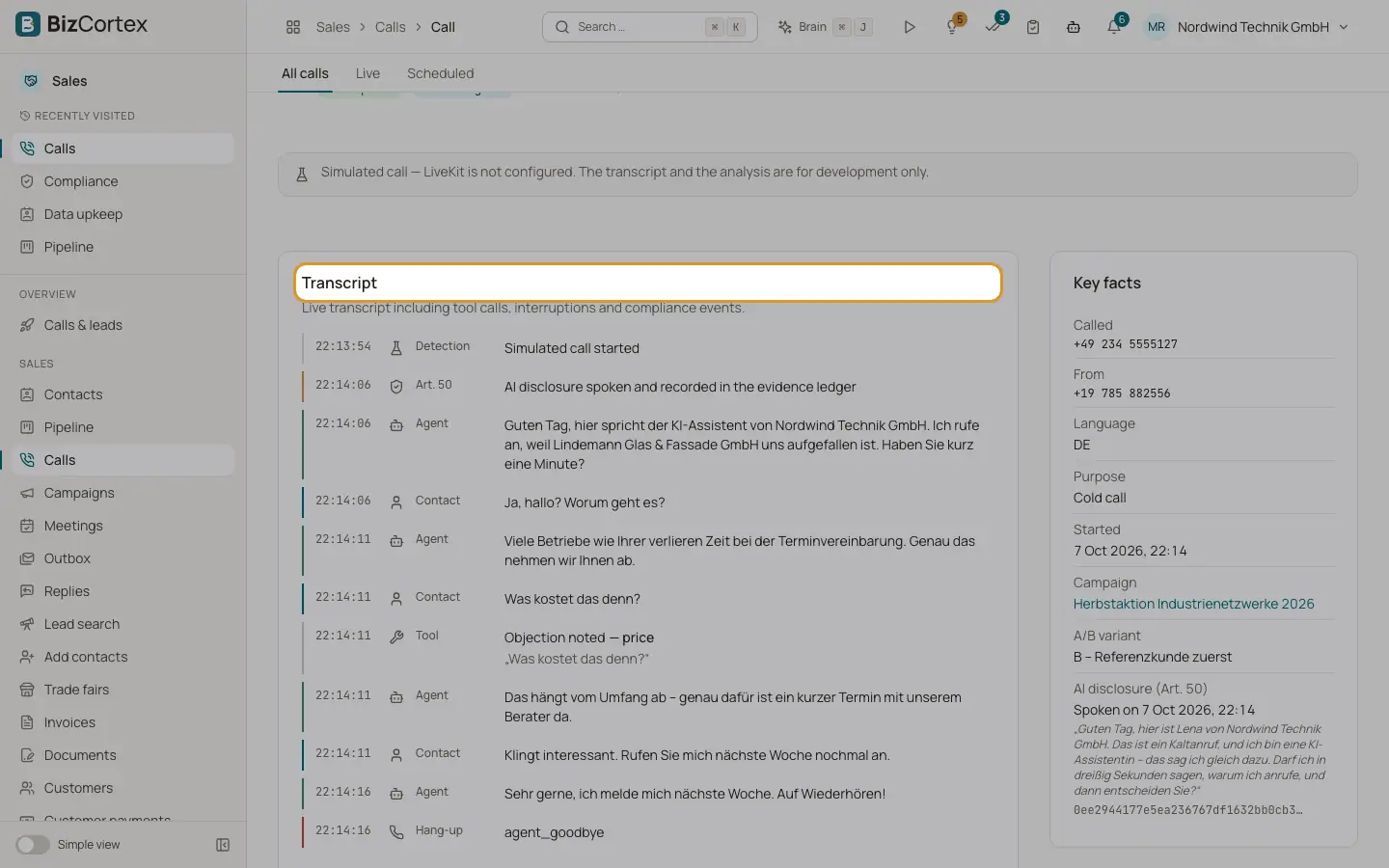
The card "Transcript" shows the live transcript including tool calls, interruptions (barge in), the AI disclosure (Art. 50), detection of who answered, guardrails, transfers and the hang up.
2. End a live call
While a call runs, click "Hang up". The call ends in a moment. This needs the calls dial permission.
3. Correct the outcome
Click "Correct the outcome", pick the outcome and give a reason. The correction is recorded in the audit log. For an opt out the legal obligations still apply.
4. Analyse again
Click the button to analyse again ("Reanalyse"). The score and key points appear shortly.
5. Send an SMS
In the card "SMS", type a short message and click "Send". Opt outs apply exactly as they do to calls; a blocked SMS shows "Not sent because of an opt out".
Fields and options
- What we learned
Summary, key points, objections, next step and off topic questions.
- Call score
Five dimensions of 20 points each: Opener, Problem before question, Close, Talk share and Compliance, plus "The one thing to do better next time". Every call is scored, not a sample.
- Talk balance
Agent talk share, longest block, average turn and blocks over 5 seconds, against targets from real cold calls (about 55:45 in the caller's favour).
- Key facts
Called, From, Language, Purpose, Started, Campaign, A/B variant, AI disclosure with its hash, and the booked meeting.
- Cost of this call
Telephony, Speech, Model and Total.
- Latency
End of turn detection, LLM first token and TTS first byte.
- What this call teaches
Facts the knowledge graph took from the conversation.
Good to know
- Playing back an audio recording of a call is not available yet. By default only the transcript is kept.
- Transcripts are deleted after the retention period.
Related
- Call analytics and insights
Reach, meeting rate, quality, cost and the patterns learned from the conversations.