Add a contact by hand
Create a single contact with company, contact person, calling settings and the legal basis.
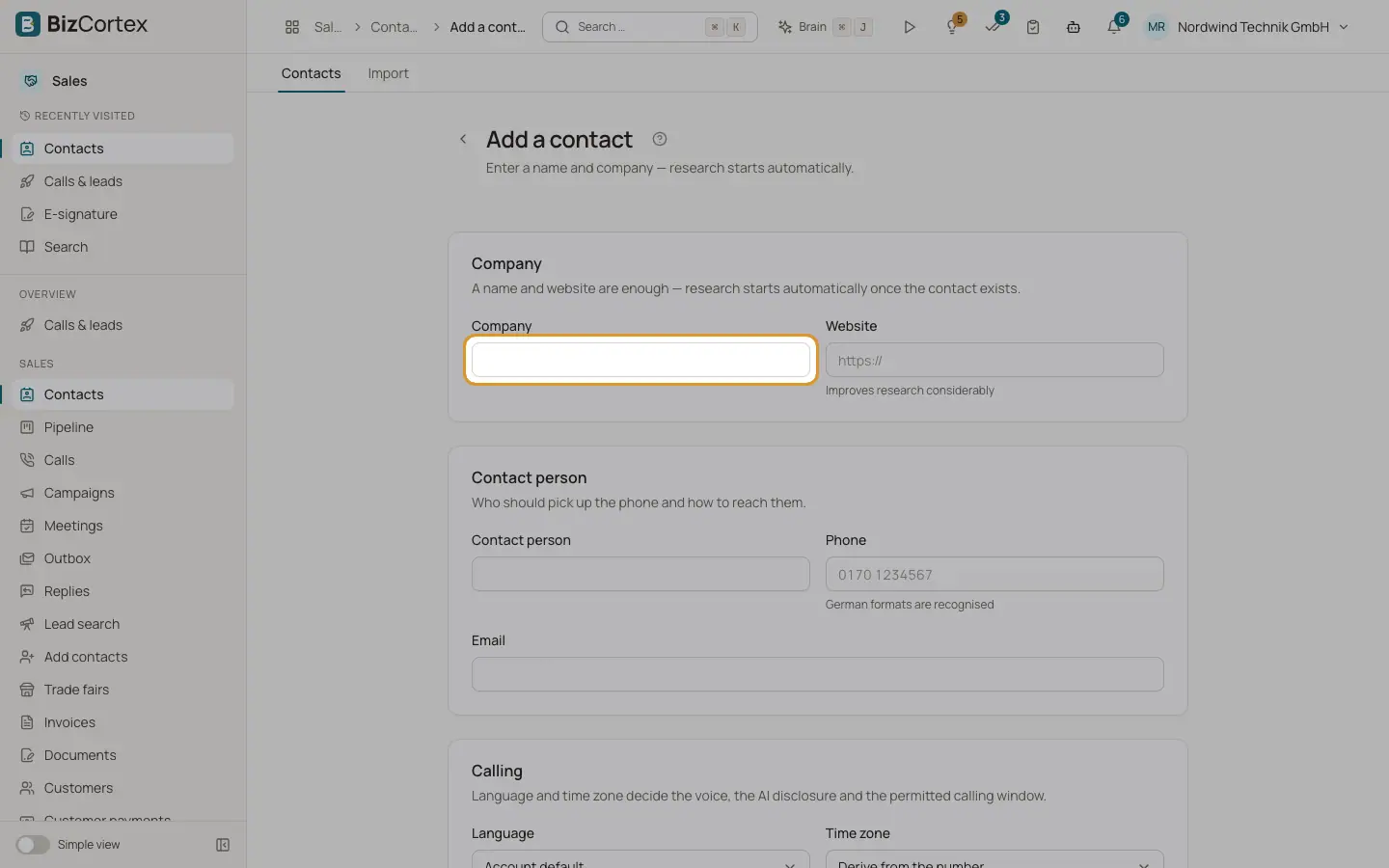
Use this form for single contacts you have at hand right now. Enter a name and a company; research starts automatically in the background once the contact exists. Open Contacts and click "New contact", or use the sidebar task "Add a contact".
Who can use this
- Owner
- Administrator
- Sales
Steps
1. Company
Enter the company and, if you have it, the website. The website improves the research considerably.
2. Contact person
Enter who should pick up the phone: contact person, phone and email. German phone formats are recognised. An invalid email shows "Not a valid email address."
3. Calling
Choose the language (Account default, German or English) and the time zone. Language and time zone decide the voice, the AI disclosure and the permitted calling window. Leave the time zone on "Derive from the number" or pick Germany, Austria, Switzerland, UK, US East or US West.
4. Legal basis
Optional when creating, but without it the system refuses the call. Choose the type and write the concrete reason. A counter shows how many more characters you need; the minimum is 20. If you leave it empty you can adopt a reason from the research later.
5. Find similar companies (optional)
Tick "Search for similar companies and add them as leads" to search for companies in the same market. They are added as a group in the background.
6. Save
Click "Create contact". You see "Contact created" and the research runs in the background.
Fields and options
- Type of legal basis
"Presumed consent (B2B, §7(2)(1) UWG)", "Express consent (§7a UWG)" or "Existing customer".
- Concrete reason
For example: "Met at IFAT 2026, expressed interest in voice automation at the stand." At least 20 characters.
- Wording, time and source of the consent
Required only for express consent (§7a UWG). Sources: Trade fair, Web form, Phone, Email, Contract, Existing customer, Public source.
Related
- Legal basis and consent
Document the reason to call (§7 UWG) and record express consent for email.
- Import contacts from CSV or Excel
Upload a list, map the columns and record the legal basis for every imported contact.
- Similar companies and contact research
Find companies like an existing lead, and the public research behind a personalised opening.