Lead search on the web
Describe the companies you want and import the ones you pick as leads.
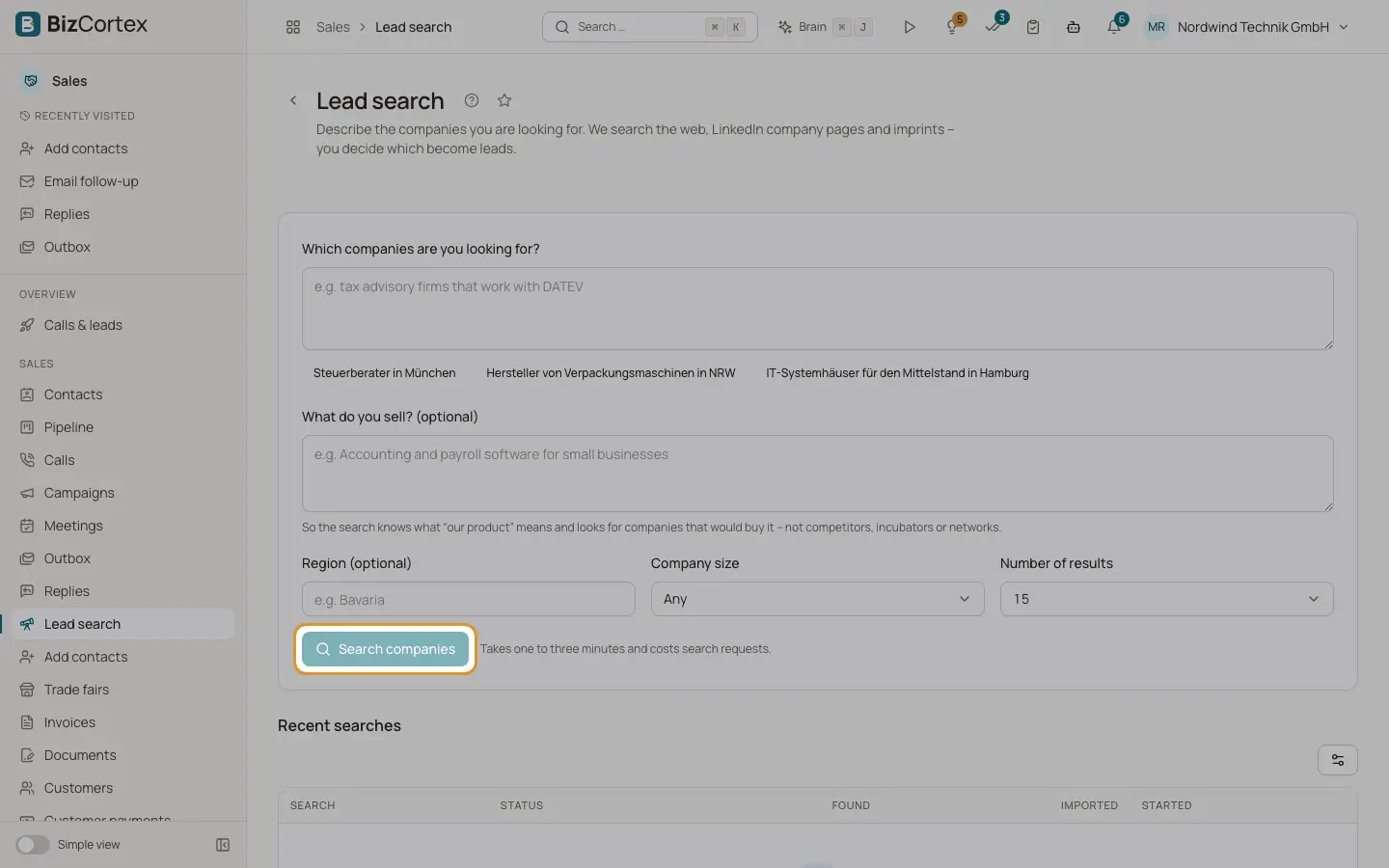
Open the Sales app and click "Lead search". BizCortex searches the web, LinkedIn company pages (only through the search index, never fetched directly) and imprint pages. You decide which become leads. A search takes one to three minutes and costs search requests.
Who can use this
- Owner
- Administrator
- Sales
- Viewer (read only)
Steps
1. Connect a search provider
Lead search needs a Tavily API key. If none is stored, enter it under "Tavily API key" and click "Save key". If you lack the right, ask an administrator.
2. Describe the companies
Write what you are looking for, for example "tax advisory firms that work with DATEV". Optionally add what you sell, a region, the company size and the number of results. Click "Search companies".
3. Pick results
The results show company, contact, contact person, fit and status. A row without a number needs one entered first. Use "Select all" or "Clear selection", then click "Import N".
Fields and options
- Company size
Any, 1 to 10, 11 to 50, 51 to 200, 201 to 1000, or more than 1000 employees.
- Number of results
10, 15 or 25.
- What do you sell?
So the search looks for companies that would buy it, not competitors, incubators or networks.
- Status
New, Number missing, Imported, Already exists.
Good to know
- Imported companies have no documented §7 UWG reason. The system refuses the call until you record one for each.
Related
- Similar companies and contact research
Find companies like an existing lead, and the public research behind a personalised opening.