Web enquiries (website form intake)
Enquiries from your website form are called back within minutes, with the consent documented.
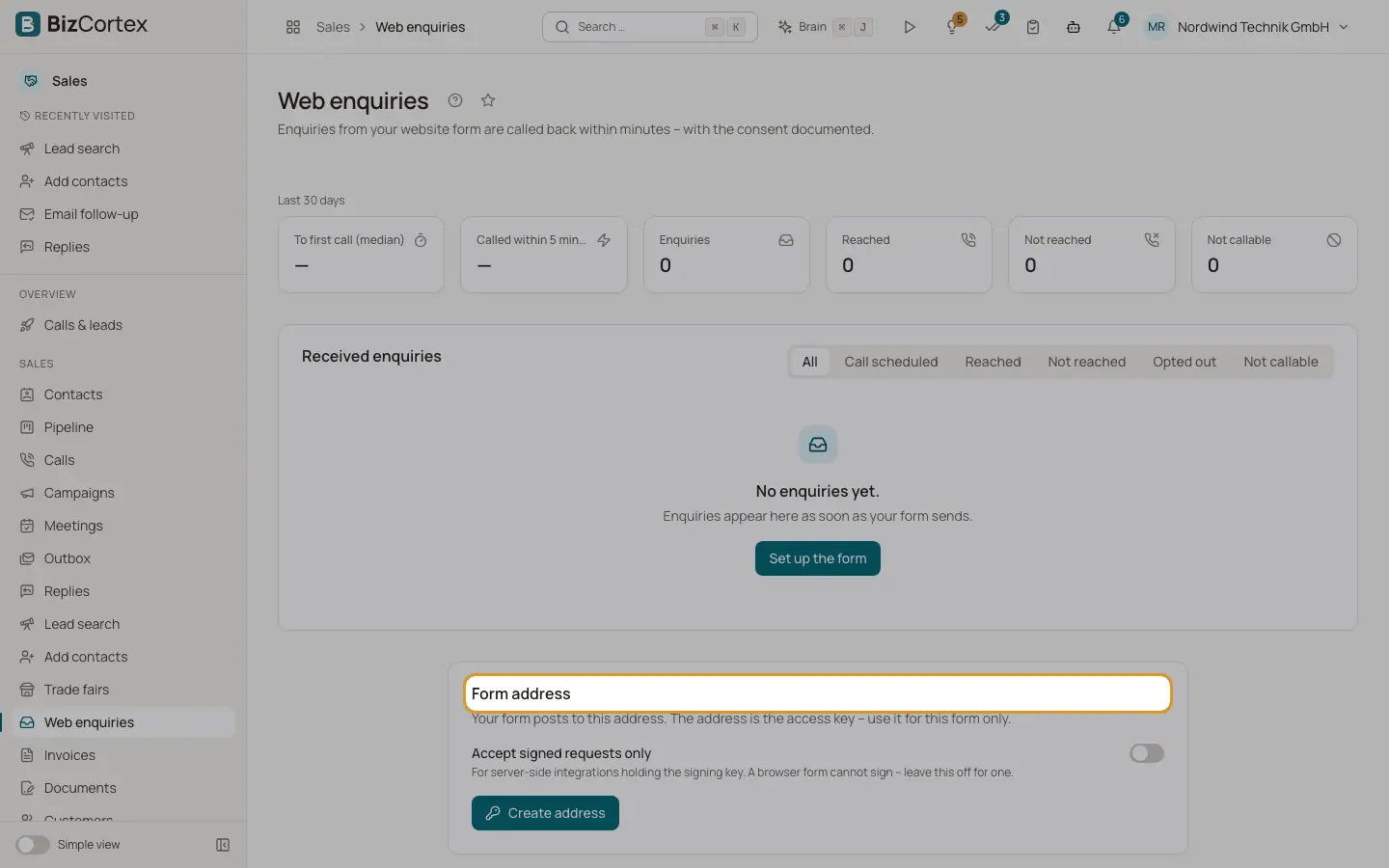
Open the Sales app and click "Web enquiries" (specialist page). Your form posts to a form address. BizCortex records the consent with every enquiry and calls the person back. The numbers at the top show enquiries, reached, not reached, not callable, the median time to the first call and how many were called within 5 minutes.
Who can use this
- Owner
- Administrator
- Sales
- Viewer (read only)
Steps
1. Create the form address
Under "Form address" click "Create address". Only an owner or administrator can do this. Tick "Accept signed requests only" for server integrations; the signing key is shown only once.
2. Embed
Under "Embed" choose HTML form, JavaScript, Zapier, Make, HubSpot workflow or cURL (signed) and copy the snippet.
3. Settings
Enter the callback consent wording (exactly the sentence next to your checkbox, at least 20 characters), optional email consent wording, allowed websites, confirmation email, further call attempts, daily limit, sales notification, language, form type and field mapping. Switch on "Callbacks active" and click "Save".
4. Test
Under "Test" paste a sample enquiry (JSON) or click "Insert sample", then "Dry run" (stores nothing). "Live test to a test number" really creates the enquiry and calls.
5. Follow the enquiries
Under "Received enquiries" see received time, contact, phone, status, first call after and attempts. Click "Open lead".
Fields and options
- Confirmation email
"Never", "Only when we cannot call right away" (default) or "Always".
- Further call attempts
Default plan: 10 minutes, then 120 minutes, then the next business day at 9:30. Steps between 5 minutes and 72 hours, times between 7:00 and 19:00. At most 5 attempts in total (default 4) and 3 a day, only within three days of the enquiry.
- Enquiries per day
Default 200 (1 to 2000).
- Allowed websites
One https address per line, at most 20. Browser enquiries from other sites are rejected.
- Status
Received, Needs phone, Ready, Call scheduled, Reached, Not reached, Not callable, Opted out, Duplicate, Spam, Invalid.
Good to know
- An enquiry alone is no consent to marketing email. Use a separate checkbox for email.
Related
- Ways to add contacts
The chooser for web search, manual entry, CSV, HubSpot, website form, trade fairs, reactivation and similar companies.