Follow up outbox
Review, approve or discard the emails the agent drafted after calls.
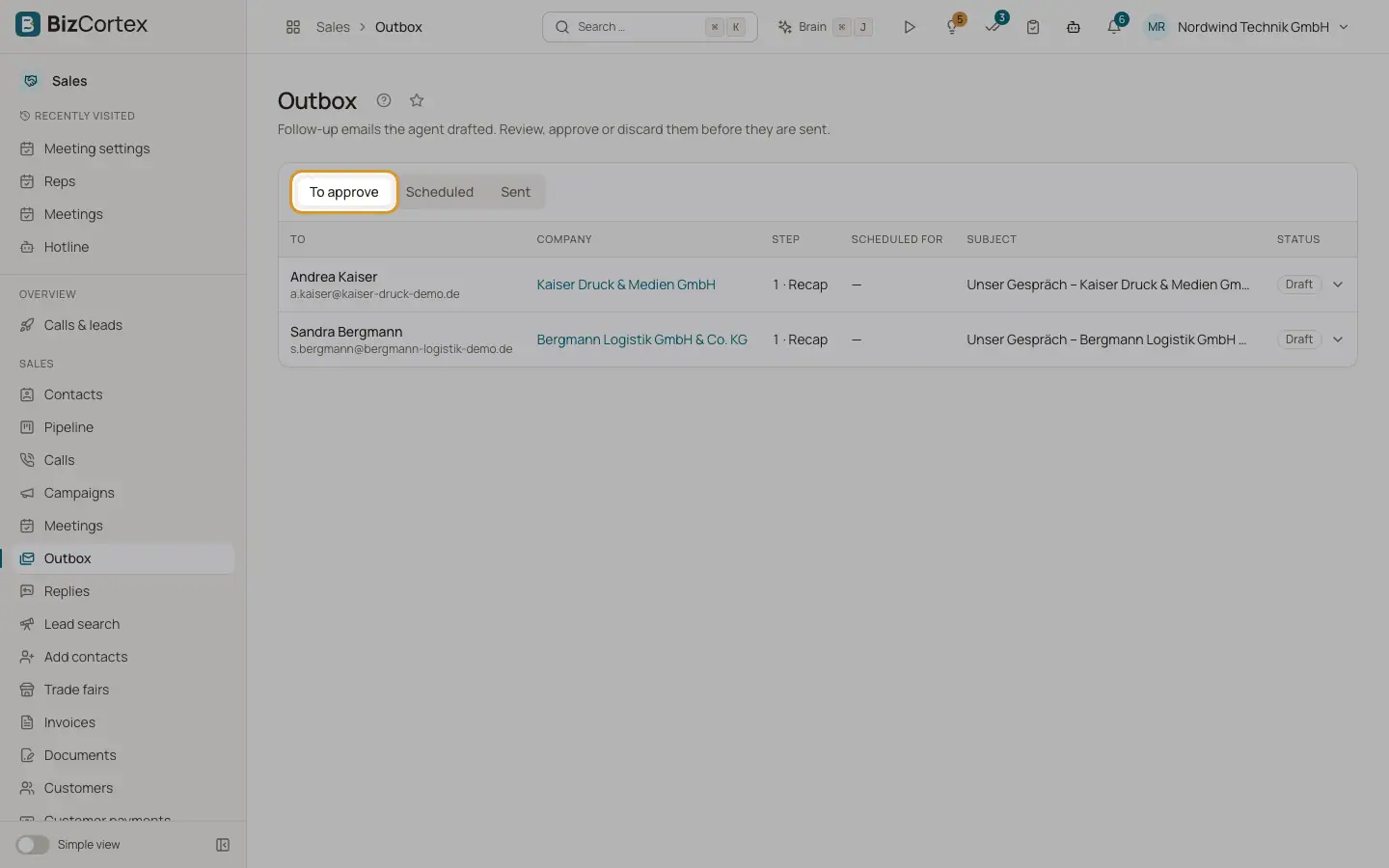
Open the Sales app and click "Outbox". The tabs are "To approve", "Scheduled" and "Sent". Each email shows to, company, step, scheduled time and status.
Who can use this
- Owner
- Administrator
- Sales
- Viewer
Steps
1. Edit a draft
Open a draft, change the subject and text and click "Save". Replace every [REP: …] marker with your own text first; until then the email cannot be approved or sent. Use "Preview" to see it.
2. Approve
Click "Approve". It is sent at the scheduled time.
3. Send now
Click "Send now" to send at once.
4. Discard
Click "Discard". The sequence for this contact ends.
Fields and options
- Kinds
Recap, Reminder, Reply with proposed times, Answer to a question, Recap after the meeting.
- Status
Draft, Approved, Queued, Held, Sent, Failed, Discarded, No consent, Opted out.
- Held
The contact replied. The email goes out only once the reply is handled or you approve it.
Related
- Email follow up settings
Whether and how recap emails, reminders, follow up calls and replies work.
- Replies to follow up emails
What contacts answered, what the agent read from it and already did, and what you should check.