The notetaker
A bot that joins video meetings, takes notes and produces a transcript and analysis.
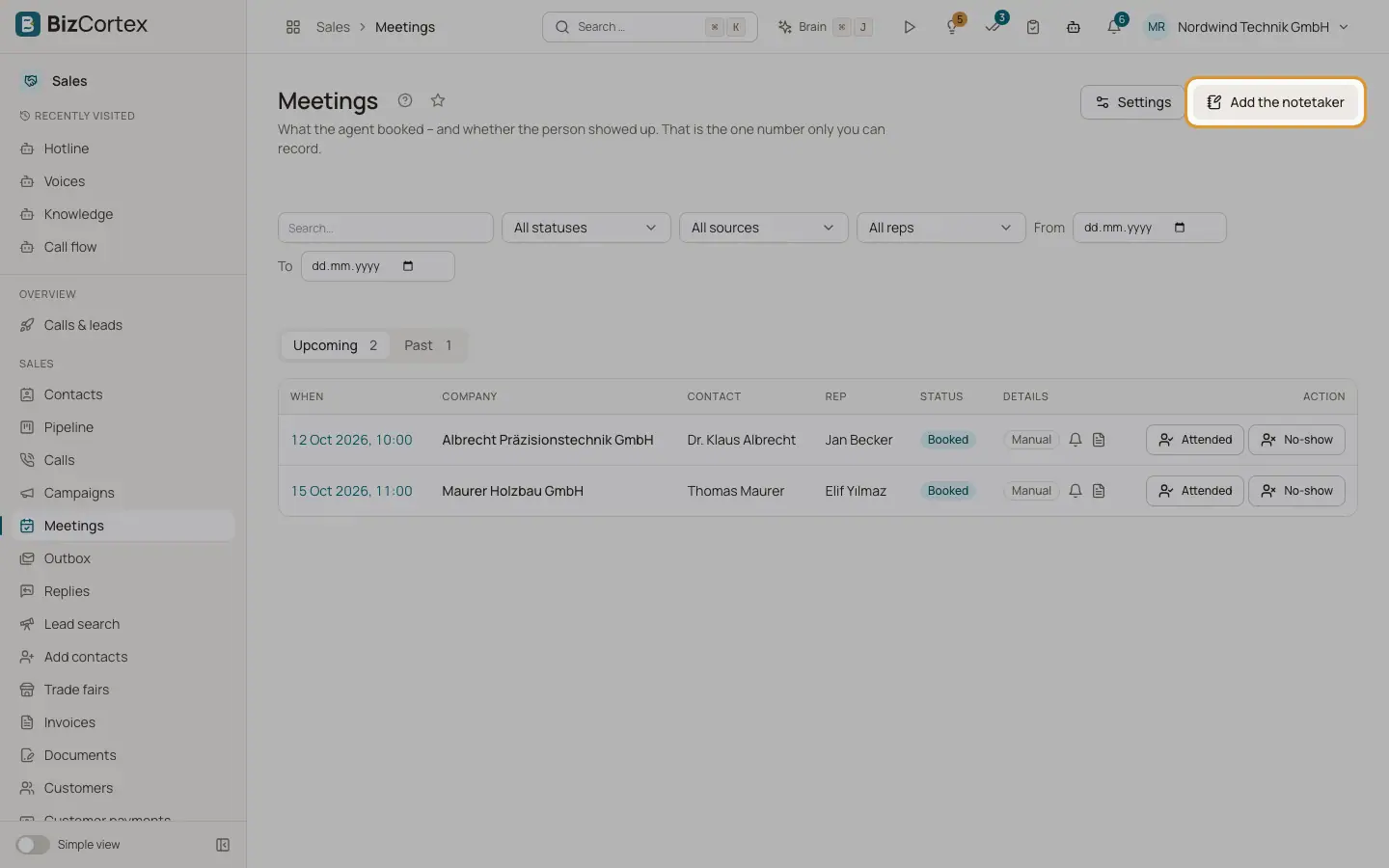
The notetaker (the Recall.ai bot, hosted in the EU) joins Zoom, Google Meet, Microsoft Teams and Webex meetings under a recognisable name, announces itself in the chat and takes notes. Transcript and analysis are for the rep, not for the contact. It is off by default and needs the privacy policy link in the settings.
Who can use this
- Owner
- Administrator
- Compliance (audit only)
- Sales
Steps
1. Switch it on
In Meetings, Settings, section "Notetaker", switch on "Notetaker active" and choose whether it joins booked meetings, may be added by link and which calendar meetings it joins.
2. Stop it in a meeting
On the meeting page click "Stop", or "Stop and discard" to delete everything it captured so far.
3. Read the transcript
Click "Show transcript". Long transcripts load in parts ("Load more").
4. Delete the transcript
Click "Delete transcript" and confirm. This deletes the transcript, participants, analysis and any kept audio. It cannot be undone and is logged.
5. Invitation address
Under "Notetaker notices" click "Create address". Invite this address to a meeting and the notetaker joins.
Fields and options
- Status
Planned, Joining, In the waiting room, Taking notes, Ended, Processing, Transcript ready, Removed, Failed, Cancelled.
- Mode
"Text only, no audio recording" (default) or "With audio recording".
- Removal
Participants can remove it, type "stop" in the chat or decline from the link in their email. The contact can choose "Join without the notetaker".
Good to know
- Keeping audio and the name in the meeting are recording law settings (§201 StGB, Art. 13 GDPR). Only Owner, Administrator and Compliance can change them.
- Playing back the kept audio is not available in the app yet. The meeting page only shows until when the audio is kept.
- Microsoft Teams can block the chat for guests, and Webex has no chat for the notetaker. Name, email and invitation text still carry the notice.
Related
- Meeting settings
Confirmations, reminders, the brief, rebooking, CRM and the notetaker.