Similar companies and contact research
Find companies like an existing lead, and the public research behind a personalised opening.
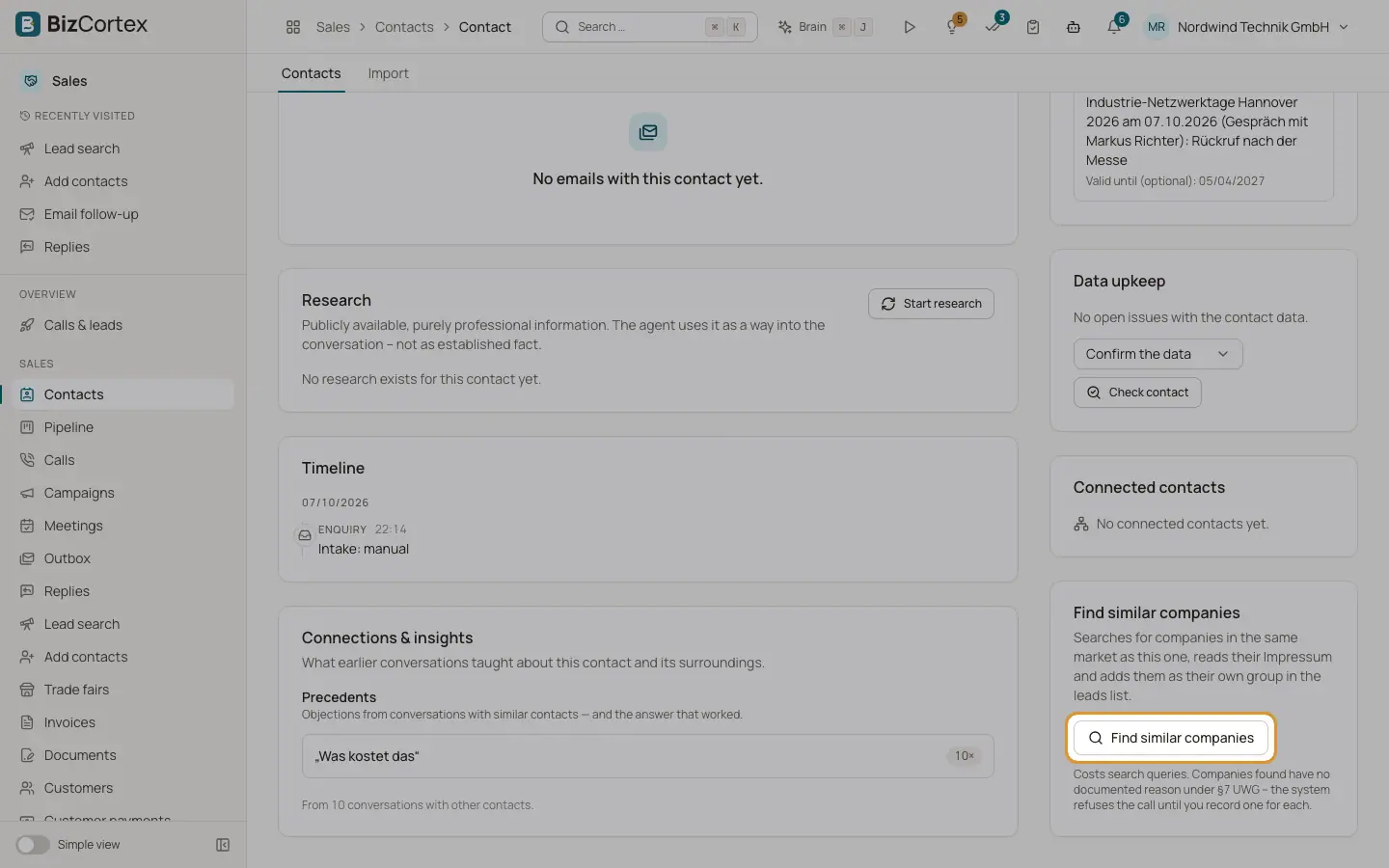
On a contact page, the card "Find similar companies" searches for companies in the same market, reads their imprint and adds them as a group in the list. The card "Research" shows publicly available, purely professional information about the contact. The agent uses it as a way into the conversation, not as established fact.
Who can use this
- Owner
- Administrator
- Sales
- Viewer (read only)
Steps
1. Find similar companies
Click "Find similar companies". The search takes one to two minutes. Then click "View in the leads list" or "Open the search". "Search again" runs it once more.
2. Companies without a number
The box "Found, but no number" lists fitting companies without a readable phone number. Enter one and click "Create as lead".
3. See all searches
Under "Add contacts" open "Similar companies" (specialist page) to see every search with starting company, status, added, without number and searches.
4. Start or repeat research
In the card "Research" click "Start research" or "Research again". It takes about 15 seconds.
5. Adopt the reason as legal basis
Click "Adopt as the legal basis", check and edit the reason (at least 20 characters), tick the confirmation and click "Adopt". You take on the burden of proof under §7 UWG.
Fields and options
- Research content
Reason for the call, suggested opening, likely objections, next step, company, person, LinkedIn profile and match confidence.
- Research status
Research running, Researched, Partially filtered, No public information found, Needs review, Failed, Skipped.
- Search status
Waiting, Running, Done, Nothing found, Failed.
- Reachable via
Phone, Email, Post, Contact form, Managing director, with "permitted", "invited" or "consent required".
Good to know
- Research expires after 30 days and is then no longer passed to the agent.
- Special category data (Art. 9 GDPR) is removed and deliberately not stored.
- Cold emails to companies need prior express consent; unlike the phone there is no B2B exception.
Related
- Legal basis and consent
Document the reason to call (§7 UWG) and record express consent for email.