Voice studio: voices
Clone your brand voice, one per language.
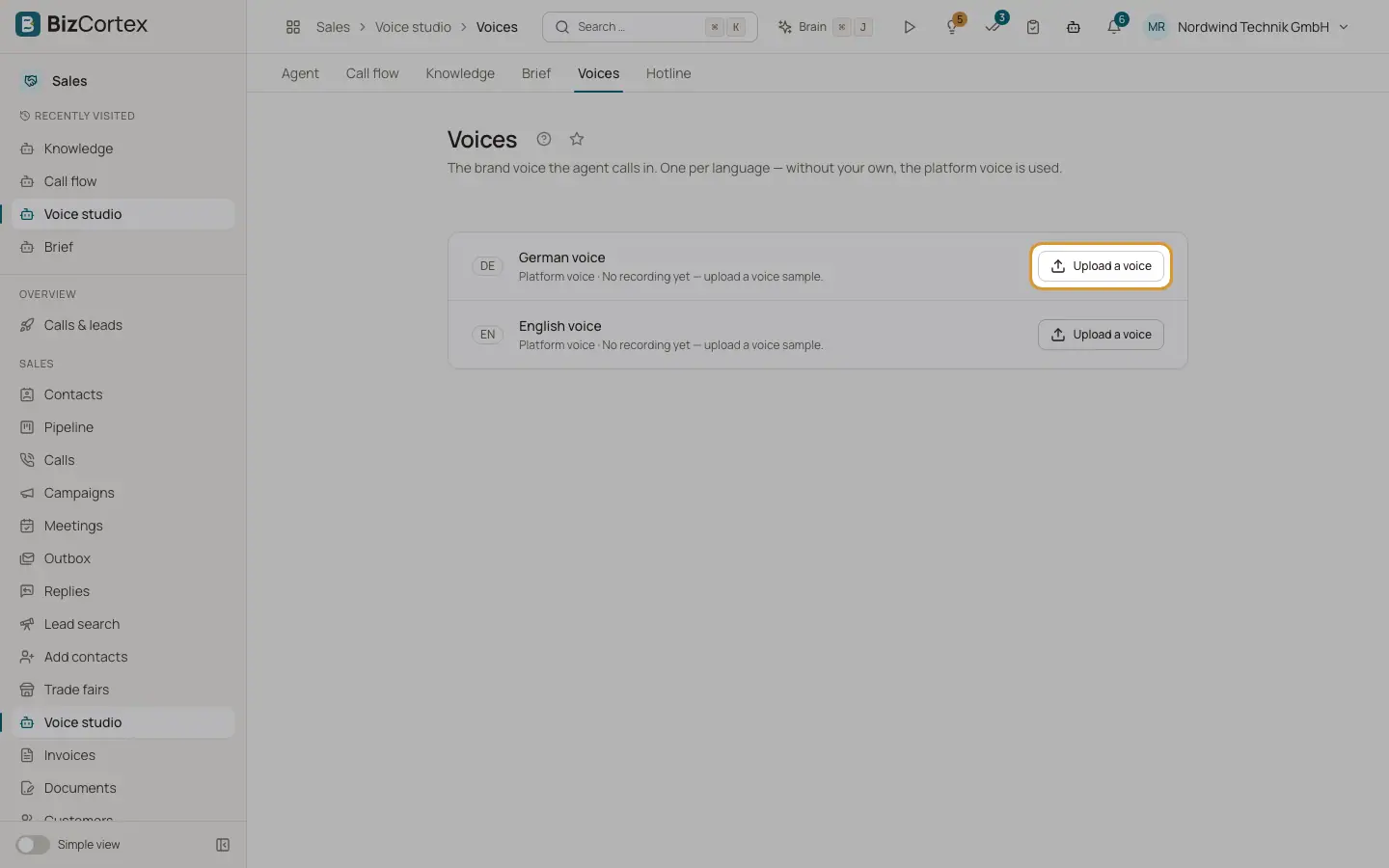
Open Voice studio, "Voices". There is one slot for the German voice and one for the English voice. Without your own voice the platform voice is used.
Who can use this
- Owner
- Administrator
- Sales (read only)
Steps
1. Upload a voice
Click "Upload a voice". Enter a label and who is speaking, choose a WAV recording of 20 to 120 seconds, and confirm that the person speaking has consented to their voice being cloned and used on automated calls. Nothing is cloned without this confirmation. The language is detected on upload.
2. Replace or remove
Use "Replace" or "Remove". After removal the agent uses the platform voice again.
Tips
- Record in a quiet room with one speaker and no reverb.
Good to know
- The sample may be at most 25 MB. The new voice is used from the next call on.
Related
- Voice studio: agent settings
Custom brief text, tools and MCP servers, speech, call and transcription settings.